I Audited My AI Subscriptions in 2026: Which Tools Are Actually Worth Paying For?
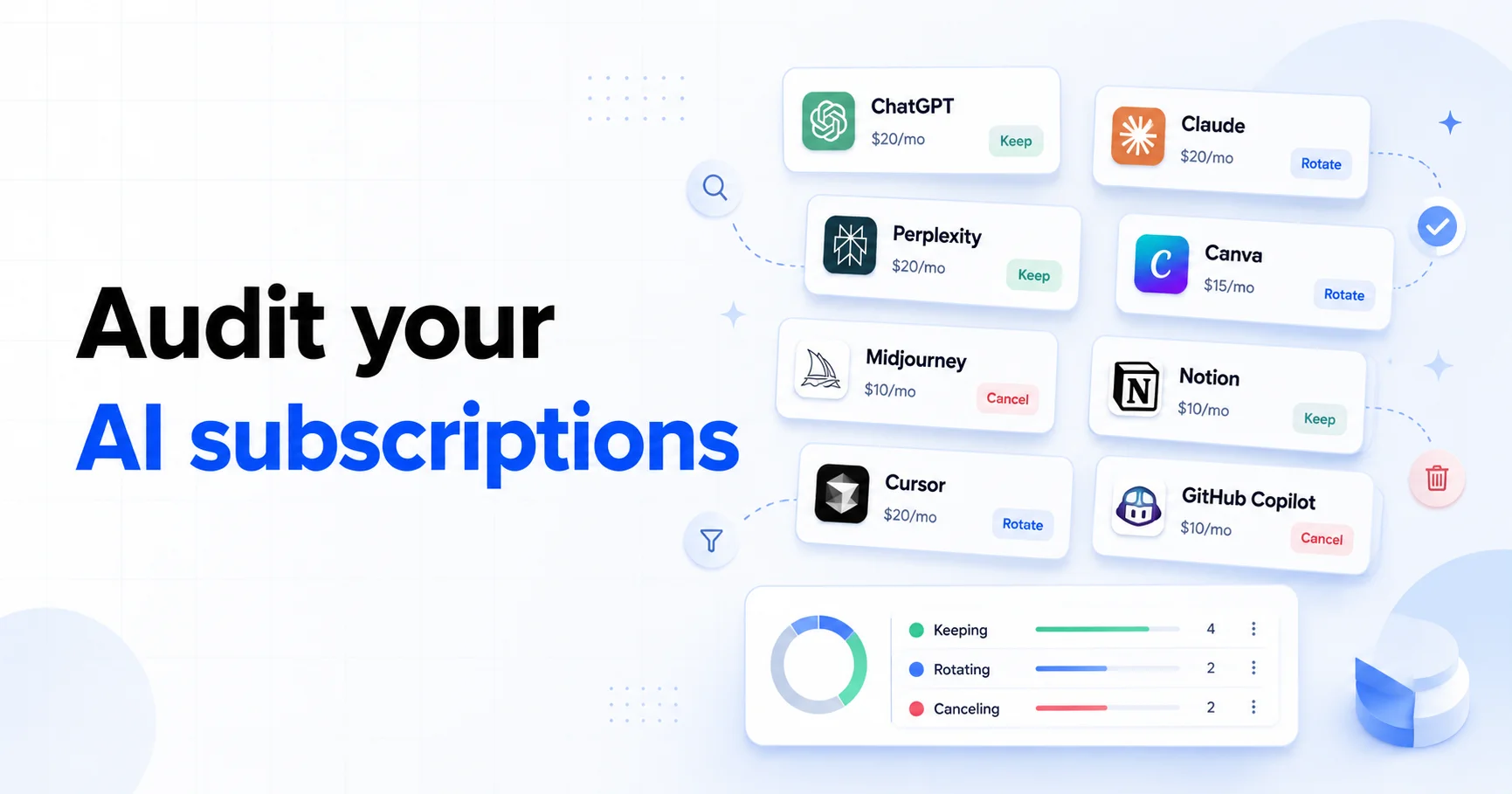
Table of Contents
I did not plan to become the kind of person with a separate "AI tools" line item in my budget. Then I checked my subscriptions.
ChatGPT Plus was easy to justify because I use it constantly. Claude made sense for longer writing and code reviews. Cursor felt like a work tool, not a toy. GitHub Copilot was already bundled into my development habits. Then there were smaller experiments: Perplexity, image tools, coding agents, and a few "I'll test this for one month" subscriptions that were still quietly renewing.
That is how AI subscriptions become the new streaming stack. One $20 tool feels harmless. Three of them becomes $60 per month. Add a coding plan, a search tool, and one higher-usage tier, and suddenly AI can cost more than your phone bill.
Last reviewed: May 8, 2026. Prices and plan limits below are based on public pricing pages and product docs checked during this review. AI plans change quickly, especially usage limits, model access, and promotional pricing.
How I Audited the AI Stack
I treated this like a normal subscription audit, not a model benchmark. The question was not "which AI is smartest?" It was simpler: which subscriptions earn their renewal?
For each tool, I wrote down five things:
- Monthly cost: What it costs before tax or annual discounts.
- Last 30-day usage: How often I actually used it, not how often I imagined I would.
- Unique job: The task it does better than my other tools.
- Overlap risk: Whether another subscription already covers the same job.
- Decision: Keep, cancel, downgrade, or rotate for one month at a time.
The best subscription audits are boring on purpose. A tool either supports real work, saves meaningful time, or gets removed.
The Day-to-Day AI Subscription Audit Table
Here is the working table I used for normal AI subscriptions: chatbots, research tools, design tools, writing tools, and workspace AI. I separated coding subscriptions into their own section below because their usage limits and billing models now behave differently.
| Tool | Public price checked | Best use | Overlap risk | Decision |
|---|---|---|---|---|
| ChatGPT Plus | $20/month | General assistant, reasoning, files, images, Codex access | High with Claude and Gemini | Keep if used most days |
| ChatGPT Pro | $100 or $200/month Pro tiers | Heavy Codex, deep research, and high-usage workflows | High unless AI is part of paid work | Skip unless limits block revenue work |
| Claude Pro / Max | Pro around $20/month; Max from $100/month | Long writing, code review, Claude Code, careful analysis | High with ChatGPT Plus | Keep one primary chatbot, not both by default |
| Perplexity Pro / Max | Pro varies by checkout; Max is $200/month | Research, sourced answers, model switching | Medium with ChatGPT search and Claude web search | Rotate in for research-heavy months |
| Google AI Pro / Ultra | Pro is the lower consumer tier; Ultra launched at $249.99/month | Gemini, Google ecosystem, video and creative tools | High if you already pay for ChatGPT or Claude | Skip unless Google workspace or video tools are central |
| Canva Pro / Teams | Varies by region and billing term; verify at checkout | Design templates, Magic Studio, brand assets, social graphics | Medium with Adobe Express, standalone image tools, and ChatGPT image generation | Keep if you publish visuals weekly |
| Midjourney | $10, $30, $60, or $120/month | High-quality image generation and visual concepting | Medium with ChatGPT images, Canva, Adobe Firefly, and other image tools | Rotate in for design-heavy months |
| Notion AI / Notion Business | AI is tied to Notion plan and credit rules | Workspace search, docs, meeting notes, database autofill | High if you already use ChatGPT or Claude outside Notion | Keep only if Notion is your daily workspace |
| Grammarly Pro | Monthly, quarterly, and annual plans | Browser-native writing polish, tone, rewrites, team writing consistency | Medium with ChatGPT, Claude, and Notion AI | Keep if the inline workflow saves time every day |
The table forced one uncomfortable conclusion: I did not need every AI subscription every month. I needed one general assistant, one or two genuinely daily workflow tools, and occasional one-month rotations for specialized work.
General AI Chatbots: Pick One Primary Tool
The easiest way to overspend is to keep ChatGPT Plus, Claude Pro, Gemini, and Perplexity because each one feels slightly different. They are different, but their budget role overlaps.
For most people, the right move is to choose one primary assistant:
- Choose ChatGPT Plus if you want the broadest general-purpose tool with strong file, image, voice, agent, and Codex access.
- Choose Claude Pro if your work is mostly writing, editing, document analysis, or code review and you prefer Claude's style.
- Choose Gemini / Google AI Pro if your workflow is deeply tied to Google products or you specifically use Google's creative AI tools.
- Choose Perplexity for research-heavy months where sourced discovery matters more than a general chatbot interface.
What I would not do by default: pay for three general chatbots indefinitely. That is how AI turns into another subscription bundle you stop questioning.
My rule: if two tools answer the same 80% of prompts, only one gets to renew automatically.
Coding AI: Treat Usage Billing Like a Budget Category
Coding subscriptions deserve their own section because they are no longer simple flat-fee tools. The category is moving toward usage, quotas, credits, and model-specific limits.
The biggest example is GitHub Copilot. GitHub announced that starting June 1, 2026, Copilot plans move from premium-request billing to GitHub AI Credits. Instead of treating a prompt as the main unit, usage will be calculated from token consumption, including input, output, and cached tokens, using model API rates. GitHub is also adding a preview bill experience so users and admins can see projected costs before the transition.
That matters because a small autocomplete-style workflow and a long autonomous agent session do not create the same compute cost. If you use Copilot's coding agent, premium models, code review, or long agent tasks, this is no longer a "set and forget" subscription. It is a metered work tool.
How I would compare coding plans now
| Plan | What to watch | Best fit |
|---|---|---|
| GitHub Copilot | June 1 switch to AI Credits, premium models, agent sessions, team budgets | Developers already living in GitHub and supported IDEs |
| Cursor | Plan tier, included model usage, on-demand overage billing | Developers who want the coding environment and agent in one place |
| OpenCode Go | Beta status, five-hour request windows, model availability, top-up credit | Developers who want low-cost open coding models through OpenCode or compatible agents |
| GLM Coding Plan | Supported tools, coding-plan quota, five-hour reset windows, separate API billing | Developers testing GLM models inside Claude Code, Cline, OpenCode, or similar tools |
| ChatGPT Plus / Pro with Codex | Codex limits, Pro tier jump, whether coding use is occasional or daily | People who want coding help bundled with a general AI assistant |
My practical take: if coding is how you make money, one paid coding assistant can be easy to justify. Two might still make sense if they serve different workflows. Three or four means you need a usage review, not more hype.
The AI Subscription Rotation Strategy
Streaming rotation works because you do not need every streaming service every month. The same idea now applies to AI tools.
Here is the rotation framework I would use:
- Keep one daily assistant. This is the tool you use most days and would notice losing immediately.
- Keep one work-critical specialist. For developers, that might be Cursor, Copilot, Claude Code, OpenCode Go, or GLM Coding Plan. For researchers, it might be Perplexity.
- Rotate project tools monthly. Subscribe to a specialized image, video, search, or coding tool for one project month, then cancel.
- Do not keep experiments on autopay. If you signed up to test something, give it an expiration date.
This is not about being anti-AI. It is about matching recurring spend to real recurring value.
How I Track AI Tools in SubBuddy
AI subscriptions need slightly more context than normal consumer apps because plan limits and use cases change constantly. I track them with a dedicated category and a few notes.
| SubBuddy field | What I enter | Why it helps |
|---|---|---|
| Category | AI Tools or Software | Keeps AI spend visible as its own budget line |
| Tags | coding, writing, research, image, experiment | Shows overlap across tools |
| Notes | Why I subscribed and what would justify renewal | Prevents vague "maybe useful later" renewals |
| Cancellation URL | Direct billing or settings page | Saves time before renewal |
| Reminder | 3 to 7 days before monthly renewal | Gives enough time to check usage and cancel |
For usage-based tools, I also add a note like "check usage dashboard before renewal." That is especially important for coding tools moving toward credits or pay-as-you-go overages.
My Keep, Cancel, Rotate Decisions
After the audit, the decision was clearer than I expected.
- Keep: one general AI assistant that gets daily use.
- Keep: one coding assistant or IDE plan that directly supports paid work.
- Rotate: research tools like Perplexity when I have a heavy research month.
- Rotate: OpenCode Go or GLM Coding Plan for focused coding experiments instead of leaving both active indefinitely.
- Cancel: duplicate chatbot plans that answer the same prompts well enough.
- Skip: $100+ or $200+ tiers unless I can point to a specific workflow that earns back the difference.
The number that matters is not the price of one tool. It is the total stack. A $20 subscription is easy to ignore. Five of them becomes $1,200 per year.
The 15-Minute AI Subscription Checklist
If you want to run the same audit, do this:
- Search your card and PayPal history for AI, OpenAI, Anthropic, GitHub, Cursor, Perplexity, Midjourney, Google, and any tool names you tested.
- Write down every monthly and annual AI charge.
- Mark each tool as daily, weekly, project-only, or unused.
- Pick one primary chatbot.
- Pick one coding or specialist tool only if it supports real work.
- Cancel experiments that do not have a current project.
- Add renewal reminders for everything left.
Then repeat the audit monthly for the next few months. AI pricing is still changing fast enough that last quarter's good deal can become this quarter's forgotten charge.
Sources and Further Reading
- ChatGPT pricing and OpenAI's Pro tier explainer for current ChatGPT and Codex plan context.
- Claude pricing for Pro and Max plan details.
- Perplexity Pro and Perplexity Max help docs.
- Canva pricing, Midjourney plan comparison, Notion pricing, and Grammarly plans.
- Cursor pricing for Pro, Pro+, Ultra, Teams, and usage-billing notes.
- GitHub's Copilot usage-based billing announcement and Copilot plan docs.
- OpenCode Go pricing page and OpenCode Go docs.
- Z.ai GLM Coding Plan docs and Z.ai API pricing docs.
- DepositAccounts digital subscription inflation study and Deloitte Digital Media Trends for broader subscription-pressure context.
- SubBuddy's AI subscription guide, micro-SaaS trap guide, and bank statement audit workflow.
Alex Coca
Founder & CEO of SubBuddy. Alex audits recurring software and AI subscriptions to help people keep useful tools without letting monthly charges pile up unnoticed.
Track Your AI Subscriptions
Add every AI tool to SubBuddy with its renewal date, use case, cancellation link, and reminder so experiments do not become permanent charges.
Start Tracking FreeRelated Articles

The Rise of AI Subscriptions: Is Your ChatGPT Plus Worth It?
AI tools have become the fastest-growing subscription category in 2025. From ChatGPT Plus to Midjourney, we break down which AI subscriptions are worth your money and which ones you can skip.

The 'Death by $5' Trap: Why Micro-SaaS is Draining Your Wallet
It's just $5, right? Wrong. Discover why small, seemingly insignificant app subscriptions are the most dangerous expenses in your budget and how to stop the bleeding.

How to Audit Your Bank Statement and Find Hidden Subscriptions in 30 Minutes
Stop letting forgotten subscriptions drain your bank account. This step-by-step guide shows you exactly how to audit your statements, identify hidden charges, and reclaim your money in half an hour.