March Madness for Your Wallet: Cancel These Sports Streaming Subscriptions After the Tournament
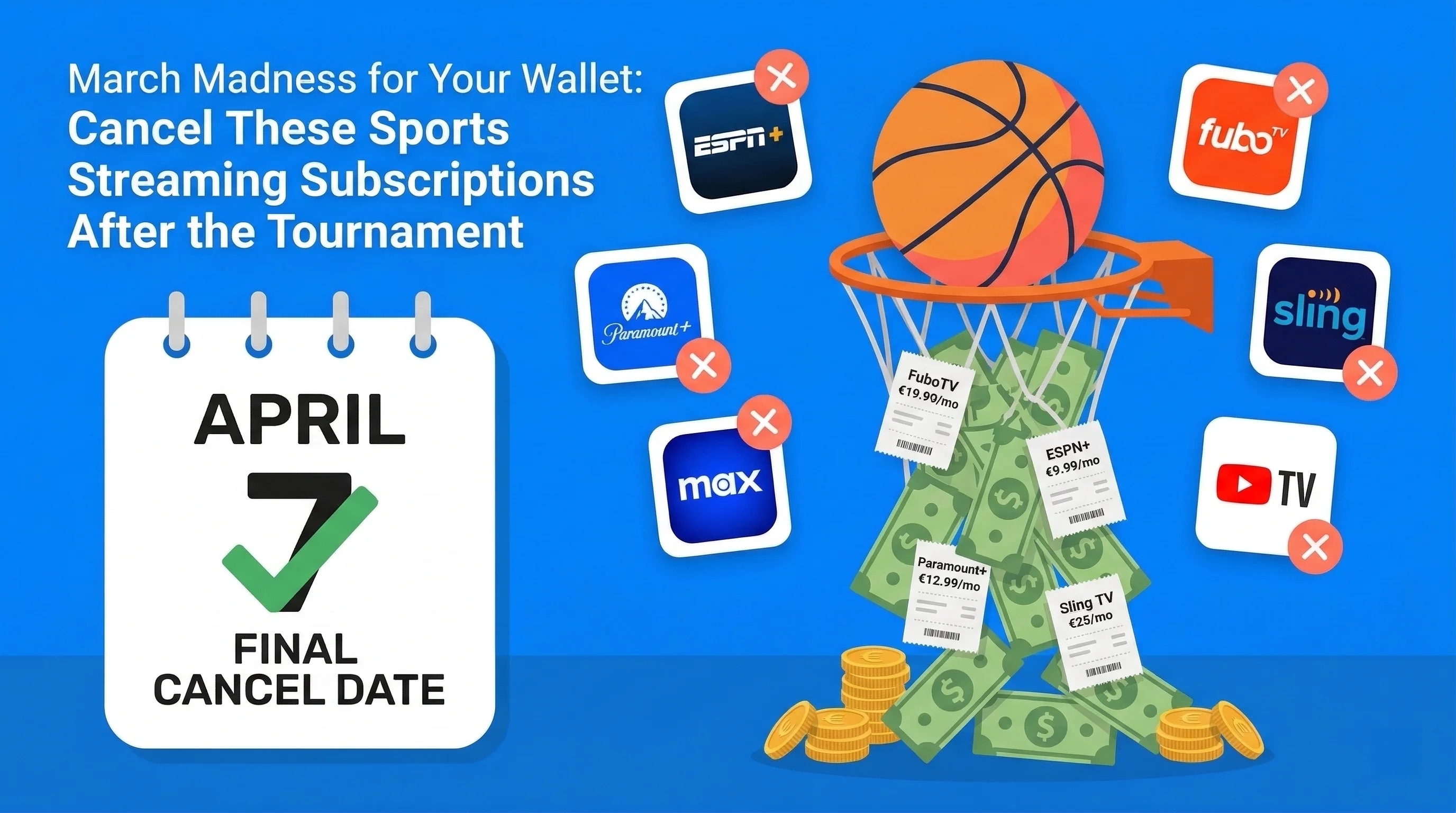
Table of Contents
It happens every March. You sign up for a streaming service to watch the tournament, swear you'll cancel after the championship, and then... you don't. The subscription quietly charges you $15, $20, $75 a month while you completely forget it exists.
Last year, 23 million Americans signed up for at least one new sports streaming subscription during March Madness. Of those, an estimated 41% were still paying six months later — despite never watching another game on the platform.
That's not a coincidence. These companies are betting on your forgetfulness. And with NCAA tournament streaming now split across multiple platforms, the average fan needs 2-3 separate subscriptions just to watch every game.
The March Madness Tax: If you subscribe to all the services needed to watch every 2026 tournament game and forget to cancel, you'll pay an extra $648-$1,080 over the next year for services you only needed for 3 weeks.
Here's your complete guide to subscribing smart, watching everything, and cancelling on time.
Where to Watch March Madness 2026: Every Game, Every Platform
NCAA March Madness games are broadcast across multiple networks, each requiring its own subscription or cable alternative. Here's the full breakdown:
CBS (Free with Antenna or Paramount+)
CBS carries the most marquee games, including the Final Four and Championship. Your options:
- Free: Over-the-air antenna (if you have one — check antennaweb.org for local signal)
- Paramount+ with Showtime: $12.99/month — includes CBS live streaming + on-demand content
- Paramount+ Essential: $7.99/month — includes CBS live but with ads
TNT/TBS (Max or Sling TV)
Turner networks carry a huge chunk of the tournament, especially the early rounds:
- Max (with ads): $9.99/month — includes TNT/TBS live through the Max app
- Max (ad-free): $16.99/month
- Sling TV Orange: $40/month — includes TNT and TBS live (plus 30+ other channels)
truTV (Sling TV, YouTube TV, or Hulu + Live TV)
The first-round games you can't find anywhere else:
- Sling TV Orange: $40/month (same package as TNT/TBS — this covers all Turner networks)
- YouTube TV: $72.99/month — includes all tournament channels
- Hulu + Live TV: $76.99/month — includes all tournament channels
NCAA March Madness Live App
The official app streams every game, but there's a catch:
- Free tier: 3 hours of free streaming (total across the tournament)
- Full access: Requires a cable/streaming TV provider login for TNT/TBS/truTV games
- CBS games: Free to stream through the app
The Real Cost: What You'll Pay for Full Tournament Coverage
Here's what it actually costs to watch every game, from First Four to Championship:
| Strategy | Services Needed | Monthly Cost | Annual Cost if Forgotten |
|---|---|---|---|
| Budget Option | Paramount+ Essential + Sling Orange | $47.99 | $575.88 |
| Mid-Range | Paramount+ w/Showtime + Max | $22.98 | $275.76 |
| All-In | YouTube TV (all channels included) | $72.99 | $875.88 |
| Premium All-In | Hulu + Live TV + Paramount+ | $84.98 | $1,019.76 |
Our recommendation: The Mid-Range option (Paramount+ with Showtime + Max with ads) gives you every game for $22.98/month. That's the sweet spot between coverage and cost.
Sports Streaming Subscriptions You're Probably Already Paying For
March Madness isn't the only reason sports fans bleed subscription money. If you're a sports fan, you might also be paying for:
ESPN+ ($11.99/month)
- What it covers: UFC, some college sports, MLB, NHL games, soccer, exclusive 30 for 30s
- March Madness: Does NOT carry NCAA tournament games
- Cancel after: If you only use it for a specific sport's season, cancel when that season ends
Peacock Premium ($7.99/month)
- What it covers: Sunday Night Football, Premier League soccer, some Olympics content
- March Madness: Does NOT carry tournament games
- Cancel after: After NFL season ends (early February) if you don't watch Premier League
FuboTV ($79.99/month)
- What it covers: Comprehensive sports package — NFL, NBA, MLB, NHL, soccer, college sports
- March Madness: Includes all tournament channels
- Cancel after: After the tournament if you're only here for college basketball. At $80/month, this is one of the most expensive to forget about.
DAZN ($19.99/month)
- What it covers: Boxing, MMA, some international soccer
- March Madness: No tournament coverage
- Cancel after: After the specific fight or event you subscribed for
Apple TV+ (MLS Season Pass — $14.99/month)
- What it covers: Exclusive MLS soccer (all games), Friday Night Baseball
- March Madness: No tournament coverage
- Cancel after: After MLS season if you don't watch other Apple TV+ content
Your Cancel Calendar: Exactly When to Cancel Each Service
The 2026 NCAA Tournament runs from March 17 (Selection Sunday) through April 6 (Championship Game). Here's your cancellation timeline:
🗓️ April 7 (Day After Championship) — CANCEL IMMEDIATELY
- Paramount+ — unless you're watching other CBS shows
- Max — unless you're watching HBO originals (check what's coming in April first)
- Sling TV — the highest-risk "forget to cancel" service because it feels like cable
- FuboTV — at $80/month, every day you forget costs you $2.67
- YouTube TV — same urgency as FuboTV; $73/month adds up fast
- Hulu + Live TV — $77/month; cancel the live TV add-on but keep base Hulu if you use it
🗓️ After NFL Draft (Late April) — Cancel Next
- ESPN+ — if you kept it for draft coverage, cancel after Round 3
- NFL+ — absolutely no reason to keep this until September
🗓️ After NBA/NHL Playoffs (June) — Final Sweep
- ESPN+ — if you kept it for NBA/NHL playoffs
- Any remaining live TV packages
Set your reminders NOW. Don't say "I'll remember." You won't. Open your phone's calendar app right now and create an event for April 7, 2026: "CANCEL MARCH MADNESS SUBSCRIPTIONS" with an alarm. Better yet, add them to SubBuddy and let us remind you automatically.
The Smart Strategy: Sports Streaming Rotation
Instead of paying for everything year-round, adopt the "subscribe, watch, cancel" rotation strategy:
How It Works
- Identify the season — When does your sport start and end?
- Subscribe on Day 1 — Sign up when the season or tournament begins.
- Set a cancel reminder — Immediately add the end date to your calendar or SubBuddy.
- Cancel on the last day — You'll keep access until the billing period ends.
- Wait for next season — Resubscribe when the sport returns.
Annual Sports Streaming Calendar
| Month | Sport/Event | Service to Subscribe | Service to Cancel |
|---|---|---|---|
| January | NFL Playoffs | Peacock, Paramount+ | — |
| February | Super Bowl | — | NFL+, Peacock (if only NFL) |
| March | March Madness | Paramount+, Max/Sling | — |
| April | Tournament ends, MLB starts | ESPN+ (baseball) | Paramount+, Max, Sling, FuboTV |
| May-June | NBA/NHL Playoffs | ESPN+, TNT/Max | — |
| July | MLB All-Star, Summer break | — | ESPN+ (if not watching baseball) |
| August | NFL Preseason | NFL+ | — |
| September | NFL, College Football | Peacock, ESPN+ | — |
| Oct-Nov | World Series, NFL | — | MLB.TV (season over) |
| December | NFL, Bowl Season | — | Review all sports subs for year-end |
How Much This Strategy Saves
Let's compare a typical sports fan's annual cost:
- Always-on approach: ESPN+ ($11.99) + Peacock ($7.99) + Paramount+ ($12.99) + Max ($9.99) = $42.96/month = $515.52/year
- Rotation approach: Same services, but only during relevant seasons = roughly $180-$220/year
- Annual savings: $295-$335
And that's just the base services. If you're adding live TV packages like YouTube TV or FuboTV for specific events, the savings from rotation are even more dramatic.
Free and Cheaper Ways to Watch
Before you subscribe to anything, check these options:
Truly Free Options
- NCAA March Madness Live app: 3 hours of free streaming + all CBS games free
- Over-the-air antenna: CBS games are broadcast free. A $20 antenna pays for itself instantly
- Local bars and restaurants: Many show tournament games — the drinks cost less than a streaming subscription
- Free trials: Paramount+ and some services offer 7-day free trials for new subscribers
Cheaper Alternatives
- Split costs with friends: YouTube TV Family plan ($72.99) splits between up to 6 household members = $12.17/person
- Student discounts: Paramount+ offers student pricing at $3.99/month
- Bundle deals: The Disney+/Hulu/ESPN+ bundle ($14.99) is cheaper than ESPN+ alone if you use the other services
5 Rules for Sports Streaming in 2026
Rule 1: Never Subscribe to an Annual Plan for Seasonal Use
The "save 20% with annual billing" pitch is a trap for sports fans. If you only need Paramount+ for March-April, paying monthly ($12.99 × 2 = $25.98) is far cheaper than annual ($119.88) — even with the "discount."
Rule 2: Set Cancel Reminders Before You Subscribe
Before you enter your credit card, set the cancellation reminder. Use your phone calendar, SubBuddy, or even a sticky note on your monitor. The reminder must exist before the subscription does.
Rule 3: Use One Payment Method for All Sports Subs
Put all sports streaming on a single credit card or payment method. This makes it trivially easy to review what you're paying for — just check one statement. When charges appear that you don't recognize, you know something slipped through.
Rule 4: Check Your Subscriptions the Day After the Season Ends
The championship game ends. You're celebrating (or mourning). The next morning, before you do anything else: check your subscriptions and cancel what you don't need.
Rule 5: Track Everything in One Place
Sports subscriptions are the most seasonal, most forgettable category of recurring spending. A tool like SubBuddy lets you see them all in one dashboard with automatic reminders — so the tournament can end and your money stops draining.
Related reading: Learn about how much the average American wastes on subscriptions, see every 2026 price increase from major services, or discover the true cost of streaming in 2026.
Alex Coca
Founder & CEO of SubBuddy. Self-confessed sports fan who once paid for Sling TV for 8 months after the NCAA tournament ended. Built SubBuddy so no fan has to make the same expensive mistake.
Don't Let March Madness Drain Your Wallet Past April
Add your sports subscriptions to SubBuddy and get automatic cancel reminders when the tournament ends. Never pay for a forgotten streaming service again.
Start Tracking for FreeRelated Articles
How the Average American Wastes $273/Month on Subscriptions (And How to Fix It)
Recent studies reveal Americans spend 2.5x more on subscriptions than they estimate. Here's the hard data and a step-by-step plan to reclaim your money.
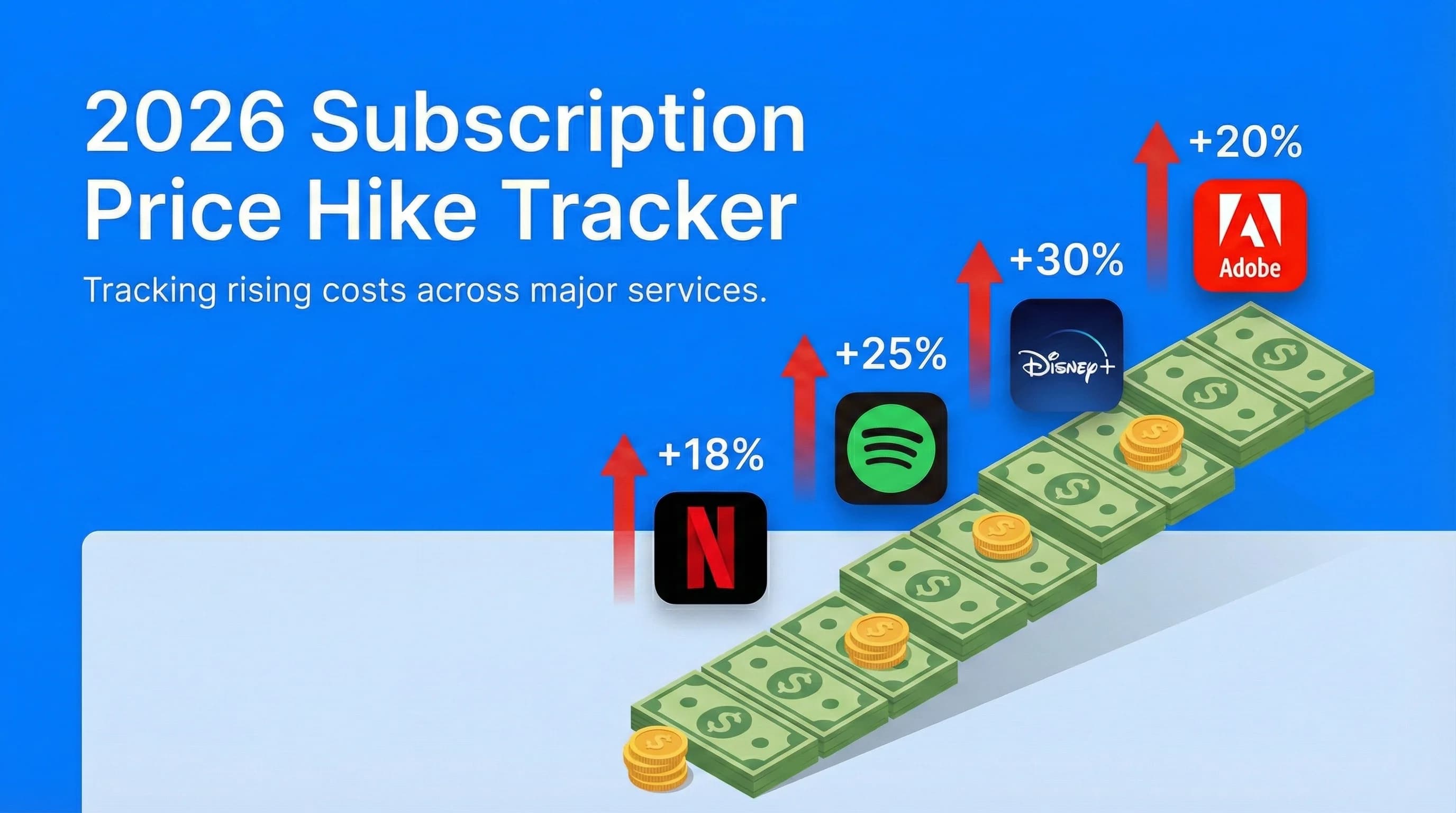
2026 Subscription Price Hike Tracker: Every Service That Raised Prices This Year
Netflix, Spotify, Disney+, Adobe—they've all gotten more expensive in 2026. This continuously updated tracker shows every major subscription price increase.
The True Cost of Streaming in 2026: How Much Are Families Actually Spending?
Streaming was supposed to be the affordable alternative to cable. But in 2026, the average household is spending more than ever.