Subpilot vs Rocket Money in 2026: Which Subscription Tracker Fits You Better?
Choose Subpilot if you want a dedicated subscription app built around connected email and bank accounts, with trial alerts, cancellation help, and bill negotiation. Choose Rocket Money if you want subscription tracking inside a broader personal-finance app with a published price you can check. Choose SubBuddy if you would rather neither app touched your bank.
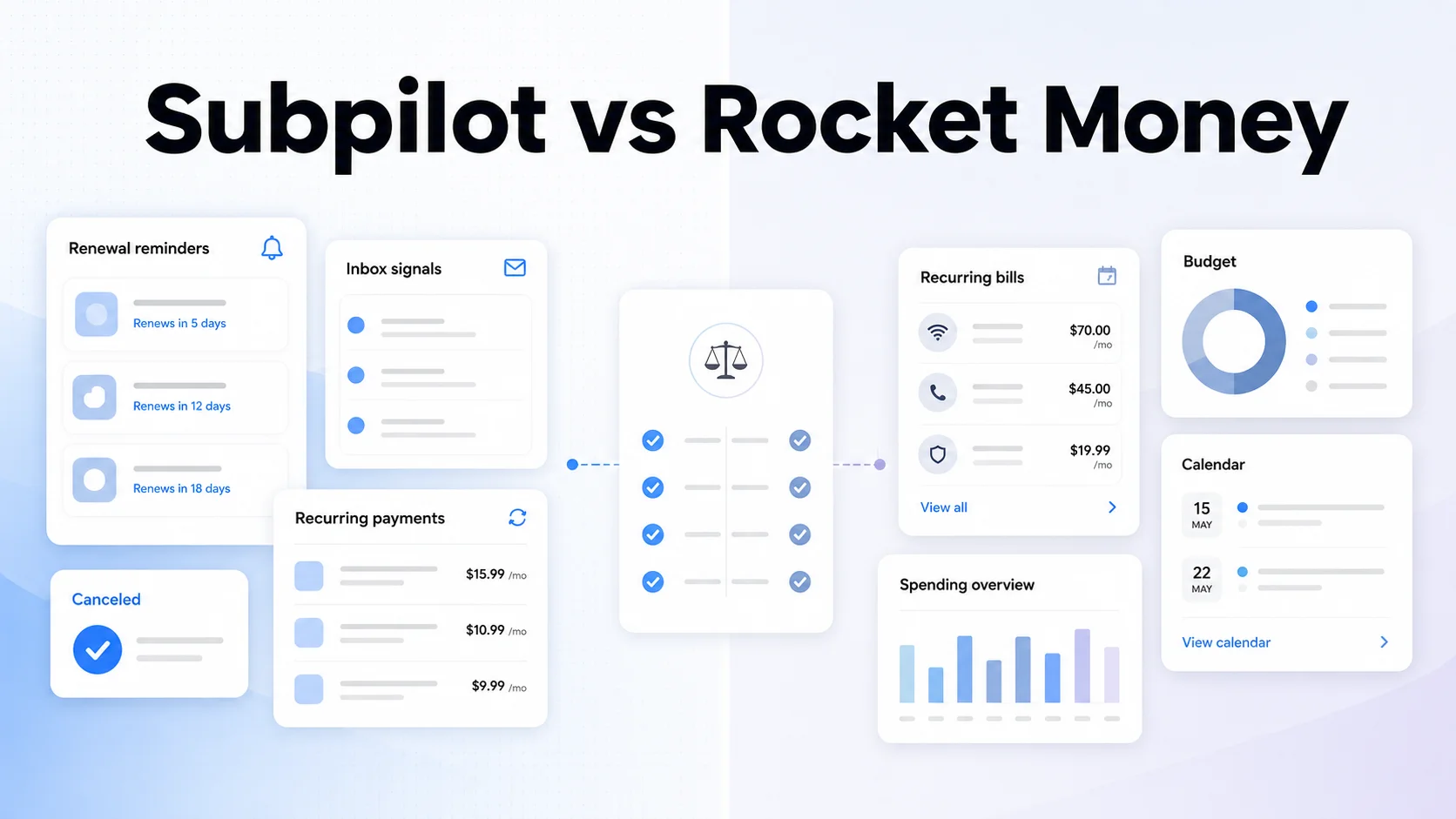
Table of Contents
If you are comparing Subpilot vs Rocket Money, the real question is not which app has more marketing claims. It is which workflow matches how you want to manage recurring payments.
Both products promise to find subscriptions and help stop unwanted renewals. But they are not identical tools. Subpilot presents itself as a dedicated subscription-management app built around connected email and bank accounts, trial alerts, cancellation help, and bill negotiation. Rocket Money is a broader personal-finance app with subscription tracking inside a larger system for budgets, bills, goals, and credit monitoring.
Last reviewed: May 15, 2026. This comparison is based on the current public product pages and help-center documentation for both services. I could verify Rocket Money's public plan structure and cancellation workflow. I could not verify a public Subpilot price from the public pages reviewed, so pricing transparency is part of the comparison rather than an assumed number.
Quick Verdict
| If you care most about... | Better fit | Why |
|---|---|---|
| A dedicated subscription-first workflow | Subpilot | Its public product pages center the entire experience on recurring charges, trials, cancellations, and bill negotiation. |
| Broader money management | Rocket Money | It combines subscriptions with budgeting, bill reminders, credit tools, goals, and connected-account views. |
| Clearer public documentation | Rocket Money | Its help center documents pricing structure, recurring views, cancellation limits, and expected cancellation timing. |
| A privacy-first tracker without bank linking | Neither by default | Both products emphasize connected accounts. If you want a manual tracker, a tool like SubBuddy fits better. |
How I Compared Them
I used the same five questions I use for any subscription-management comparison:
- How does the app discover subscriptions?
- What happens after it finds one?
- How much of the workflow is documented publicly?
- What data access does the product appear to rely on?
- Who is the product actually best for?
This is intentionally narrower than a full personal-finance review. If your goal is simply to stop recurring charges from drifting out of sight, the winner is not always the app with the longest feature list.
The Core Difference
Subpilot: subscription management first
Subpilot's public site describes a subscription-focused system that connects both email accounts and bank accounts to discover recurring payments, surfaces upcoming bills and hidden charges, sends trial alerts, and supports cancellation and bill negotiation workflows.
Rocket Money: personal finance first, subscriptions included
Rocket Money also identifies subscriptions, but it places them inside a broader personal-finance app. Its official documentation describes a recurring tab with upcoming, all, inactive, and calendar views, plus optional budgeting, savings, credit, and net-worth tools.
That difference matters. If you want one app for the wider financial picture, Rocket Money is built for that. If you want the product to revolve around subscriptions from the first screen, Subpilot's positioning is more focused.
How They Find Subscriptions
| Area | Subpilot | Rocket Money |
|---|---|---|
| Main data sources | Connected email and bank accounts | Connected bank accounts and credit cards |
| Email scanning | Yes, public docs mention Gmail and Outlook | Not part of the public workflow I reviewed |
| Manual additions | Not clearly documented on the public pages reviewed | Yes, mobile app supports manually added bills and subscriptions |
| Calendar / upcoming bills view | Shown in public product imagery | Yes, documented in the Recurring tab |
My take: Subpilot appears more aggressive about cross-source discovery because it uses both inbox and banking signals. Rocket Money is better documented if you want to know exactly how the recurring list behaves after a charge is found.
Cancellation Support
| Question | Subpilot | Rocket Money |
|---|---|---|
| Can it help cancel subscriptions? | Yes, public pages advertise one-tap cancellation plus automated and human-assisted support | Yes, Premium members can request cancellation help |
| Are unsupported merchants explained? | Not clearly documented on the public pages reviewed | Yes. Rocket Money says unsupported providers show self-cancel instructions instead |
| Expected timing | Not publicly verified from the pages reviewed | Most requests take 2-10 business days; some complete the same day |
Rocket Money wins on process transparency. Its help center says cancellation support is for Premium members, documents the request flow, explains why some merchants are unsupported, and gives a normal processing range. Subpilot may still work well in practice, but the public material I reviewed does not expose the same level of operational detail.
Pricing and Transparency
Rocket Money is easier to compare here because its current help-center article explains the structure:
- Free plan: core tools such as subscription tracking, budgeting, and bill reminders.
- Premium: sliding-scale pricing chosen during signup, with a 7-day free trial.
- Bill negotiation: 35-60% of first-year savings if the negotiation succeeds.
For Subpilot, I could verify product claims and support pages, but I could not verify a public pricing page from the pages reviewed on May 15, 2026. That does not mean the product is bad. It does mean a shopper cannot complete a clean public comparison before signup as easily as they can with Rocket Money.
Winner on pricing transparency: Rocket Money.
Data Access and Privacy Fit
Neither product is the obvious choice if your top requirement is no bank linking. Subpilot's public pages emphasize connected email and bank accounts. Rocket Money's recurring-subscription workflow is built around connected financial accounts, with manual additions available when a bill is outside those feeds.
If you are comfortable connecting accounts because you want automation, both can make sense. If you would rather maintain your own subscription records, cancellation links, and renewal dates without giving another app ongoing access to financial data, a manual subscription tracker is the cleaner category.
Which One Is Best For Which User?
Choose Subpilot if you:
- Want a product that is visibly centered on subscriptions rather than a larger money dashboard.
- Like the idea of combining inbox signals with bank data to catch more recurring charges.
- Want trial alerts, cancellation support, and bill negotiation presented as one subscription workflow.
- Are willing to complete pricing verification during signup rather than before it.
Choose Rocket Money if you:
- Want subscriptions inside a broader personal-finance system.
- Care about documented recurring views, manual additions, and public help articles.
- Want a free tier before deciding whether Premium features are worth it.
- Prefer clearer public expectations around cancellation support and timing.
Choose neither if you:
- Do not want to link a bank account.
- Prefer to keep your own notes on why you subscribed, where to cancel, and when to review.
- Only need a focused tracker rather than cancellation concierge or bill negotiation.
Where SubBuddy Fits
SubBuddy is built for the third group above. It is not trying to replace a full budgeting app or a concierge cancellation service. It is for people who want a clean subscription system they control: renewal dates, categories, notes, cancellation links, and a visible calendar without requiring a bank connection.
| Need | Best fit |
|---|---|
| Full money dashboard plus subscription tracking | Rocket Money |
| Subscription-first automation with email and bank detection | Subpilot |
| Manual, privacy-conscious subscription tracking with renewal control | SubBuddy |
The right choice depends on what problem you are solving. If you want automation, compare Subpilot and Rocket Money carefully. If you want visibility without handing over more data, compare them against a manual tracker too.
For a direct product-level view, see SubBuddy vs. Rocket Money. If bank access is the deal-breaker, the no-bank-linking comparison narrows the choice further.
Sources
- Subpilot product page and Subpilot overview for its stated detection, cancellation, trial-alert, and bill-negotiation features.
- Subpilot cancellation hub for how the product frames cancellation workflows.
- Rocket Money subscription-management page for the recurring-subscriptions product experience.
- Rocket Money Help Center: managing bills and subscriptions for recurring views and manual additions.
- Rocket Money Help Center: pricing for free, Premium, and bill-negotiation structure.
- Rocket Money Help Center: cancellation requests, cancellation timing, and unsupported merchants.
Alex Coca
Alex Coca is the independent developer behind SubBuddy. He researches subscription billing, cancellation patterns, and recurring-spend workflows by building the product and reviewing real subscription audits from users and his own accounts.
Want Subscription Control Without Bank Linking?
Use SubBuddy to track renewals, notes, categories, and cancellation links in one focused workspace you control.
Start Tracking FreeRelated Articles
Monarch Money vs Rocket Money: The Complete 2026 Comparison
Trying to decide between Monarch Money and Rocket Money for managing your finances and subscriptions? This in-depth comparison breaks down pricing, features, pros and cons to help you choose the right app for your needs in 2026.

Top 7 Alternatives to Rocket Money for 2026
Rocket Money is a powerful tool, but it isn't for everyone. Whether you're seeking a simpler interface, different features, or a better price, here are the top 7 alternatives to Rocket Money in 2026 to take control of your finances.
How to Audit Your Bank Statement and Find Hidden Subscriptions in 30 Minutes
Stop letting forgotten subscriptions drain your bank account. This step-by-step guide shows you exactly how to audit your statements, identify hidden charges, and reclaim your money, all in half an hour.