Track subscriptions without linking your bank account
SubBuddy is for people who want subscription clarity without giving a finance app full access to their transactions.
When manual control is the feature
Bank-connected apps can be useful, but they are not always the right fit. If you share cards with family, use multiple currencies, pay through app stores, or simply prefer not to link accounts, a focused manual tracker can be cleaner.
How the no-bank workflow works
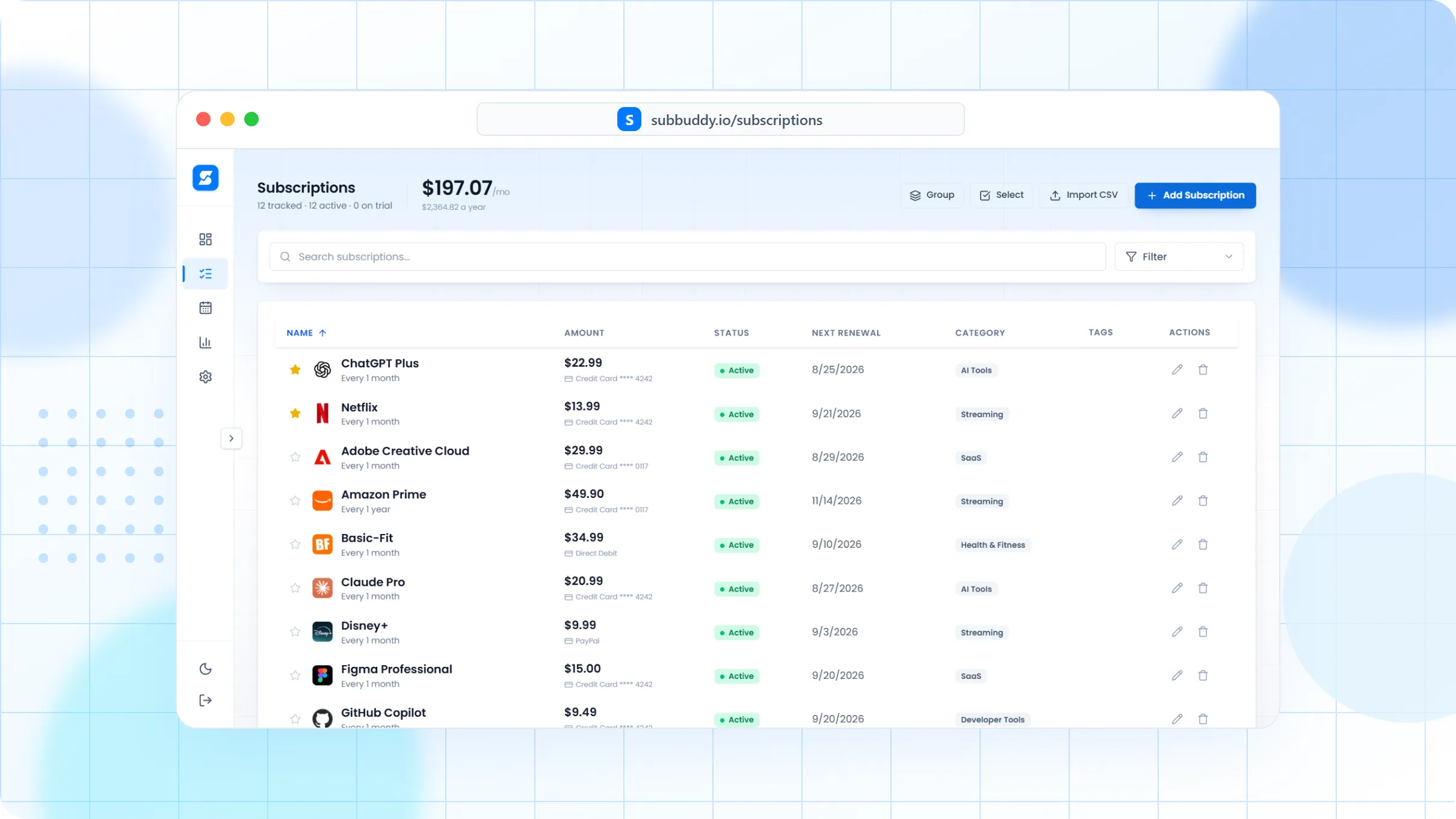
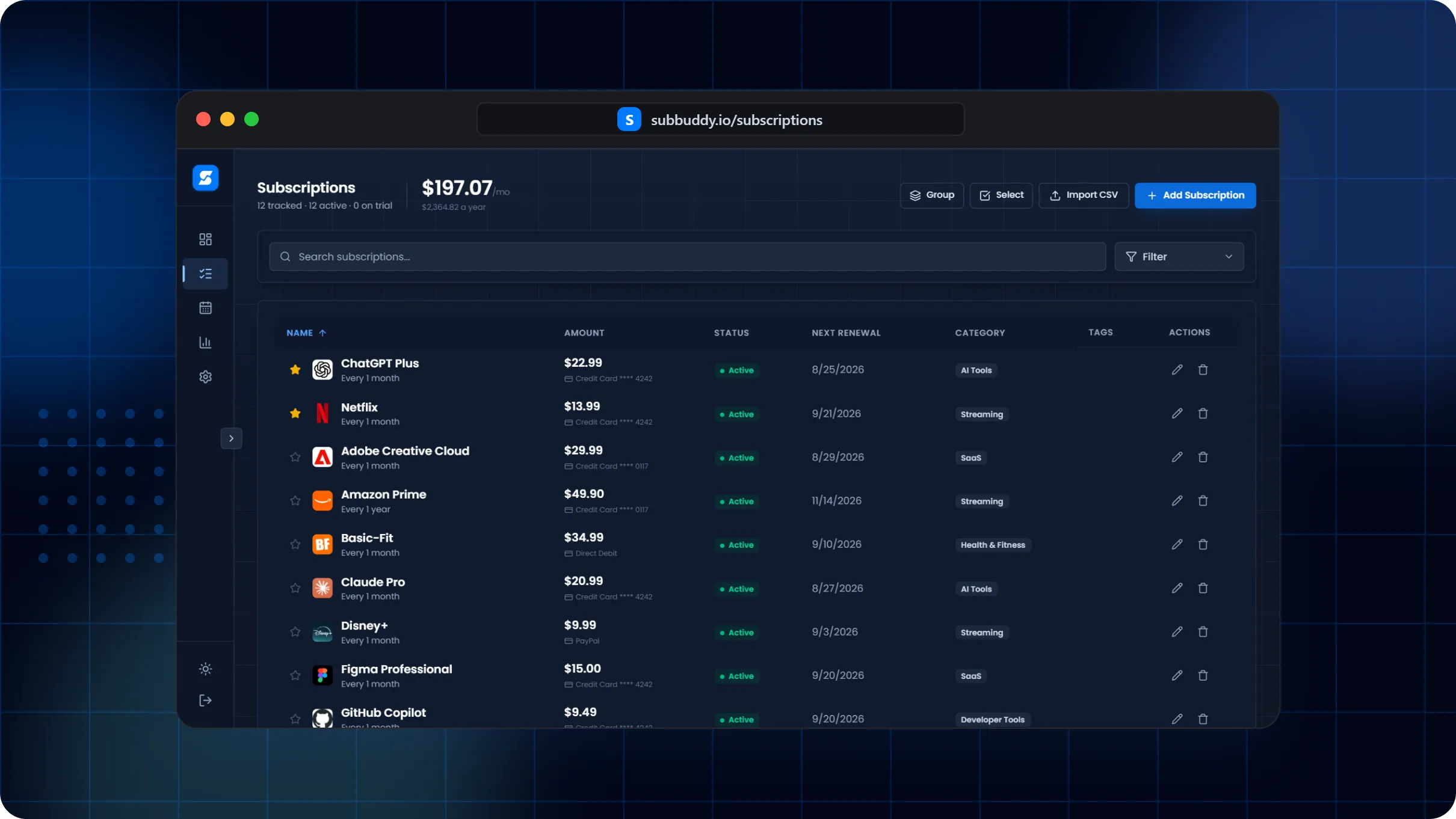
Add each subscription with amount, billing interval, renewal date, category, payment method, and cancellation notes.
Use tags for context like work, family, app store, tax deductible, annual, or trial.
Review upcoming renewals in the dashboard and calendar before money leaves your account.
Export or update records without depending on a bank feed's categorization.
Why this is different from a spreadsheet
Example: privacy-conscious household
A household can track Netflix, iCloud, Canva, a VPN, a gym membership, and annual insurance reminders without connecting a joint bank account. Each person can see what renews next and which card or email is tied to it.
Frequently asked questions
Can I use SubBuddy without connecting a bank account?
Yes. SubBuddy is designed around manual subscription records, CSV review, and optional Chrome extension capture rather than mandatory bank linking.
Will manual tracking miss subscriptions?
It can if you never audit your statements. The best workflow is to run a one-time bank statement or app store audit, then keep SubBuddy updated when you start, cancel, pause, or downgrade services.
Is this better than automatic transaction detection?
It depends on your priority. Automatic detection can save setup time, while manual tracking gives you cleaner renewal context, cancellation notes, and privacy control.