Meet the New SubBuddy: A Cleaner Brand and More Control in 1.4.0
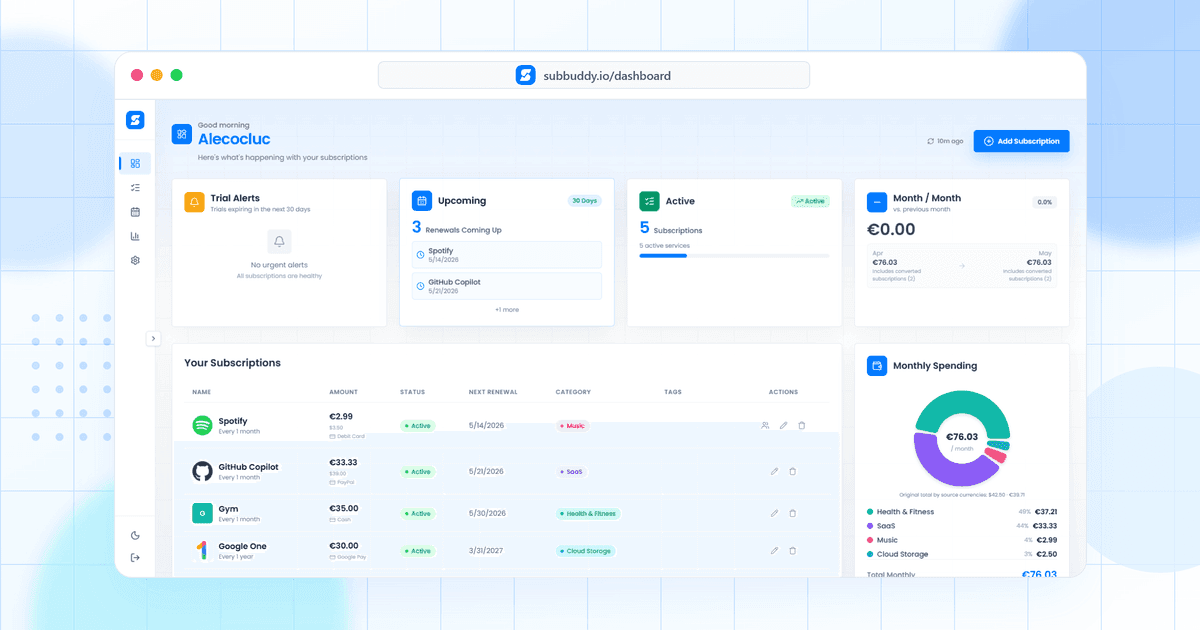
Table of Contents
SubBuddy 1.4.0 is the biggest product update since launch. It is partly a visual release, but calling it only a redesign would miss the point.
This version is about making SubBuddy feel clearer, calmer, and more useful when your subscription list gets messy. It has a new face, but the bigger goal was emotional: the app should feel like a place where you can quickly understand what is happening with your recurring payments instead of feeling like you opened another finance chore.
If you use SubBuddy to track renewals, audit recurring charges, import subscriptions, or keep a shared household budget under control, this release should feel noticeably more polished.
Short version: SubBuddy 1.4.0 ships the rebrand, a refreshed extension, per-subscription renewal controls, richer cancellation details, better import review, more bulk actions, and improved analytics accuracy.
A New SubBuddy Brand
The most visible change is the new SubBuddy identity. I wanted the product to feel less like a spreadsheet with reminders and more like a calm control room for recurring expenses: friendly enough for everyday use, but serious enough to trust with your money.
The previous design worked, but it did not fully match what SubBuddy has become. People are using it to track shared household subscriptions, review price changes, catch trials before they renew, and clean up years of recurring charges. The new look is meant to support that bigger job.
What changed
- A friendlier first impression: The new SubBuddy mark is simpler, brighter, and easier to recognize across the app and extension.
- A dashboard that feels lighter: The main surfaces have more breathing room, clearer hierarchy, and less visual noise when you are scanning bills.
- Real product moments: The website now shows more of the actual dashboard so new users can understand the product faster.
- One connected experience: The website, dashboard, and extension now feel like parts of the same product instead of separate pieces.
The Chrome Extension Feels Native Now
The Chrome extension got one of the most important upgrades in this release. It now matches the new SubBuddy experience and supports System, Light, and Dark themes.
That matters because the extension is often the fastest way to capture a subscription at the moment you notice it. It should feel like SubBuddy, not like a separate side project.
Extension improvements in 1.4.0
- Theme selector: Choose System, Light, or Dark mode in the popup.
- Redesigned Gmail capture: The import overlay now uses the same lighter surfaces, button language, and tighter layout as the dashboard.
- Better form parity: Extension imports can now include status, pinning, custom categories, per-subscription currency, tags, email account, payment method, and card last four digits.
More Control Over Renewals
Renewal reminders are only useful when they match the way a real subscription behaves. Some services need a reminder a week ahead. Others only need a quick heads-up the day before. Some should be snoozed because you already reviewed them.
SubBuddy 1.4.0 adds per-subscription renewal controls, so individual subscriptions can override the default reminder schedule.
| New control | Why it helps |
|---|---|
| Reminder days before renewal | Set a custom reminder window for subscriptions that need more or less notice. |
| Reminder snooze | Suppress reminders until a chosen date when you have already handled the renewal. |
| Cancellation URL | Store the direct cancellation page so you are not searching for it later. |
| Cancellation notes | Keep account-specific instructions, support links, or retention-offer notes attached to the subscription. |
These controls are available from the calendar and the subscription detail drawer. Renewal emails also understand the new fields, so snoozed subscriptions stay quiet and cancellation details are available when they matter.
Calendar Actions Without Context Switching
The calendar is no longer just a read-only reminder view. In 1.4.0, upcoming events can surface direct actions like snooze reminder, pause or resume, mark canceled, and open renewal controls.
The same idea appears in the upcoming reminders widget on the overview page: when a renewal needs attention, SubBuddy gives you the action right there instead of sending you on a tour through the app.
CSV Review and Clearer Records
Imports are where small data mistakes can turn into long-term dashboard noise. The CSV import flow now includes a review table before anything is saved.
Each detected subscription can be checked and edited first: name, amount, currency, billing interval, renewal date, category, tags, status, and confidence. If an import partially succeeds, SubBuddy now reports how many items worked and which ones failed.
SubBuddy also does a better job keeping important subscription changes understandable, so cleanup sessions and imports do not feel like a black box.
Bulk Actions for Real Cleanup Sessions
Subscription cleanup often happens in batches. Maybe you are doing a quarterly audit, reviewing a family account, or cleaning up old trials after checking your bank statement.
Bulk mode now supports more than deleting. You can pause, resume, and mark subscriptions as canceled in bulk, making larger cleanup sessions much faster.
Cleaner Analytics and a Better Checklist
Analytics should reflect what you are actually paying now. SubBuddy now applies a shared analytics filter so paused, canceled, and one-time subscriptions do not inflate current monthly totals, category spend, most expensive subscription, or monthly trend charts.
The getting started checklist also grew up. It now covers more of the setup that makes SubBuddy useful long term: setting a budget, enabling notifications, installing the extension, importing CSV data, copying the calendar feed, adding tags, and joining a family. Dismissal now persists to your profile, so the checklist stays dismissed across browsers.
What This Release Means
SubBuddy started as a simple way to remember what you were paying for. Version 1.4.0 pushes it further toward something more useful: a recurring-expense control center.
The rebrand makes the product feel more personal and more mature. The extension makes capture smoother. Renewal controls make reminders more practical. CSV review makes imports safer. And the dashboard cleanup makes everyday use feel less noisy.
There is still more to build, but this release is a strong foundation for the next phase of SubBuddy: fewer forgotten renewals, fewer messy imports, and a clearer picture of where your recurring money is going.
You can read the running release notes on the SubBuddy changelog, or open the app and try the new controls from your dashboard.
Alex Coca
Alex Coca is the independent developer behind SubBuddy. He researches subscription billing, cancellation patterns, and recurring-spend workflows by building the product and reviewing real subscription audits from users and his own accounts.
Try the New SubBuddy
Track subscriptions, customize renewal reminders, review imports, and keep recurring spending visible from one clean dashboard.
Open SubBuddyRelated Articles
Why I Built SubBuddy: The Personal Story Behind the App
The moment I discovered I was paying for 12 subscriptions I'd forgotten about, I knew something had to change. Here's the personal journey that led to creating SubBuddy.
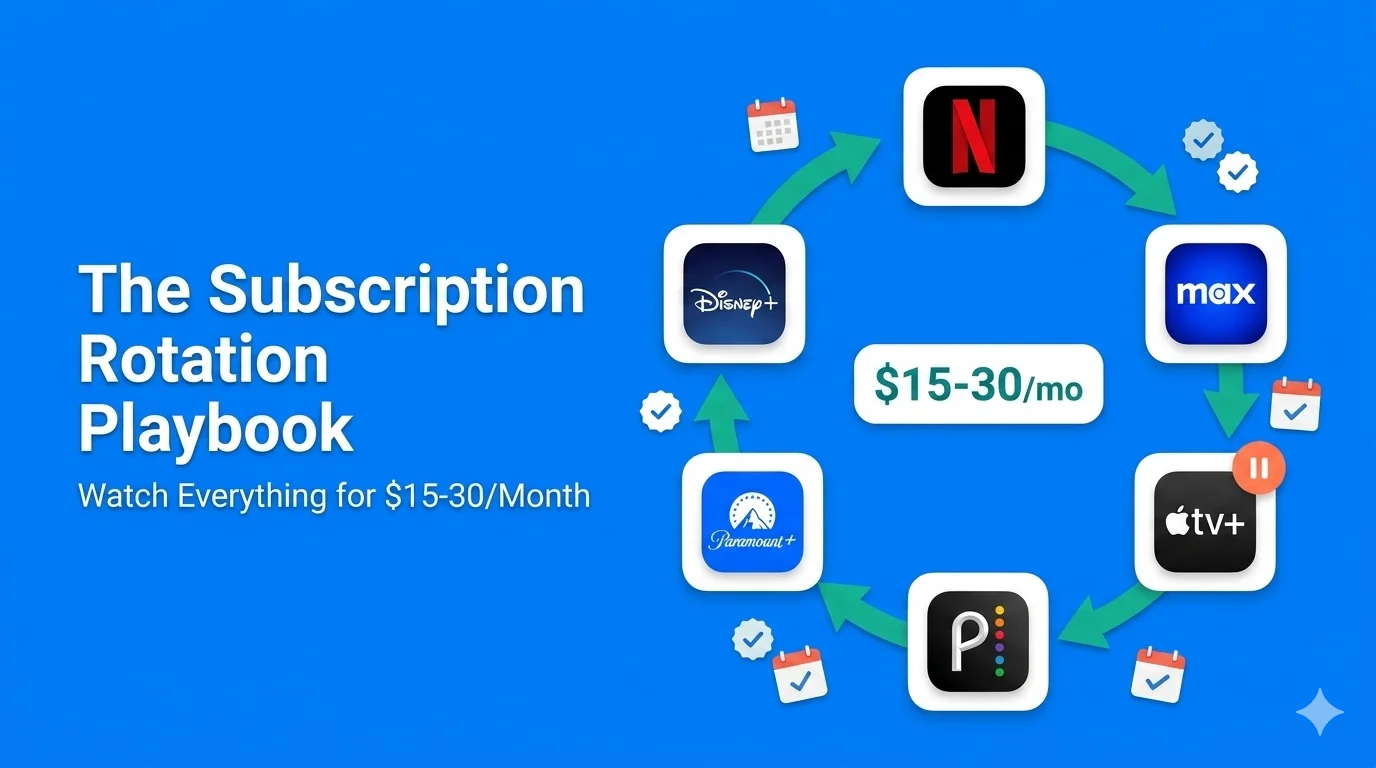
The Subscription Rotation Playbook: How to Watch Everything for $15–30/Month in 2026
Many Americans pay for streaming services they don't use every month. The smartest consumers in 2026 aren't canceling. They're rotating. Here's the exact month-by-month playbook to watch everything you want across Netflix, Disney+, Max, and more while never paying for more than 1–2 services at a time.
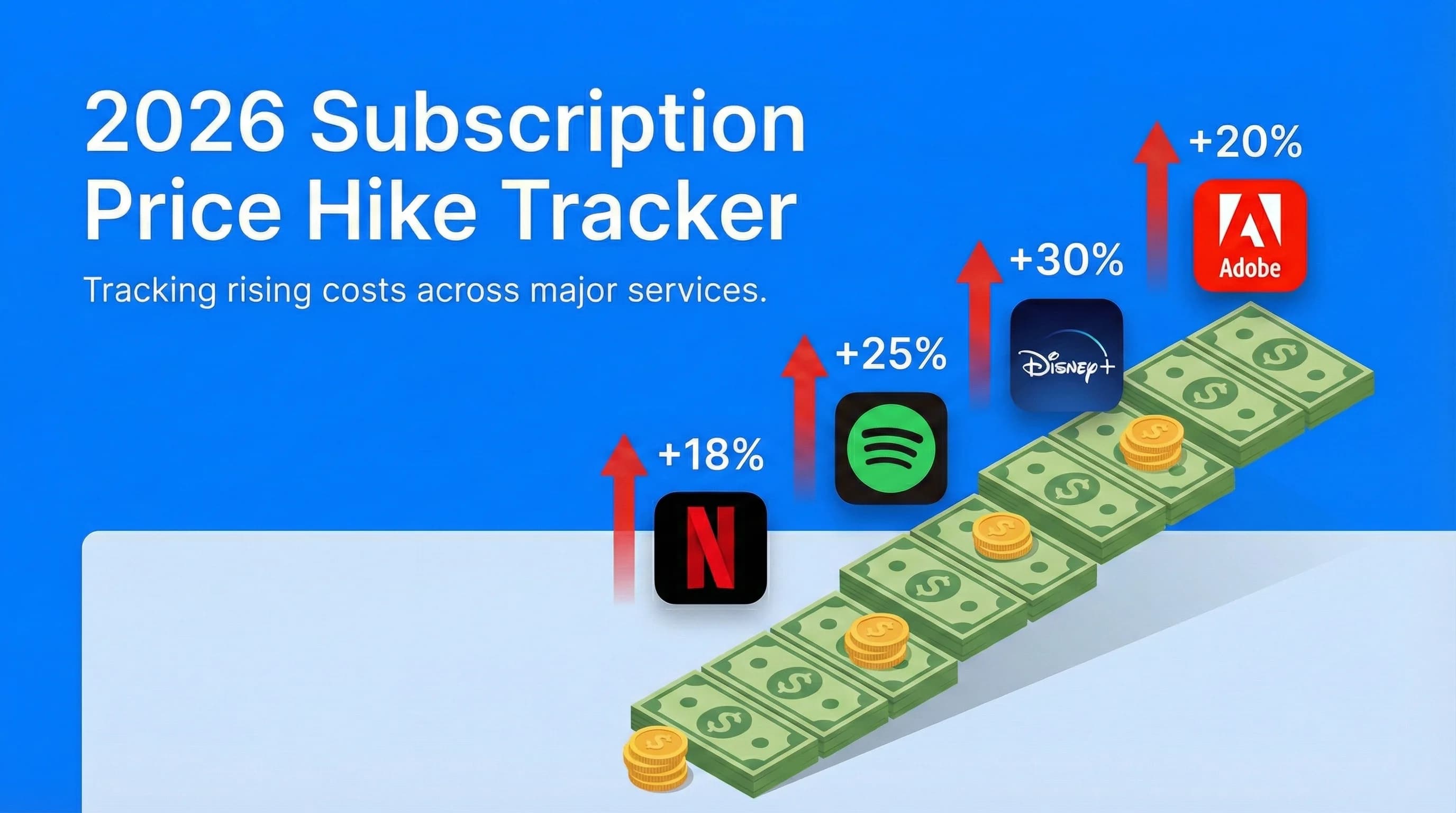
2026 Subscription Price Hike Tracker: Every Service That Raised Prices This Year
Netflix, Spotify, Disney+, Adobe, and other recurring services have all become more expensive heading into 2026. This tracker summarizes confirmed major subscription price increases, when they happened, and how much more you're paying.