PlayStation Plus Went Up While Xbox Game Pass Got Cheaper: The 2026 Gaming Subscription Decision Guide
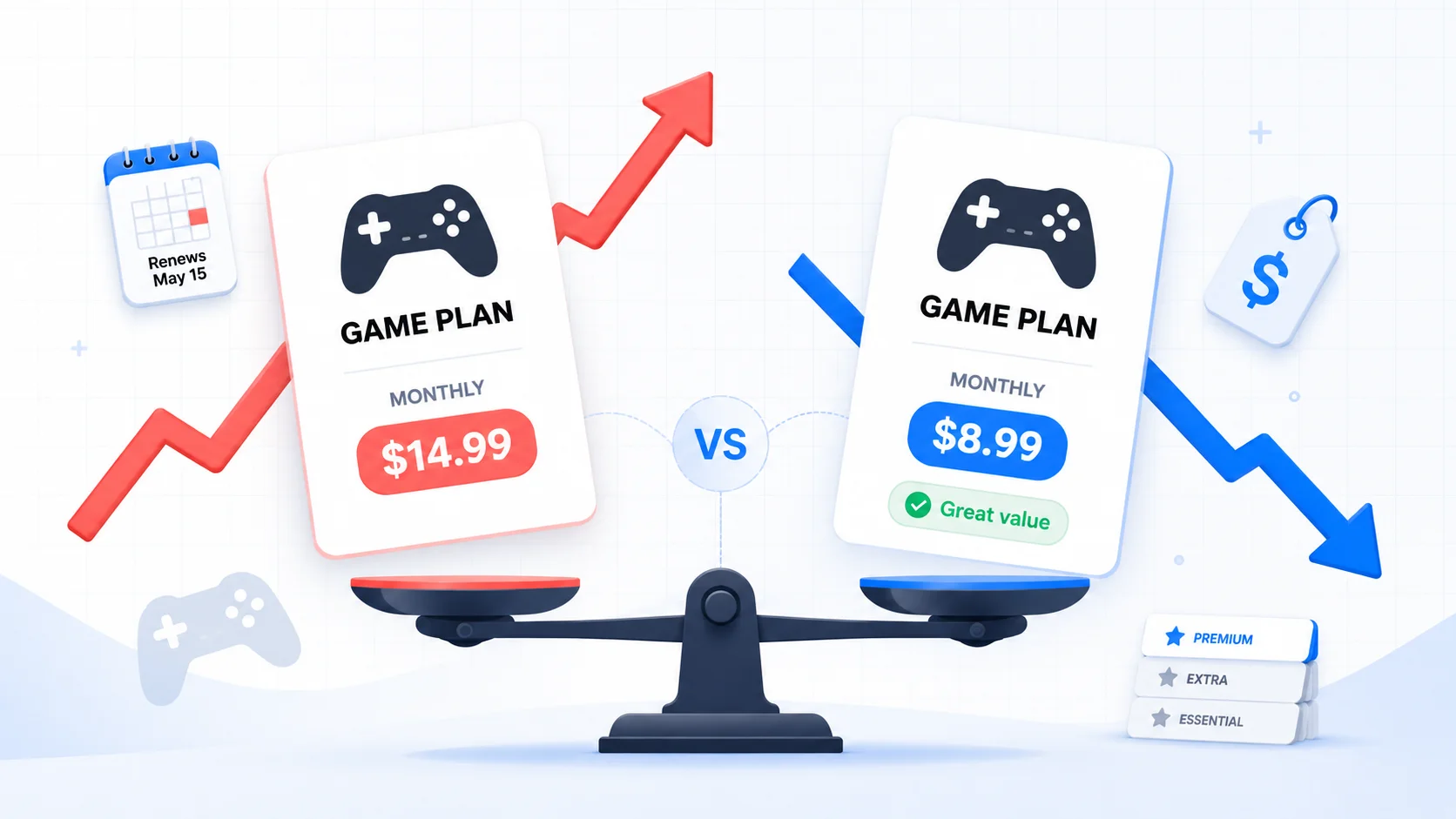
Table of Contents
For years, the two biggest console subscriptions moved in the same direction: up. PlayStation Plus and Xbox Game Pass both raised prices in 2023, 2024, and again in late 2025. Then, in the spring of 2026, they split. Microsoft cut the price of Game Pass Ultimate. A month later, Sony raised PlayStation Plus across every tier. Two companies, the same market, opposite moves in the same quarter.
That divergence isn't just a headline; it changes the math on which subscription is worth keeping, which tier you actually need, and whether the plan you're auto-renewing still fits how you play. Microsoft also quietly removed one of Game Pass's biggest draws: new Call of Duty games no longer land in the library on launch day.
This guide lays out the verified June 2026 prices for every PlayStation Plus and Xbox Game Pass tier, then gives you a play-pattern framework for matching the cheapest tier to how you actually game, plus the annual-plan move that shields you from Sony's increase entirely.
Last reviewed: June 1, 2026. Prices below reflect current published US rates as of this date. PlayStation Plus prices changed on May 20, 2026; Xbox Game Pass prices changed on April 21, 2026. Subscription pricing and tier contents change frequently, so verify on each service's official page before acting.
Methodology & Source Note:
All prices are sourced from official PlayStation and Xbox pages and dated reporting from the April–May 2026 price changes (linked in the Sources section). The play-pattern framework and the annualized-cost comparisons are calculations developed for this post. Prices are in USD for the US region and reflect standard plans unless noted. Tier contents are summarized; the exact game lists and day-one rules are living details, so check the official pages before subscribing.
What Actually Changed in 2026
The two platforms are now pursuing opposite strategies, and both moves were explicit.
Xbox cut prices on April 21, 2026. Game Pass Ultimate dropped from $29.99 to $22.99 per month, and PC Game Pass fell from $16.49 to $13.99. Xbox's Asha Sharma said plainly that "Game Pass Ultimate has become too expensive for too many players," a rare public admission that came just six months after an October 2025 increase that drew heavy criticism. But the cut arrived with a catch: new Call of Duty titles are no longer added to Game Pass at launch, and are now expected to join the library roughly a year later.
Sony raised prices on May 20, 2026. PlayStation Plus went up across Essential, Extra, and Premium on the monthly and 3-month plans, but critically, the 12-month annual plans were left unchanged. The increase applies to new customers; existing subscribers keep their current rate unless they let the subscription lapse or switch tiers.
So in the span of a month, the more expensive premium tier (Game Pass Ultimate) got cheaper while the cheaper baseline service (PS Plus) got more expensive. If you own both consoles, or are deciding which ecosystem to commit to, the gap between them narrowed in a way that rewards paying attention.
PlayStation Plus Prices: June 2026
PlayStation Plus has three tiers. Each one stacks on the previous: Extra includes everything in Essential, and Premium includes everything in Extra.
| Tier | Monthly | 3-Month | 12-Month |
|---|---|---|---|
| Essential | $10.99 (was $9.99) | $27.99 (was $24.99) | $79.99 (unchanged) |
| Extra | $16.99 (was $14.99) | $43.99 (was $39.99) | $134.99 (unchanged) |
| Premium | $19.99 (was $17.99) | $54.99 (was $49.99) | $159.99 (unchanged) |
What each tier adds:
- Essential: online multiplayer, the Monthly Games (a small set of games you keep while subscribed), cloud save storage, and store discounts. This is the baseline most online players actually need.
- Extra: adds the Game Catalog, a large rotating library of several hundred PS4 and PS5 titles you can download and play without buying them individually.
- Premium: adds the Classics Catalog (older PS1/PS2/PSP/PS3 games), time-limited game trials, and cloud streaming.
Source: PlayStation Plus official page. New prices confirmed by Push Square's full breakdown.
Xbox Game Pass Prices: June 2026
After the October 2025 restructure and the April 2026 cut, Game Pass has four tiers. They don't stack as cleanly as PlayStation's. They target different devices and different appetites for new releases.
| Tier | Monthly | April 2026 change | Best for |
|---|---|---|---|
| Essential | $9.99 | Unchanged | Online play + a smaller curated library |
| Premium | $14.99 | Unchanged | A bigger console library, without guaranteed day-one games |
| PC Game Pass | $13.99 | Down from $16.49 | PC players who want day-one first-party games |
| Ultimate | $22.99 | Down from $29.99 | The full library, day-one releases, cloud, and EA Play |
The headline detail: day-one access to brand-new first-party games is concentrated in Ultimate (and PC Game Pass for PC titles). Premium and Essential give you libraries, but new releases generally arrive later, if at all. Note that Game Pass does not sell an official annual plan the way PlayStation does. It's billed monthly, though prepaid codes are sometimes available at a discount.
Source: Xbox Game Pass official page. Price-cut details from Pure Xbox and Game Informer.
Head-to-Head: What You Actually Pay Per Year
Monthly prices hide the real annual cost. Here is what each plan costs over a full year, and where the PlayStation annual plan quietly wins.
| Plan | Monthly × 12 | Annual plan | You save by paying annually |
|---|---|---|---|
| PS Plus Essential | $131.88 | $79.99 | $51.89 |
| PS Plus Extra | $203.88 | $134.99 | $68.89 |
| PS Plus Premium | $239.88 | $159.99 | $79.89 |
| Game Pass Ultimate | $275.88 | No annual plan | N/A |
| Game Pass Premium | $179.88 | No annual plan | N/A |
Two things jump out. First, paying monthly is the most expensive way to subscribe to PlayStation Plus. The annual plan saves $52 to $80 a year depending on tier. Second, Game Pass Ultimate at $275.88/year is the priciest mainstream console subscription on the market, even after the cut, though it's the only one that reliably includes brand-new first-party games on launch day. Whether that premium is worth it depends entirely on how many day-one games you actually play, which is exactly what most people never check.
The PlayStation Annual Move That Beats the Hike
Because Sony left the 12-month plans untouched and existing subscribers keep their rate unless they lapse, there's a clean, legitimate way to sidestep the increase entirely:
The Move
If you're on a monthly PS Plus plan, switching to the 12-month plan locks in the unchanged annual rate and avoids the new monthly pricing. If you're already on an annual plan, your renewal stays at the old rate as long as you don't let it lapse or change tiers. Set a reminder a week before renewal so a missed payment doesn't quietly bump you onto new-customer pricing.
The trade-off is real: an annual plan is a 12-month commitment, and if you'd actually cancel partway through the year, the monthly plan can still be cheaper overall. Use the annual plan when you know you'll keep the subscription for most of the year; use monthly when your play is seasonal and you genuinely cancel during the gaps.
The Call of Duty Catch on Game Pass
For a large group of players, Game Pass had one job: a new Call of Duty every fall, included, the day it launched. As of April 2026, that's gone. New Call of Duty titles join Game Pass roughly a year after release instead of on day one.
If "I'll just play the new Call of Duty on Game Pass" was your reason to hold Ultimate, the math flipped. A standalone Call of Duty purchase is about $70 once a year. Game Pass Ultimate is $275.88 a year. Unless you're getting real value from the rest of the library (other day-one releases, the back catalog, EA Play, cloud gaming), paying a Game Pass subscription primarily to wait a year for Call of Duty no longer makes sense. For a CoD-first player who buys little else, buying the game outright and dropping to a cheaper online tier is often the better call.
Match the Tier to How You Actually Play
Most people overpay for a gaming subscription the same way they overpay for streaming: they buy the top tier "to be safe" and use a fraction of it. The fix is to match the tier to your real play pattern, not the tier the store nudges you toward. Find the row that sounds like you:
| How you play | PlayStation pick | Xbox pick |
|---|---|---|
| I mostly play one or two online games (Fortnite, CoD, sports, Rocket League) and buy them myself | Essential (annual) | Essential |
| I want a big rotating library so I rarely buy games, but I'm fine waiting on new releases | Extra (annual) | Premium |
| I want every big first-party game the day it launches | No day-one tier; buy games as they release | Ultimate |
| I mainly play on PC | N/A | PC Game Pass |
| I want retro/classic games and game trials | Premium | Library only; no direct equivalent |
| I barely played in the last 60 days | Cancel or downgrade | Cancel or downgrade |
The single most common overpay: holding PS Plus Extra/Premium or Game Pass Ultimate when the only feature you used last month was online multiplayer, which the cheapest tier already covers. If you haven't downloaded a Game Catalog or day-one title in the last 30 days, you're paying the library premium for nothing.
The Keep / Downgrade / Switch Decision Table
Run your own usage against this table once, and you'll have an answer instead of a renewal you never questioned.
| If this is true… | Decision | Action |
|---|---|---|
| You played 3+ library/day-one games last month you wouldn't have bought | Keep | On PlayStation, switch to the annual plan to lock the old rate and save $50–$80/year |
| You only used online multiplayer last month | Downgrade | Drop to Essential (PS) or Essential (Xbox); keep multiplayer, cut the library fee |
| You held Ultimate mainly for day-one Call of Duty | Switch | Buy CoD standalone (~$70/yr) and move to a cheaper online tier |
| You pay monthly but play most of the year | Re-bill annually | On PlayStation, the 12-month plan is $52–$80 cheaper than monthly × 12 |
| You haven't gamed in 60+ days | Cancel | Cancel now; re-subscribe (often at a promo rate) when you actually have time to play |
How to Track Gaming Subscriptions in SubBuddy
Gaming subscriptions are unusually easy to lose track of: they renew on console or app-store billing rather than your card statement, the tiers have similar names, and a "cheap monthly" plan quietly costs more over a year than the annual one. A few ways to handle them in SubBuddy:
- Log the exact tier and billing cycle, not just "PS Plus" or "Game Pass." Note whether you're monthly or annual; that single field is where the $50 to $80/year decision lives.
- Record where it bills from. Console subscriptions often charge through the PlayStation Store or Microsoft account, not directly on your card, which is why they slip past a quick bank-statement scan.
- Set a renewal alert a week early. For PlayStation, a missed annual renewal can re-bill you at new-customer pricing. A pre-renewal reminder protects the rate you locked in.
- Add a 30-day usage note. Before each renewal, jot down what you actually played. If it was only online multiplayer, that's your signal to downgrade to Essential.
Gaming Subscription Audit Checklist
- Open your PlayStation and/or Xbox account and confirm the exact tier and billing cycle you're on.
- Check your last payment: are you on monthly or annual? On PlayStation, monthly × 12 costs $52–$80 more than the annual plan.
- List the games you played in the last 30 days. Mark which ones came from the subscription library vs. ones you own.
- If the only feature you used was online multiplayer, plan to downgrade to Essential.
- If you held Ultimate mainly for day-one Call of Duty, price out buying it standalone (~$70) against $275.88/year for Ultimate.
- On PlayStation, if you're keeping it, switch to the 12-month plan to lock the unchanged annual rate.
- Set a renewal reminder one week early so a lapse doesn't bump you to new-customer pricing.
- Log the tier, cycle, billing source, and renewal date in SubBuddy so next year's decision takes two minutes, not an afternoon.
Related reading: gaming subscriptions are part of a broader 2026 pattern of quiet increases. See the 2026 subscription price hike tracker for every confirmed change this year. If you'd rather subscribe seasonally than year-round, the subscription rotation playbook shows how to time subscriptions around release schedules. And if you're weighing entertainment spend as a whole, the streaming wars guide covers which services actually earn their place.
Sources
- PlayStation Plus official page for current Essential, Extra, and Premium tier contents and pricing.
- Push Square: PS Plus price increases hit Extra and Premium, all the new prices for the May 20, 2026 monthly and 3-month changes and the unchanged annual plans.
- Xbox Game Pass official page for current Essential, Premium, PC Game Pass, and Ultimate tiers.
- Pure Xbox: Breakdown of the new Game Pass prices as of April 2026 for the Ultimate and PC Game Pass cuts.
- Game Informer: Xbox drops prices but new Call of Duty games will no longer join at launch for the day-one CoD change.
- GameSpot: Xbox Game Pass price, day-one games, and tiers in 2026 explained for context on tier benefits and day-one access.
Alex Coca
Founder & CEO of SubBuddy. Alex writes practical subscription frameworks for people who want to pay for what they use and stop subsidizing what they don't.
Track Your Gaming Subscriptions Before They Renew
Log your PS Plus or Game Pass tier, billing cycle, and renewal date in SubBuddy. Set a pre-renewal alert so you lock in the annual rate and never overpay for a tier you've outgrown.
Start Tracking FreeRelated Articles
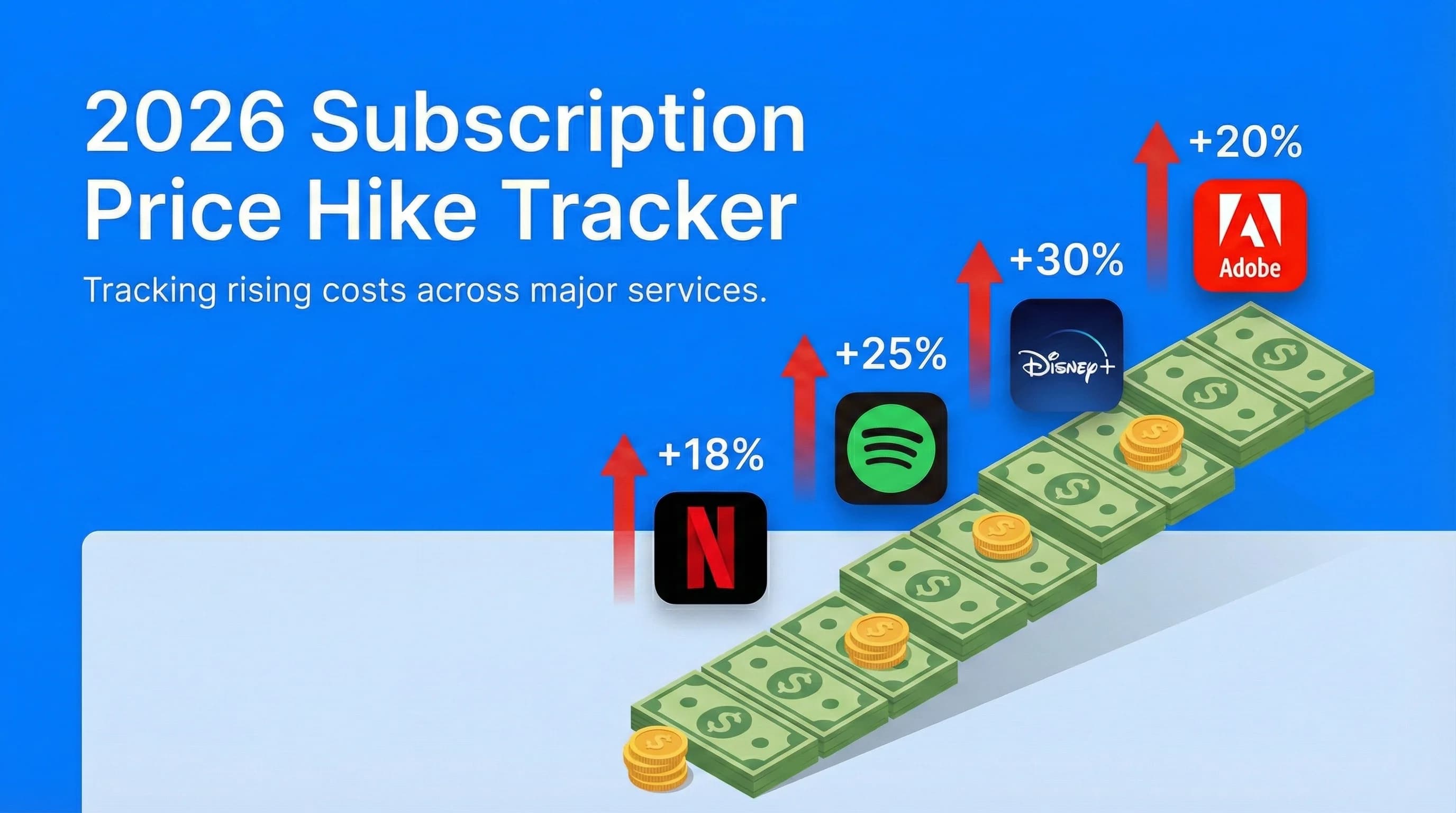
2026 Subscription Price Hike Tracker: Every Service That Raised Prices This Year
Gaming subscriptions are just one part of a wider 2026 pattern. This tracker covers every confirmed price increase so you know exactly what's costing you more.
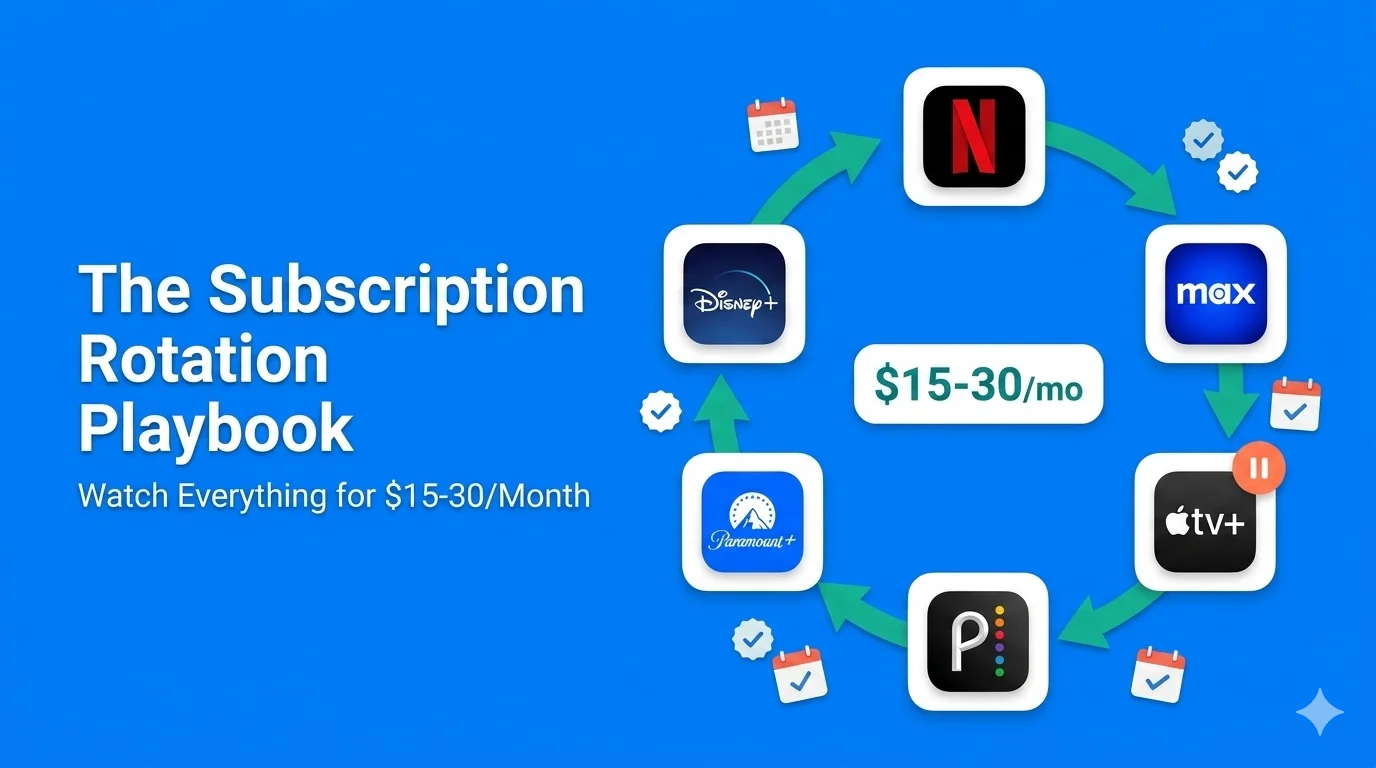
The Subscription Rotation Playbook: How to Watch Everything for $15–30/Month in 2026
If you'd rather subscribe seasonally than pay all year, the rotation playbook shows how to time subscriptions around release schedules; the same logic applies to game libraries.
The Ultimate Streaming Wars Guide: Which Services Are Actually Worth It in 2026?
Gaming is one line in a bigger entertainment budget. This guide breaks down which streaming services actually earn their place alongside your gaming subscriptions.