Amazon Put 4K Behind a Paywall: What Prime Video Ultra Actually Costs You in 2026
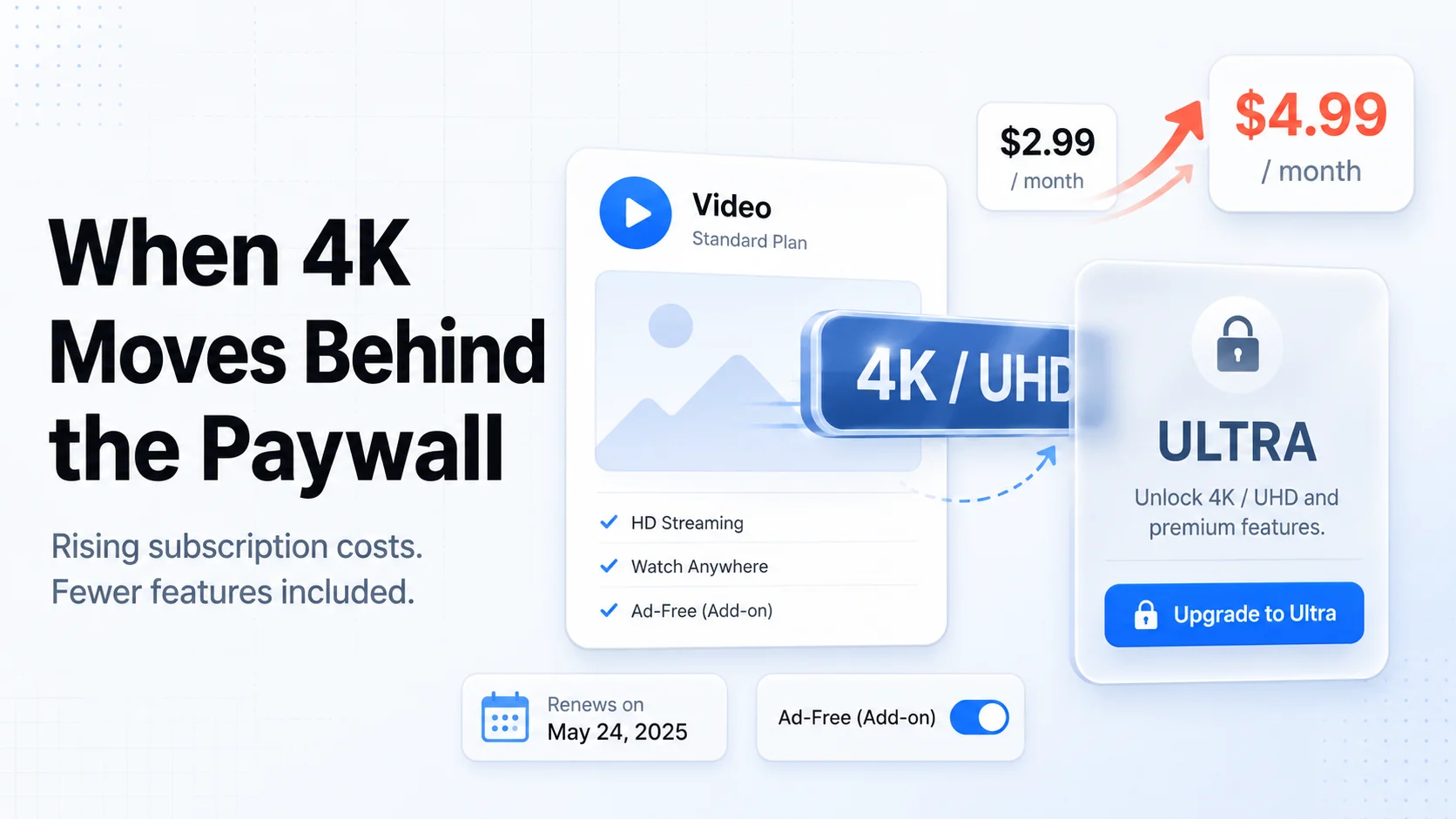
Table of Contents
Your Amazon Prime membership did not get more expensive in 2026. The number on your renewal is the same $139 a year it was last year. And yet, as of April 10, 2026, you are getting less for it: 4K streaming, something that used to come with Prime Video at no extra charge, now sits behind a new paid tier called Prime Video Ultra.
This is the quietest kind of price increase, the kind that never shows up as a higher bill. Amazon did not raise the sticker price. It shrank what the sticker price buys and put the missing piece behind a $4.99-a-month add-on that costs 67% more than the ad-free option it replaced.
This post lays out exactly what changed, what it costs to get back what you had, a decision framework for whether you actually need Ultra, and the 5-minute check to make sure you are not paying for a tier you will never use.
Last reviewed: June 2, 2026. Prices reflect current published US rates as of this date. Prime Video Ultra launched on April 10, 2026. Streaming pricing and tier contents change often, so confirm the current numbers on Amazon's official pages before you act.
Methodology & Source Note:
Prices and tier details are sourced from Amazon's published Prime pricing and dated reporting on the April 2026 Prime Video Ultra launch (linked in the Sources section). The annualized figures, percentage changes, and "cost to restore" comparisons are calculations built for this post. All figures are in USD for the US region and reflect standard plans. Tier contents are summarized; the exact resolution and device rules are living details, so verify on Amazon before subscribing.
What Actually Changed on April 10, 2026
Two things happened at once, and the second one is easy to miss.
1. The ad-free add-on got renamed and repriced. For the last couple of years, Prime Video has been ad-supported by default (ads arrived in January 2024), and you could pay an extra $2.99 a month to remove them. That add-on is now called Prime Video Ultra, and it costs $4.99 a month. That is a $2 jump, or a 67% increase, on the exact same "I just want it ad-free" purchase.
2. 4K moved behind that add-on. This is the part that stings. 4K/UHD streaming on supported titles used to be included with a regular Prime membership at no extra cost. As of April 10, 2026, 4K/UHD is exclusive to Prime Video Ultra. The standard, included-with-Prime tier now tops out at HD/HDR, with Dolby Vision, but no 4K.
So if you were a Prime member who watched in 4K and tolerated the occasional ad, you did not get a price increase notice. You just quietly lost 4K unless you start paying $4.99 a month to get it back.
The Prime Video Tiers: June 2026
Here is how the pieces stack. Prime Video Ultra is not a standalone plan; it is an add-on that sits on top of a Prime membership.
| What you pay for | Price | What you get |
|---|---|---|
| Prime membership | $14.99/mo or $139/yr | Prime Video with ads, HD/HDR, Dolby Vision, up to 3 concurrent streams, 25 downloads, plus shipping and other Prime perks |
| + Prime Video Ultra | $4.99/mo (was $2.99 ad-free) | Ad-free, plus exclusive 4K/UHD, up to 5 concurrent streams, up to 100 downloads |
What the upgrade actually buys you, line by line:
- Ad-free playback (this was the old $2.99 perk).
- 4K/UHD streaming on supported titles (this used to be free with Prime).
- 5 concurrent streams instead of 3 (useful for bigger households).
- 100 offline downloads instead of 25 (useful for travel and kids' devices).
Source: dated reporting on the launch from Variety and 9to5Mac, with current membership pricing on DealNews.
What You Lost Without Getting a Bill
The honest way to read this change is as a downgrade-by-default. If you do nothing, here is what you keep and what you give up compared to early 2026.
| Feature | Before (with Prime) | Now (with Prime, no Ultra) |
|---|---|---|
| 4K / UHD | Included | Ultra only (+$4.99/mo) |
| Ad-free | +$2.99/mo | Now +$4.99/mo via Ultra |
| HD / HDR / Dolby Vision | Included | Still included |
| Concurrent streams | 3 | 3 (5 with Ultra) |
| Offline downloads | 25 | 25 (100 with Ultra) |
The good news, and it is real: the included tier still gets HD, HDR, and Dolby Vision at no extra cost. For a lot of viewers on a lot of TVs, that is genuinely fine. The question is whether the things now locked behind Ultra are things you actually use, or things you only feel bad about losing.
The Real Cost to Get Back What You Had
Say you were the "ad-free, watch in 4K" Prime member. To return to exactly that experience, you now stack Ultra on top of Prime. Here is the all-in cost.
| Setup | Monthly | Per year |
|---|---|---|
| Prime annual + Ultra | $11.58 (Prime) + $4.99 | $198.88 |
| Prime monthly + Ultra | $14.99 + $4.99 = $19.98 | $239.76 |
| Just Ultra (the change itself) | $4.99 | $59.88 |
The cleanest way to see the hike is the last row against the old add-on. You used to pay $2.99 a month ($35.88 a year) for ad-free. To keep ad-free now, it is $4.99 a month ($59.88 a year). That is $24 more per year for the same ad-free benefit, and on top of that you are now paying for 4K that used to be free. If you only want 4K back and do not care about ads, there is no cheaper door: Ultra is the only way in.
The Annualized View Most People Skip
Streaming changes feel small because they are quoted monthly. "$4.99" sounds like a coffee. Annualized, the picture is sharper, and it is the number that should drive your decision.
- Ultra alone: $59.88 a year.
- The increase over the old ad-free add-on: $24 a year, every year, indefinitely.
- Total ad-free 4K experience: roughly $199 a year if you pay annually for Prime, or about $240 a year if you pay monthly.
Compare that to what the rest of your stack costs. Once Prime plus Ultra is approaching $200 a year, it stops being "the free thing that comes with shipping" and starts being a real line item that deserves the same scrutiny as Netflix or Max. We track this kind of creep in the 2026 Subscription Price Hike Tracker and the true cost of streaming breakdown.
Do You Actually Need Ultra? A Decision Framework
Ignore the feeling of having something taken away and ask a colder question: would you pay $4.99 a month for this if it were brand new? Match yourself to one of these four profiles.
| If this is you | Verdict | Why |
|---|---|---|
| 4K TV, good internet, ads genuinely bother you | Keep / add Ultra | You will use 4K and ad-free every session. This is the one profile where $59.88/yr earns its place. |
| 1080p TV or you watch mostly on a phone or laptop | Skip Ultra | You cannot see 4K on a non-4K screen. You would be paying only to remove ads. |
| You only open Prime Video for the odd included movie | Skip Ultra | Light use does not justify a standing $59.88/yr add-on. Tolerate the ads. |
| Big household, 4+ people streaming, lots of travel downloads | Maybe | The 5 streams and 100 downloads can matter more than 4K here. Decide on streams, not resolution. |
The trap to avoid is paying for Ultra purely out of loss aversion, because 4K "used to be included." That instinct is exactly what these stealth changes are designed to exploit. We dug into that psychology in the psychology of subscription fatigue.
The Underrated Reasons: Streams and Downloads
Most coverage frames Ultra as a 4K story, but for a chunk of households the resolution is a sideshow. The features that actually change daily life are the stream count and the download cap.
Concurrent streams (3 to 5). If you regularly hit "you have reached the maximum number of streams," the jump from 3 to 5 may be worth more to you than 4K ever will be. A family of four or five with everyone watching different things on different screens is the textbook case.
Offline downloads (25 to 100). If you load up tablets for flights, road trips, or kids on the go, 25 downloads is tight and 100 is comfortable. For everyone else, this number is invisible.
The point: do not let the 4K headline make the decision. Pick the one Ultra feature you would genuinely use, and if you cannot name one, that is your answer.
The 4K Reality Check
Before you pay to "get 4K back," confirm you could even see it. You actually benefit from 4K only if all of these are true:
- Your TV is a genuine 4K (or 8K) panel, not a 1080p set.
- You watch on that TV, not mostly on a phone, laptop, or older tablet where 4K is invisible.
- Your internet can sustain roughly 15 to 25 Mbps per 4K stream without buffering.
- The specific title you are watching is offered in 4K (not everything is).
If even one of those is shaky, the 4K half of Ultra is doing nothing for you, and you are effectively paying $4.99 a month just to remove ads, the same job the old $2.99 tier did for $2 less.
Why This Is a Stealth Price Hike
The reason this change is worth a whole post is that it never appears on a statement. A normal price increase, like the ones we logged for Netflix, Spotify, and the Disney bundle this year, hits your renewal and you notice. This one works differently: the price holds, the value drops, and the gap is sold back to you as an upgrade.
That is the pattern to watch across subscriptions in 2026. The increase is not always in the number. Sometimes it is in the fine print: a feature pulled from the base plan, a "new premium tier," a quality cap, a stream-count cut. Your defense is the same either way, know what you are paying, know what it includes this month, and re-decide on purpose instead of by default. The same logic powers the bundle ROI calculator and the rotation playbook.
How to Decide in 5 Minutes (and Track It)
You do not need a spreadsheet for this one. Run the check, make the call, and log it so a future you does not pay for a tier you forgot you added.
- Open your Amazon account and check whether you have added Prime Video Ultra, and whether your Prime is monthly ($14.99) or annual ($139).
- Run the 4K reality check above. If your TV is not 4K, or you watch mostly on a phone, you can stop here and skip Ultra.
- Name the one Ultra feature you would actually use (4K, ad-free, 5 streams, or 100 downloads). If you cannot, drop Ultra.
- Log Prime (and Ultra, if you keep it) in SubBuddy with the real annual cost, $139 plus $59.88 if you keep both, and set a renewal alert one week out.
- Add a value check-in so that in three months you can answer "did I use the thing I paid $4.99 a month for," and cancel if the honest answer is no.
Tracking the all-in annual number, not the comfortable $4.99 monthly framing, is what turns a vague "it's fine" into a decision. If Prime Video has quietly become a $199-a-year service for you, you want to see that next to everything else you pay for. The bank statement audit is the natural next step if you suspect other stealth changes are hiding in your stack.
The Quick Checklist
- Confirm whether you are on Prime monthly ($14.99) or annual ($139).
- Check if Prime Video Ultra ($4.99/mo) is already added to your account.
- Verify your TV is actually 4K before paying to "get 4K back."
- Decide on the feature you will use, not on the one you lost.
- Skip Ultra if you watch in 1080p, watch on a phone, or barely open Prime Video.
- Log the real annual cost ($139, or about $199 with Ultra) in SubBuddy.
- Set a renewal alert and a 3-month value check-in.
Sources
Alex Coca
Founder & CEO of SubBuddy. Alex writes practical subscription frameworks for people who want to pay for what they use and stop subsidizing what they don't.
See What Prime Video Really Costs You Per Year
Log your Prime membership and any Ultra add-on in SubBuddy with the real annual cost, then set a pre-renewal alert and a value check-in so you never pay for a tier you stopped using.
Start Tracking FreeRelated Articles
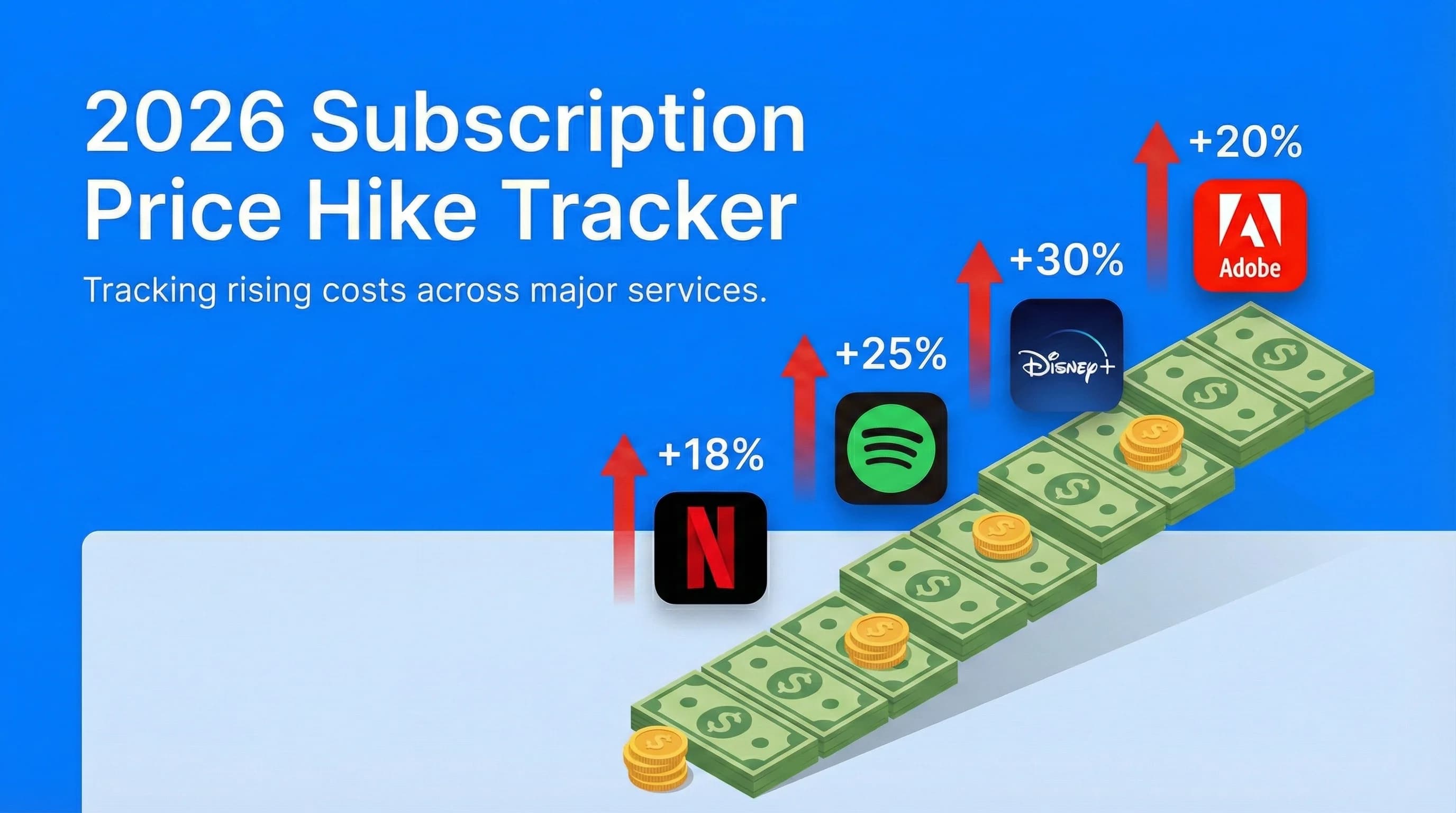
2026 Subscription Price Hike Tracker: Every Service That Raised Prices This Year
Prime Video Ultra is one move in a wider 2026 pattern. This tracker covers every confirmed price increase so you know exactly what is costing you more.
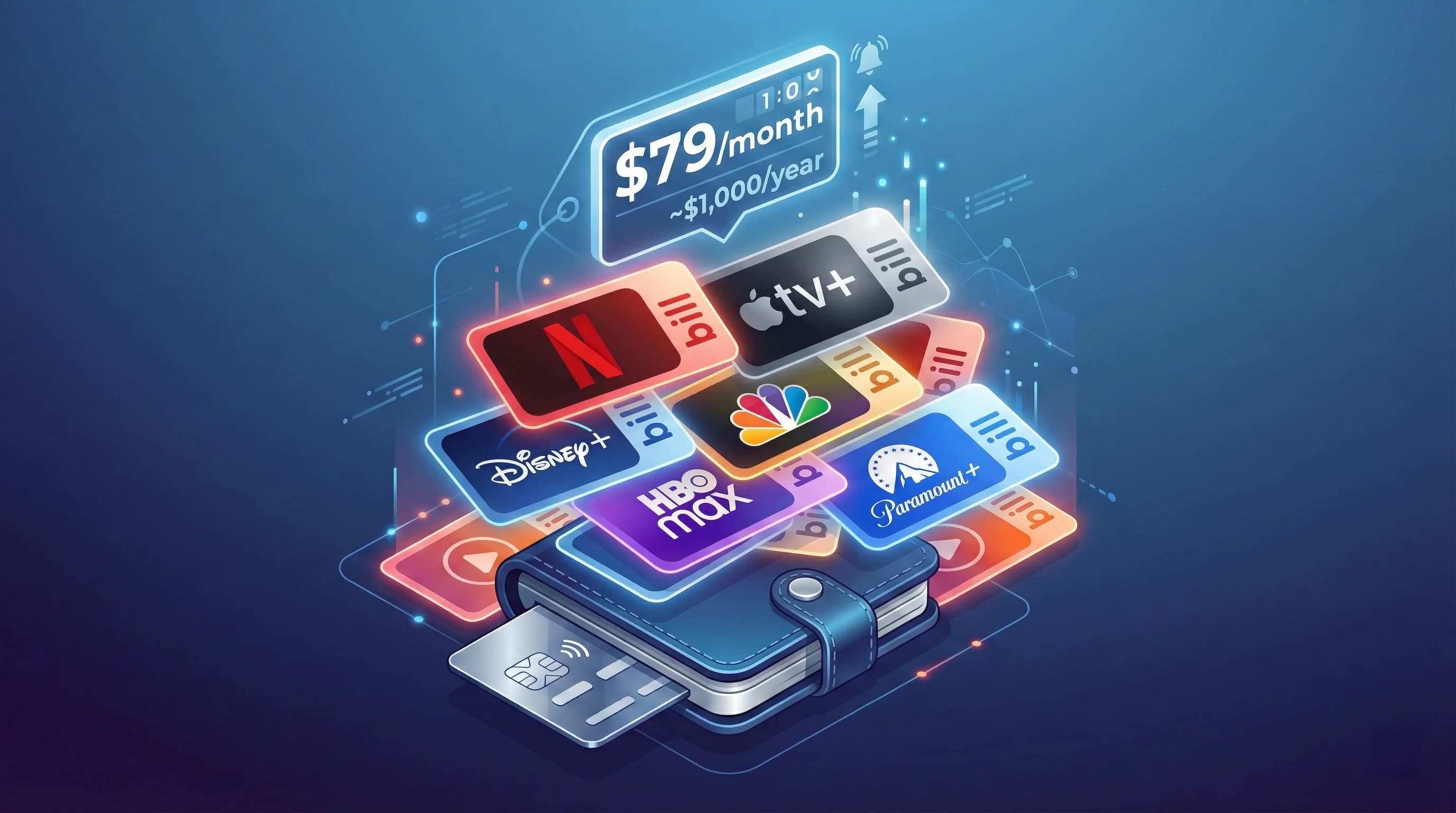
The True Cost of Streaming in 2026: How Much Are Families Actually Spending?
Once Prime plus Ultra approaches $200 a year, it belongs in your real streaming budget. This breakdown shows what families are actually spending across every major service.
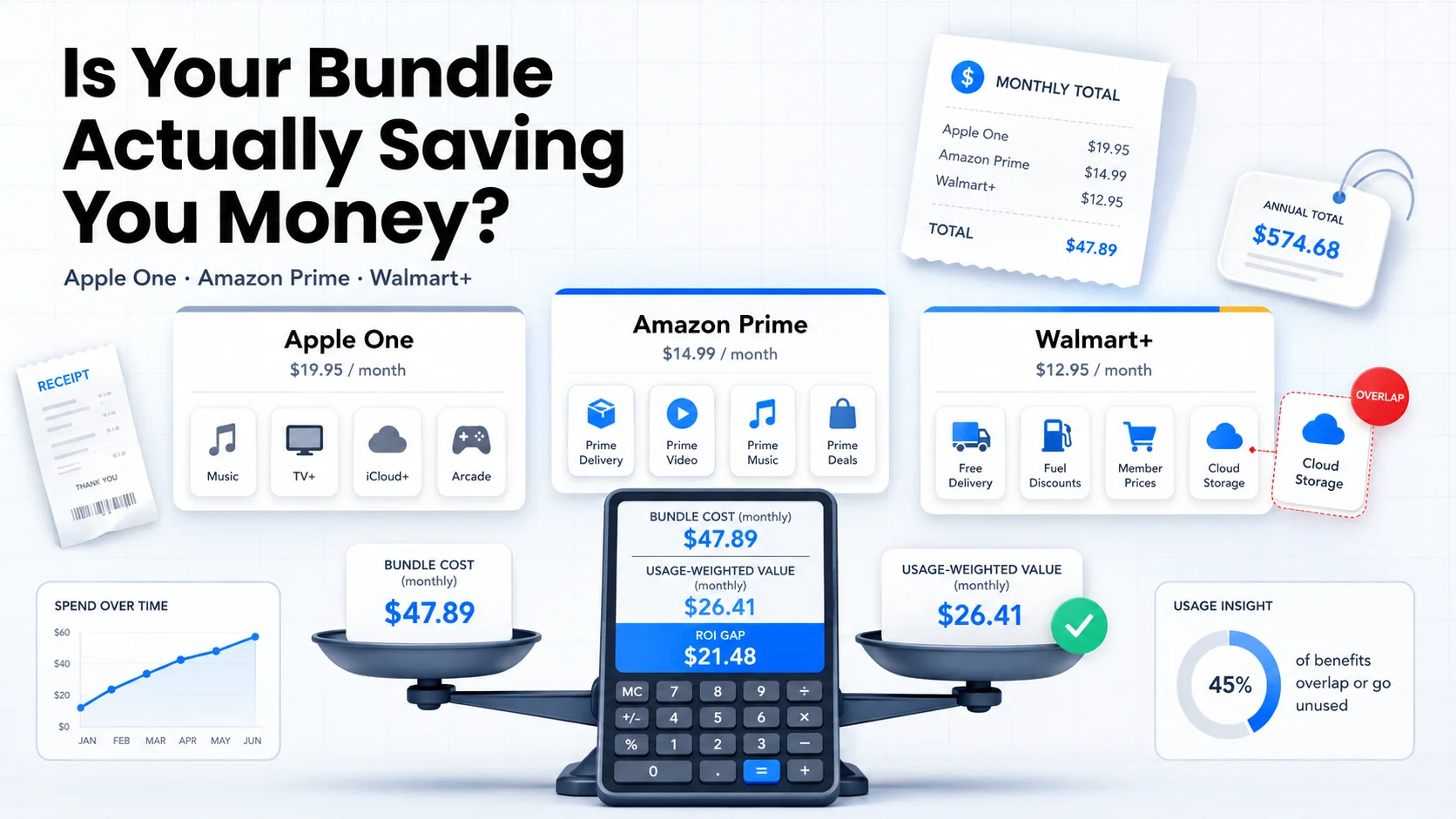
Is Your Bundle Actually Saving You Money? The 2026 ROI Calculator for Apple One, Amazon Prime, and Walmart+
Prime is more than video. This ROI calculator helps you decide whether the full Prime bundle, now with a pricier video tier, is still a deal for how you actually use it.