Cancel Anytime, Keep Paying: Inside Apple's New 12-Month Commitment Subscriptions
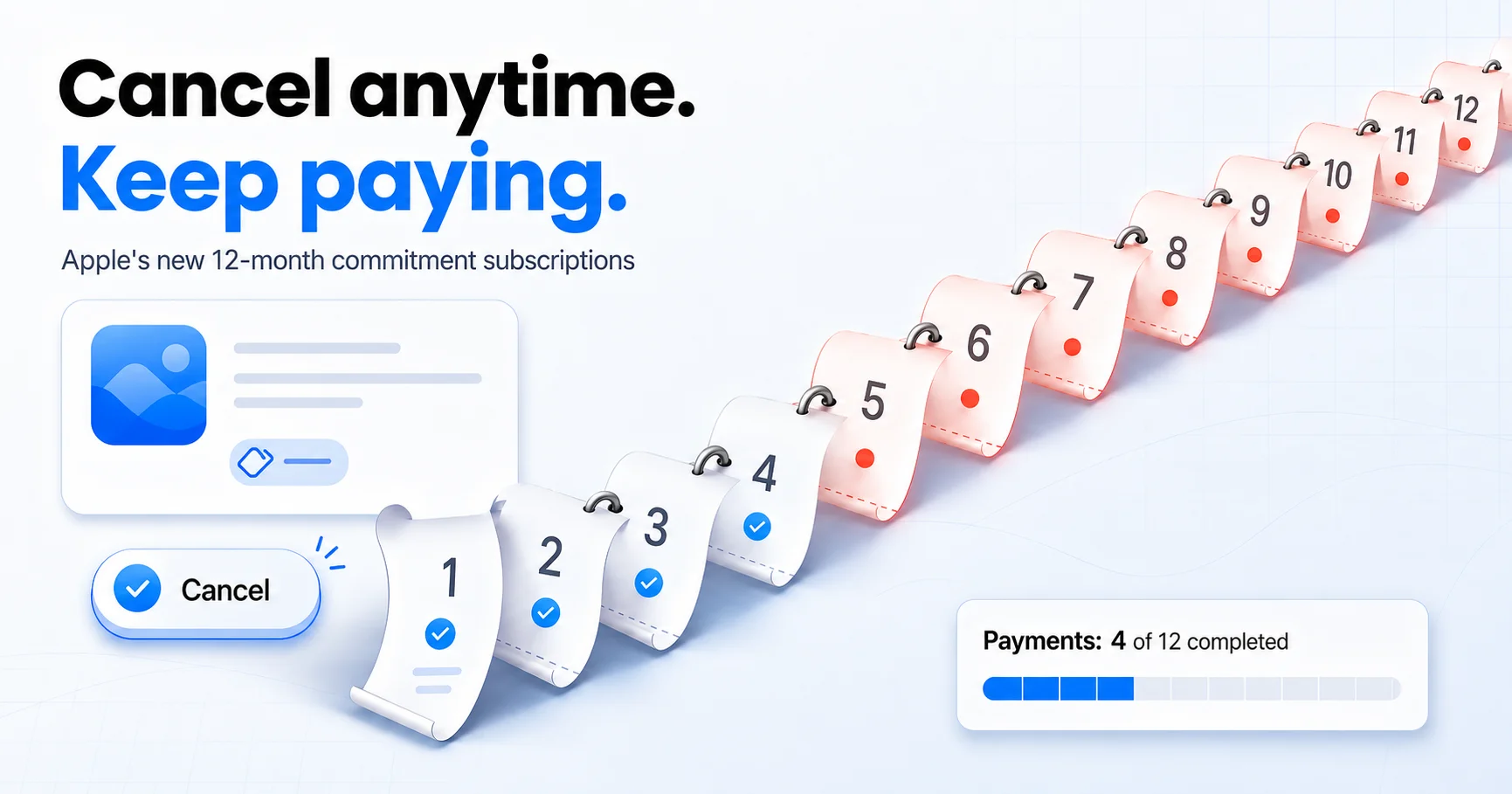
Table of Contents
For fifteen years, the App Store trained us to expect one honest escape hatch: whatever mess a subscription got you into, cancelling stopped the money. That assumption quietly expired this spring. Apple now lets apps sell a monthly subscription with a 12-month commitment: a lower monthly price in exchange for a promise that all twelve payments will happen. Hit cancel in month four and the remaining eight charges still arrive, one per month, until the term is done.
The plans launched in late April 2026 and are already showing up in real apps. I live in Spain, where the option is live, and I have started seeing the cheaper "commitment" price sitting next to the regular monthly one in subscription screens, usually with the discount in big type and the commitment in small type. This post explains exactly how the new billing works, why readers in the United States do not see it yet, and, most importantly, the math for deciding when the discount is genuinely worth a year of payments you cannot stop.
Last reviewed: July 8, 2026. Based on Apple's official developer announcement, dated reporting on the launch, and Apple's WWDC 2026 App Store changes. Commitment pricing is set per app by each developer, so the exact discounts you see will vary; the example numbers below are illustrative.
Methodology & Source Note:
The mechanics described here (cancellation behavior, payment visibility, regional availability, renewal reminders) come from Apple's developer announcement of April 27, 2026 and from dated launch coverage, both linked in Sources. The walk-away table, the break-even rule, and the decision tree are my own framework, built the same way as our extra-member and AI-tax break-evens: from tracking my own subscriptions and from what SubBuddy exists to catch. I am writing from Spain, where these plans are live in the App Store today.
What Apple Actually Changed
On April 27, 2026, Apple announced a new payment option for auto-renewable subscriptions: monthly subscriptions with a 12-month commitment. The pitch to developers is predictable revenue; the pitch to you is a cheaper monthly price than the standard month-to-month plan. The option shipped with iOS 26.4 and reached broad availability with iOS 26.5 in May 2026.
Formally, this legalizes something app pricing pages have gestured at for years: the "only $4.99/month, billed annually" trick, where a monthly-looking price hid a yearly charge. The difference is that the old trick took the whole year upfront in one painful, visible charge. The new plans spread it into twelve small charges that each look like a normal monthly subscription on your statement. The pain is gone, and so is the visibility.
Three mechanics matter, and all three come straight from Apple's announcement:
- Cancelling does not stop the payments. Cancelling prevents the subscription from renewing into a new term, but you must complete the agreed payments of the current 12-month commitment. You keep access to the app until the term ends.
- Your Apple Account shows the count. You can see completed and remaining payments for each commitment in your Apple Account settings, which is where you should look before assuming anything about a charge.
- Apple reminds you before renewal. An email lands ahead of each renewal date, plus a push notification if you opted in. Useful, but as we will see, an email is thin protection when the thing renewing is a year of payments.
How Commitment Billing Actually Works
Think of it as a phone contract grafted onto an app. There are now three ways an app can charge you for the same year of service:
| Plan type | You pay | If you quit in month 4 |
|---|---|---|
| Standard monthly | Full price each month | 4 payments, done |
| Annual upfront | One discounted charge for the year | Already paid; money spent on day one |
| Monthly with 12-month commitment | Discounted price each month | 8 more payments still coming |
Notice what the commitment plan really is: it is the annual plan's total cost with the monthly plan's costume on. The only honest way to evaluate it is to treat the full twelve payments as spent the moment you tap subscribe, because from that moment they are owed. The monthly billing is a cash-flow convenience, not an exit option.
Where These Plans Exist (And Where They Don't)
Apple launched the option worldwide except the United States and Singapore. That footnote got buried in most coverage, and it flips who this post is for. If you are in Spain, the UK, Canada, Australia, or most of the rest of the world, commitment plans can appear in any app whose developer adopts them, starting now. If you are in the US, you will not see them yet; launch reporting tied the US exclusion to ongoing App Store litigation and Singapore's to its consumer-protection rules.
US readers should not file this under "not my problem," for two reasons. First, exclusions driven by litigation have a habit of being temporary. Second, the rest of Apple's 2026 subscription overhaul, which we cover below, is not region-limited in the same way, and it points in the same direction: subscriptions that are cheaper to enter and stickier to leave.
One more note for readers in the EU: consumer law here generally gives you a 14-day withdrawal right on digital purchases, and Apple's refund process runs through reportaproblem.apple.com. That is a first-two-weeks escape hatch, not a plan. How the withdrawal window interacts with a specific commitment offer is exactly the kind of fine print to read before you tap, not after.
The Walk-Away Math
Here is the calculation the subscription screen will not show you. Take an app whose standard price is $9.99 a month, offering a commitment plan at $6.99 a month. That is a 30% discount, the kind of gap that makes the choice look obvious.
The commitment costs 12 × $6.99 = $83.88, no matter what. The monthly plan costs $9.99 times however many months you actually stay. Line those up:
| You stop using the app after… | Monthly plan total | Commitment total | Winner |
|---|---|---|---|
| 3 months | $29.97 | $83.88 | Monthly, by $53.91 |
| 6 months | $59.94 | $83.88 | Monthly, by $23.94 |
| 8 months | $79.92 | $83.88 | Monthly, by $3.96 |
| 9 months | $89.91 | $83.88 | Commitment, by $6.03 |
| 12 months | $119.88 | $83.88 | Commitment, by $36.00 |
Read that middle column honestly. A 30% discount only pays off if you stay past month eight. Most people evaluating a shiny new app have no idea whether they will still open it in month eight, and the data we see in SubBuddy audits says the safe assumption is no: the pattern behind the free-trial leak and the forgotten iPhone subscription is precisely people paying for months they did not use. A commitment plan takes that familiar leak and makes it contractual.
The Break-Even Rule
You do not need the table for every app. One line does it:
Break-even months = 12 × (committed price ÷ standard monthly price). Take the commitment only if your realistic usage clears that number.
A 30% discount breaks even at 8.4 months. A 20% discount breaks even at 9.6 months. A 40% discount breaks even at 7.2 months. Notice how stubbornly high those numbers stay even as the discount grows: to justify any commitment plan, you need to be fairly sure you are a most-of-the-year user of this specific app.
"Realistic usage" has one trustworthy source: your own history. If you have already paid the standard monthly price for six months or more and open the app weekly, you have evidence, and the commitment is a rational way to stop overpaying for something you demonstrably use. If the commitment offer is in front of you at signup, before any history exists, the evidence is zero and the discount is the developer betting, with good odds, that you will overestimate yourself.
Also compare against the annual-upfront plan when one exists. Developers set all three prices independently, and the upfront annual is sometimes cheaper than twelve committed payments. If you are confident enough to commit for a year, you are confident enough to check which year is cheaper.
The Renewal Trap: Forgetting Now Costs a Year
The sharpest edge of these plans is not the first term you knowingly accept. It is the second one you do not.
Commitment subscriptions auto-renew like any other App Store subscription, and what they renew into is another 12-month commitment. Miss the window and you have not accidentally paid for an extra month, the classic forgotten-subscription cost. You have accidentally signed for an extra year, and cancelling the day after renewal no longer stops the payments; it only stops the term after that.
Put numbers on it. Forgetting a $9.99 monthly plan costs $9.99, and the leak stops the moment you notice. Forgetting our example commitment costs $83.88, and noticing does not stop it. The cost of forgetting is roughly ten times higher, which means the reminder you set for these plans matters roughly ten times more. Apple does send a renewal email, to its credit. But renewal emails share a folder with receipts and newsletters, and an email you skim in July is a poor defense against a charge that runs through next June.
The Bigger Shift: Apple's 2026 Subscription Overhaul
Commitment plans did not arrive alone. At WWDC in June 2026, Apple announced a broader redesign of how App Store subscriptions are sold, and it is worth knowing the shape of it, because every piece points the same way:
- Retention Messaging (fall 2026): when you go to cancel, apps will be able to show custom messages, imagery, and special offers inside the cancellation flow. Apple says it will not add friction to cancellation, and App Store cancellation remains centralized, but the cancel button is about to start negotiating. Our retention-offer playbook covers how to decide in seconds whether a save offer is worth taking, and it is about to become relevant to every iPhone subscription you hold.
- Bundles and Suites (summer 2026): developers will be able to sell subscriptions to several apps, including apps from different companies, in one transaction. Bundles are historically where unused subscriptions hide, as we found in the bundle ROI math.
- Group and volume purchasing (late 2026): one subscriber will be able to buy multiple seats and invite others, bringing family-plan and team-seat dynamics, and their audit problems, to ordinary apps.
Add it up and the App Store subscription of 2027 looks less like a $4.99 toggle and more like a telecom contract: committed terms, retention desks, bundled services, and seats. That is not automatically bad for consumers; committed pricing is genuinely cheaper for heavy users, and bundles can be too. But the skills it punishes, forgetting what you signed and when it renews, are exactly the ones subscription apps have relied on for a decade.
The 30-Second Decision Tree
Run this whenever a commitment price shows up under a subscribe button:
- Is this a new app for you? Stay monthly, whatever the discount. You are buying information about your own usage, and that information is worth more than the gap.
- Used it steadily for 6+ months? Compute break-even months: 12 × committed price ÷ standard price. If your track record clears it comfortably, the commitment is a fair trade.
- Is there an annual-upfront option? Compare totals. If the upfront year is cheaper than 12 committed payments and you can absorb the one-time charge, take the upfront and get the same lock-in for less.
- Taking the commitment? Log the term-end date with a reminder 2 to 4 weeks ahead, before you close the subscription screen. On these plans, the reminder is not admin, it is the product.
What Not To Do
- Do not read "cancel anytime" as "stop paying anytime." On commitment plans those are different sentences, and the difference is the whole product.
- Do not take a commitment at first install. No usage history means no basis for a 12-month bet. The discount will still be there in six months if the app earns it.
- Do not assume the commitment price is the cheapest path. Check the annual-upfront plan; sometimes it undercuts the twelve payments.
- Do not rely on Apple's renewal email. It is real, and it is one email guarding a year of your money. Set your own reminder.
- Do not confuse the statement line with a monthly plan. A commitment charge looks identical to a normal monthly subscription on your card. Only the Apple Account subscription page, and your own records, show the payments remaining.
What To Do This Week
- Open Settings → your name → Subscriptions and look for any plan showing remaining payments. Outside the US, commitment plans may already be in your list without you having registered the difference.
- For each one, note three things: the committed monthly price, the standard price it replaced, and the term-end date.
- Run the break-even rule on any commitment offer currently tempting you, using your real usage history, not your intentions.
- Set a reminder 2 to 4 weeks before each term ends. That is the only window where cancelling changes what you pay next year.
Why Commitments Need a Different Line in Your Tracker
A normal subscription needs one fact tracked: the renewal date. A commitment plan needs three: the monthly charge, the term-end date, and the payments remaining if you have already cancelled. Miss the second one and you inherit a year; forget the third and you will fight a "zombie charge" that is actually a debt you agreed to.
In SubBuddy, the clean pattern is to log the commitment as its own line with the term-end date as the renewal date, put the remaining-payments count in the notes, and set the reminder buffer to at least two weeks. If you want the full-year totals in front of you while you decide, the subscription calculator turns any committed monthly price into its true annual cost in one step. And if this post is the nudge that finally gets you to inventory your App Store subscriptions, start with the iPhone subscription audit: commitment plans make every forgotten line item in that list more expensive to forget.
The Quick Checklist
- Apple's new plans bill monthly but commit you to 12 payments; cancelling stops renewal, not the remaining charges.
- Live worldwide except the US and Singapore; requires iOS 26.4+, broadly available since May 2026.
- Treat the full 12 payments as spent the moment you subscribe; the monthly billing is cash flow, not an exit.
- Break-even months = 12 × committed price ÷ standard price. A 30% discount needs 8.4 months of real use.
- Renewal rolls into another 12-month commitment; forgetting costs a year, not a month.
- Retention Messaging, bundles, and group buying arrive through late 2026; App Store subscriptions are becoming contracts.
- Log every commitment with its term-end date and a 2 to 4 week reminder buffer.
Sources
- Apple Developer News: Monthly Subscriptions with a 12-Month Commitment (official, April 27, 2026)
- TechCrunch: Apple introduces a cheaper option for App Store subscriptions (April 28, 2026)
- MacRumors: Apple introduces App Store subscription overhaul at WWDC 2026 (June 11, 2026)
- AppleInsider: App Store overhaul gives developers new ways to sell subscriptions (June 8, 2026)
- Apple Support: If you want to cancel a subscription from Apple (official)
Alex Coca
Alex Coca is the independent developer behind SubBuddy. He researches subscription billing, cancellation patterns, and recurring-spend workflows by building the product and reviewing real subscription audits from users and his own accounts.
Track the Commitment, Not Just the Charge
Log each commitment plan in SubBuddy with its term-end date and remaining payments, and set a reminder before it rolls into another year, so a discount you accepted once never quietly becomes a payment you cannot stop.
Start Tracking FreeRelated Articles
I Found 9 Hidden Subscriptions in My iPhone Bill in 10 Minutes: Here's Exactly How I Did It
Last Sunday I opened Subscriptions on my iPhone out of curiosity. Nine charges I'd totally forgotten were sitting there. Here's the exact 4-step process to find and kill every hidden subscription on your iPhone right now.
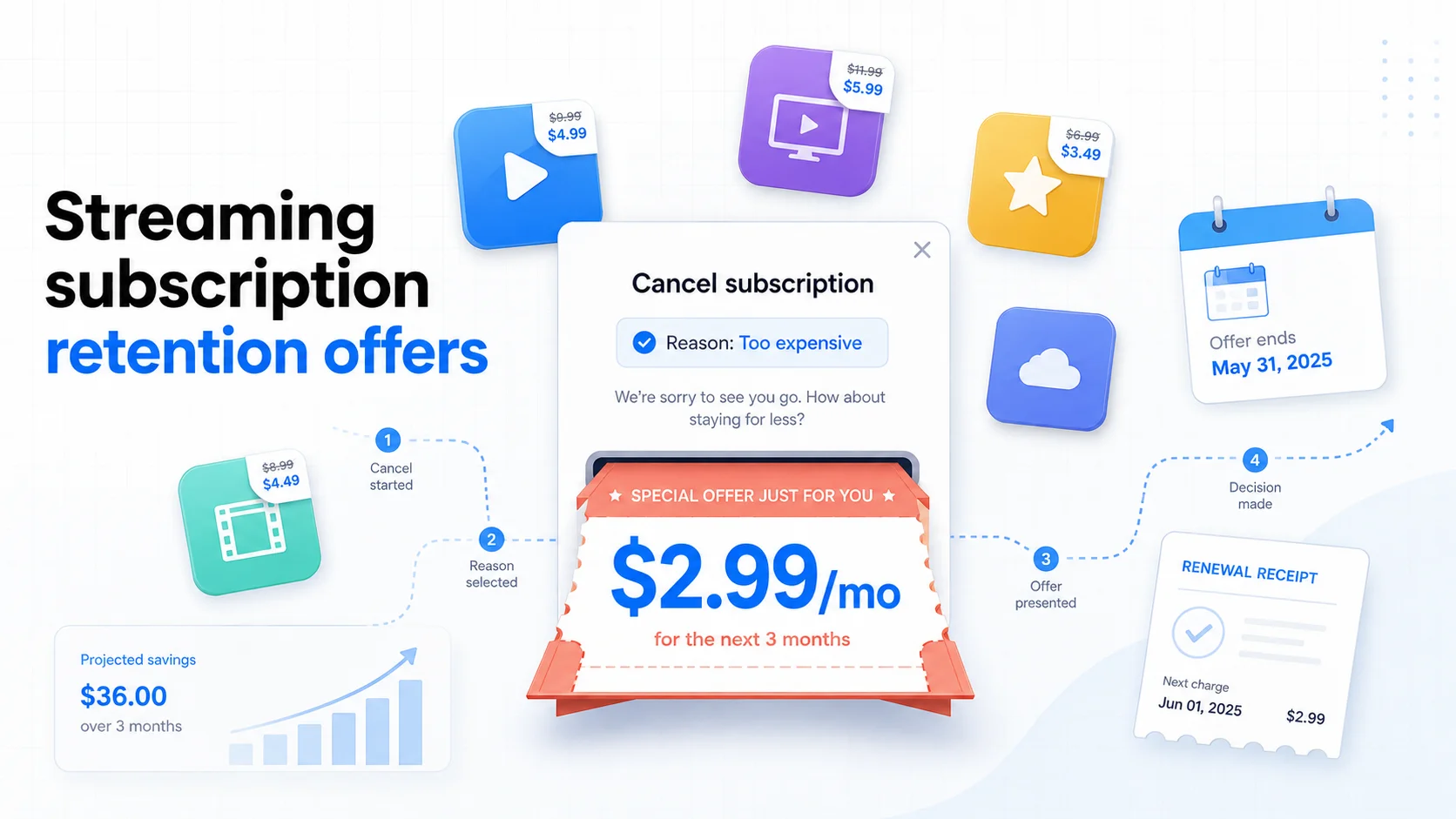
The Subscription Retention Offer Playbook: What Streaming Services Actually Offer When You Try to Cancel (2026 Edition)
Hulu, Peacock, Max, Apple TV+, Disney+, Paramount+, YouTube Premium, and Spotify all show retention discounts inside their cancellation flow. Netflix and Amazon Prime Video do not. Here is the 2026 playbook for triggering the best offer, when to accept it, and how to chain offers into a 6-month rotation.
The Hidden Cost of Free Trials: How $0 Becomes $500/Year
That 'free' trial you forgot about? It's not free anymore. Discover how forgotten free trials are costing Americans an average of $500 per year and learn the exact steps to stop the bleeding.