A small business SaaS subscription tracker for renewals, seats, and ownership
SubBuddy helps freelancers and small teams keep recurring software costs visible without building a finance operations process.
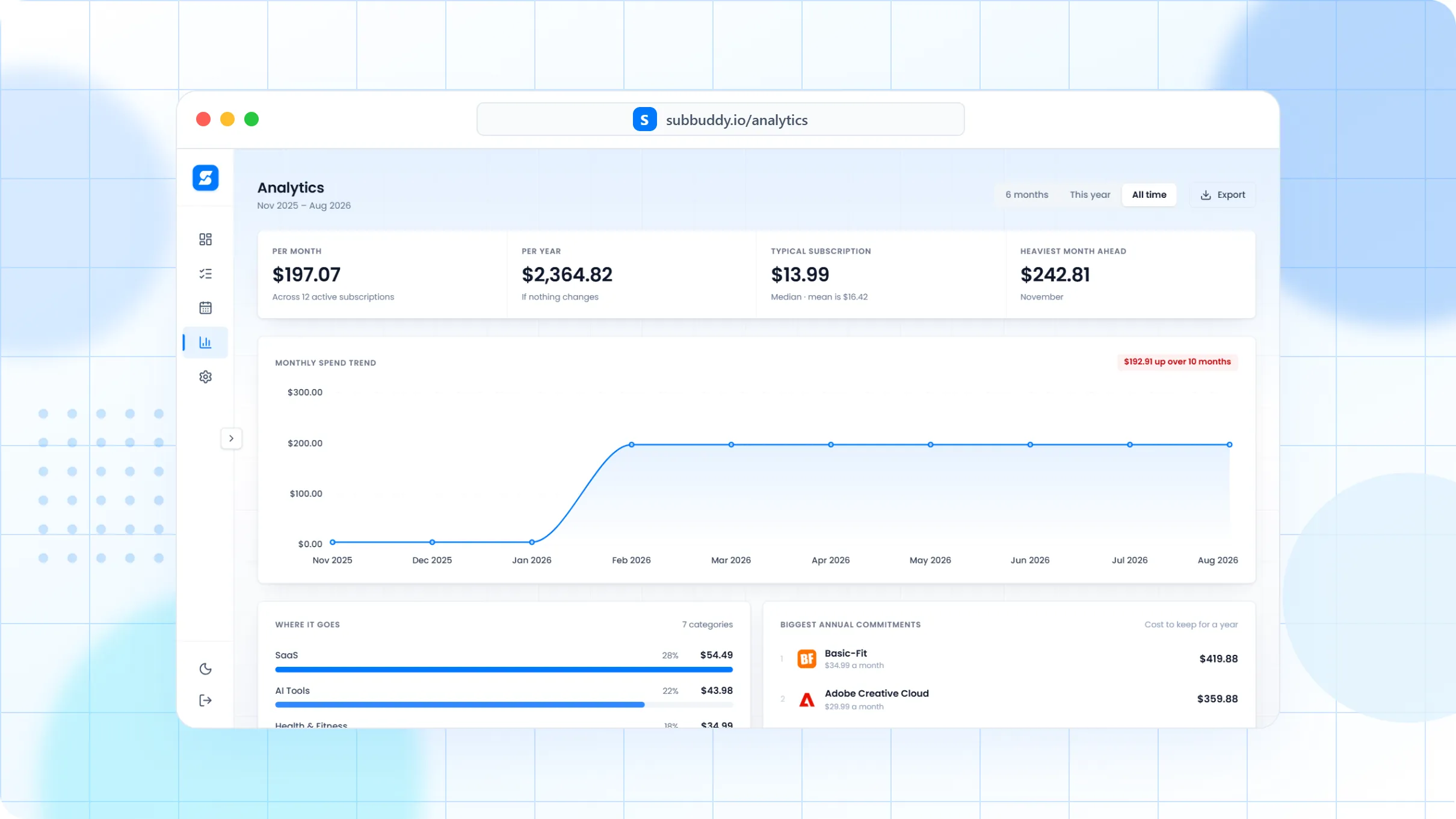
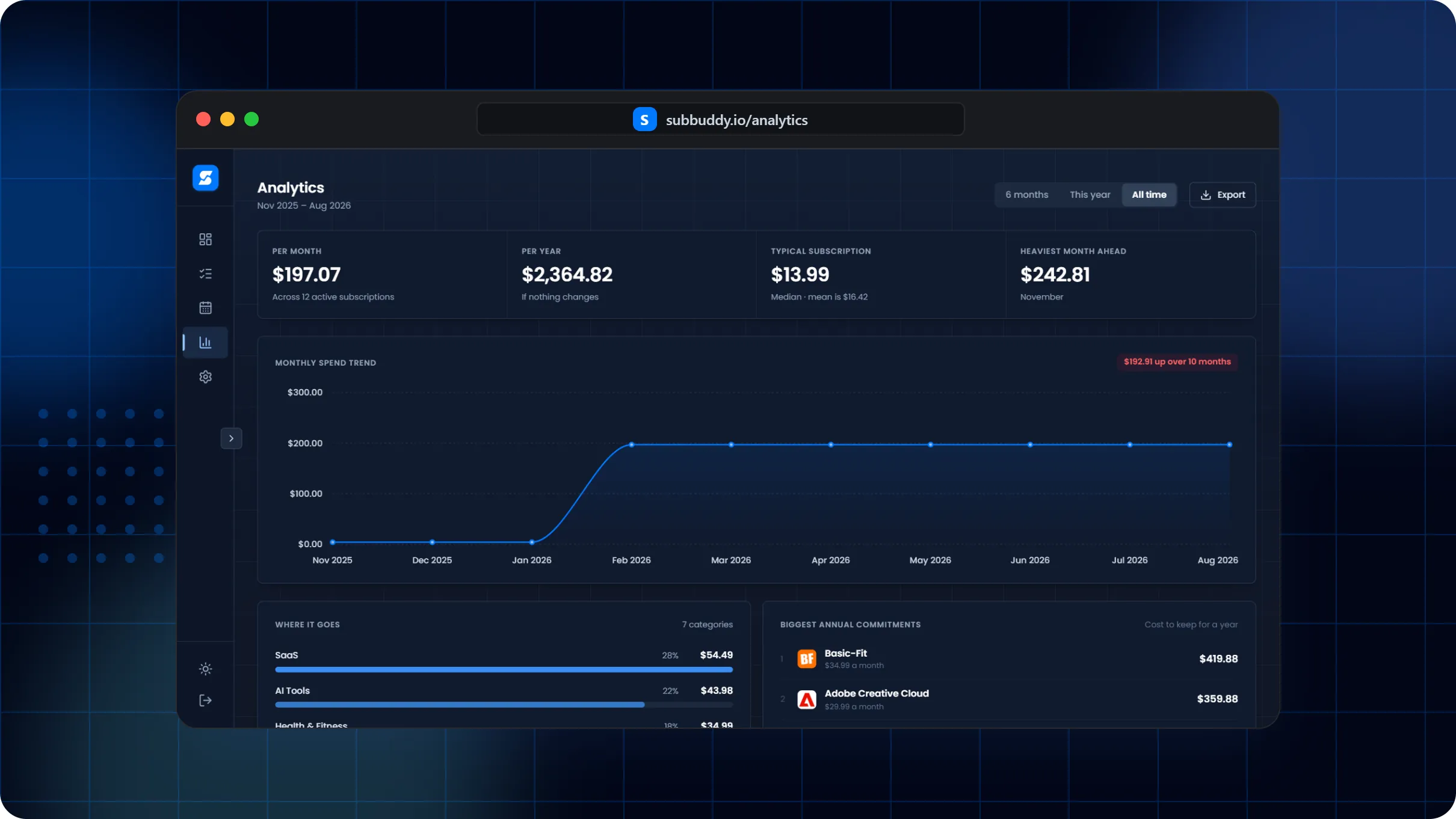
Small teams lose money in the handoff
A tool starts for one client, one campaign, or one employee. Months later, the renewal is still active, the owner has changed, and nobody knows whether the subscription is still necessary.
How to track SaaS without overhead
Create a record for each software subscription with owner, purpose, renewal date, price, and payment method.
Use tags for department, client, deductible, seat count, annual contract, or cancellation candidate.
Review high-cost and annual SaaS before renewals hit.
Export records for tax prep, budgeting, or a quarterly software audit.
What small teams need that generic bill trackers miss
Example: quarterly SaaS review
A two-person agency can review Figma, Notion, ChatGPT, hosting, scheduling tools, and stock libraries by owner and client relevance instead of scanning card statements one charge at a time.
Frequently asked questions
Can SubBuddy track business software subscriptions?
Yes. SubBuddy can store SaaS renewal dates, amounts, categories, tags, notes, payment metadata, and cancellation details.
Can this help with tax prep?
It can help organize records and business-purpose notes, but tax treatment should be confirmed with a qualified tax professional.
Is this for large procurement teams?
No. It is best suited to freelancers, households with work tools, and small teams that need clarity before formal procurement software.