Track free trials before $0 turns into another recurring charge
SubBuddy helps you record trial end dates, reminders, and cancellation context the moment you start a trial.
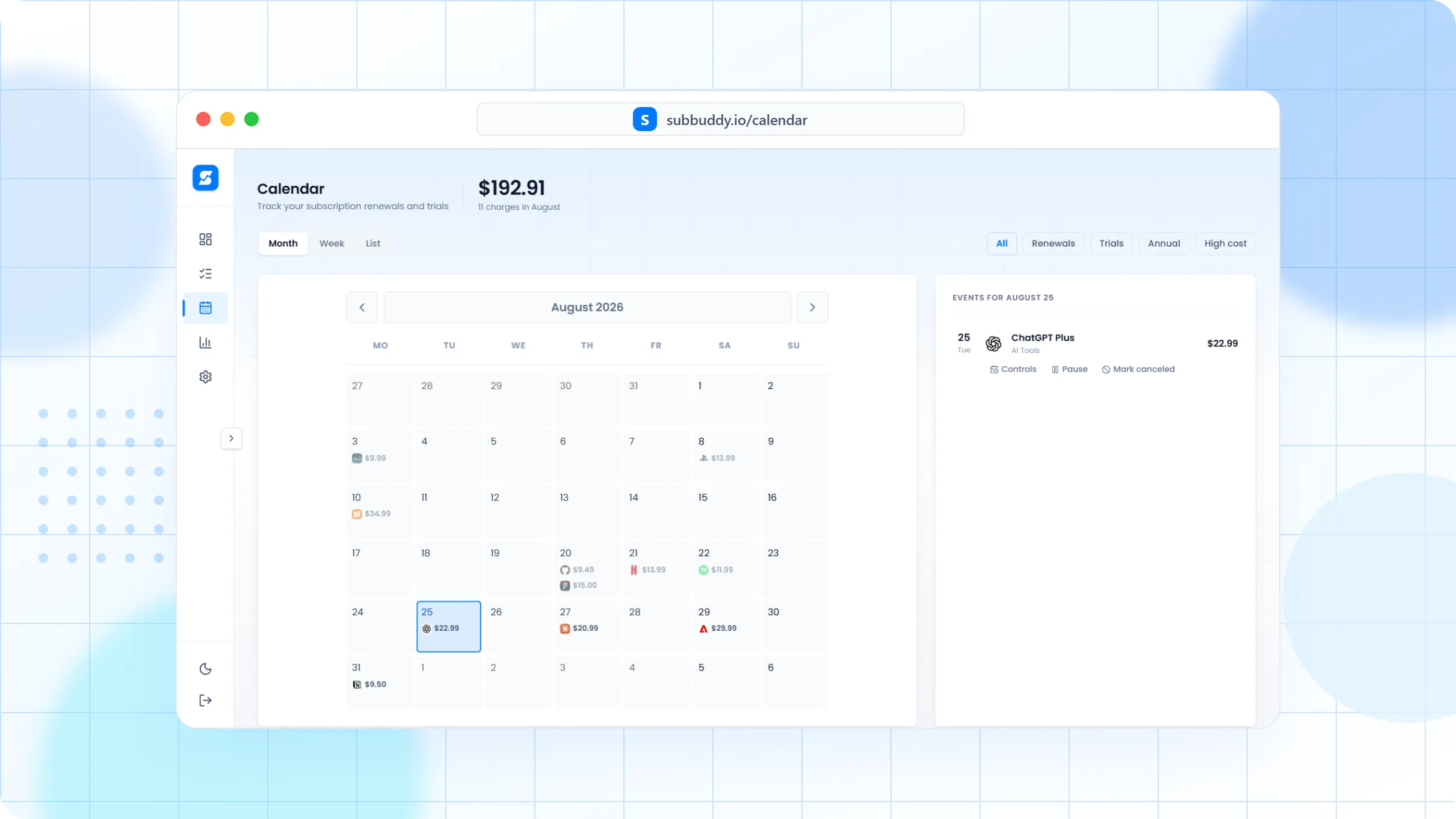
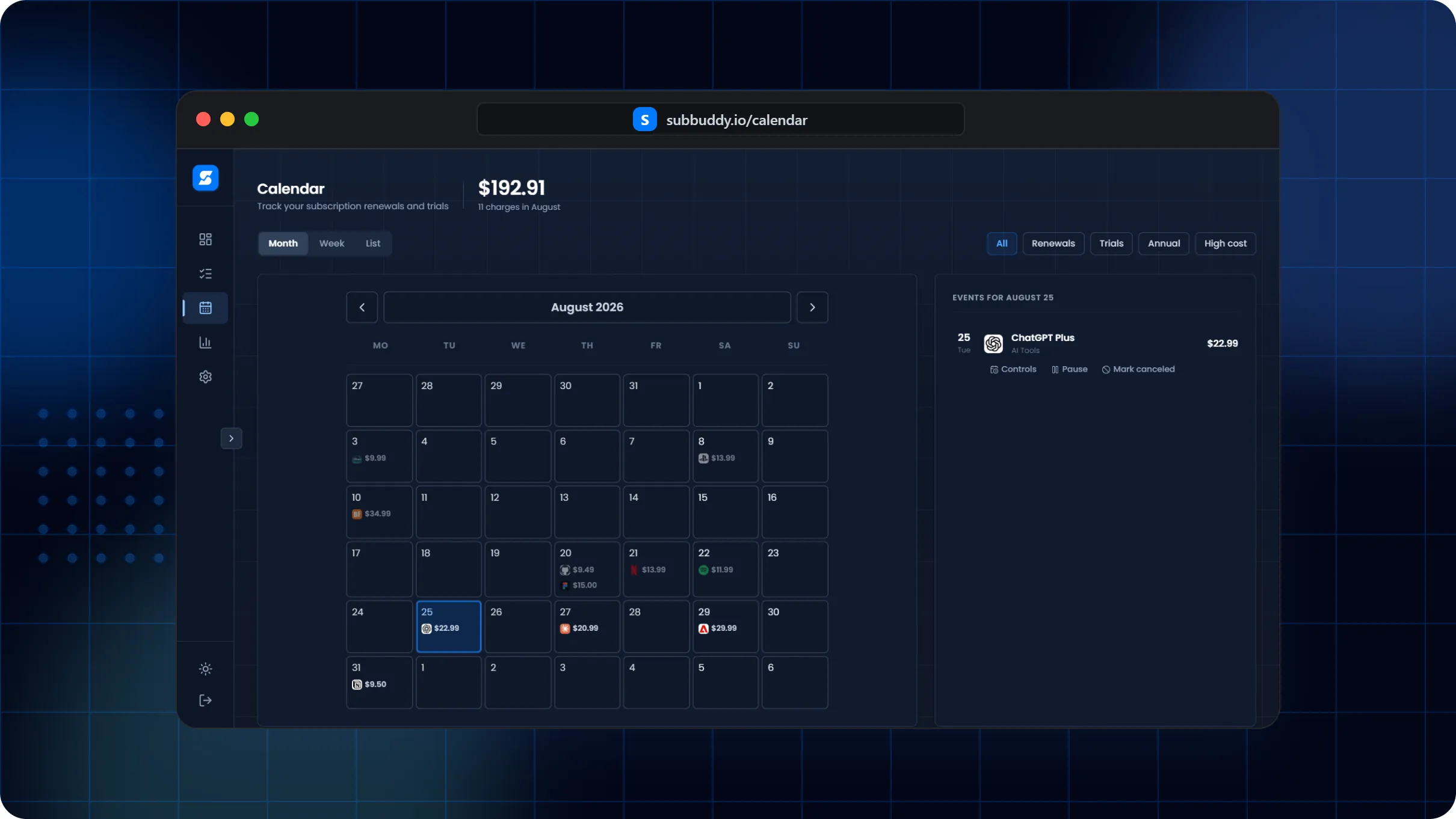
Free trials fail when the reminder is missing
The dangerous part of a trial is not the signup. It is forgetting which card, email, platform, and cancellation path you used seven or thirty days later.
A trial-safe workflow
Add the service as a trial as soon as you sign up.
Store the trial end date, expected paid price, platform, and cancellation URL.
Review trial reminders before the paid period starts.
Mark it canceled, convert it to active, or extend the review date if you still need time.
What makes trial tracking useful
Example: app store trial cleanup
If you start a PDF editor trial for one document and a fitness app trial for a January routine, SubBuddy can remind you before both convert into paid subscriptions.
Frequently asked questions
When should I add a free trial?
Add it immediately after signup, while the price, trial end date, email, and cancellation path are still easy to find.
Can I track trials from Apple or Google app stores?
Yes. Store the platform in notes or tags, then use the trial end date and cancellation notes to review it before renewal.
What happens if I keep the service?
Update the record from trial to active, confirm the billing interval and amount, and keep the same history.