A family subscription tracker for shared renewals and duplicate plans
SubBuddy helps households see what everyone is paying for before duplicate plans and annual renewals pile up.
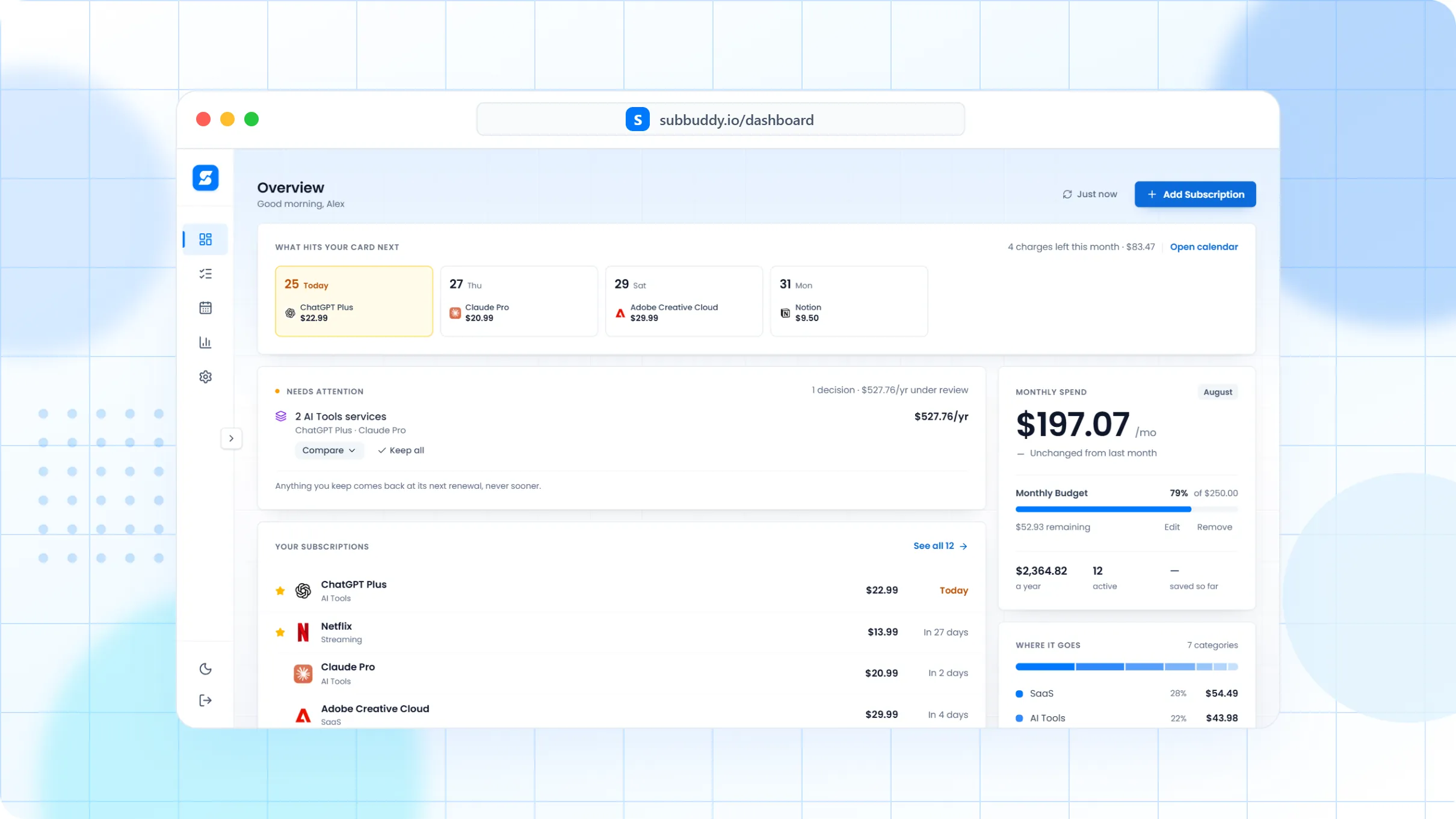
Family subscription waste is often duplicated context
One person pays for Netflix, another has Apple storage, a third started a sports trial, and nobody remembers which card owns the renewal. SubBuddy gives the household one shared picture.
How a household can use SubBuddy
Create records for shared streaming, app store, storage, memberships, and household recurring bills.
Use categories and tags for owner, platform, payment card, and shared vs personal use.
Review the calendar together before annual renewals and seasonal services charge again.
Keep cancellation links and notes visible so the right person can act.
Built for messy households
Example: streaming duplicate check
A family might discover two music accounts, separate cloud plans, and a sports streaming service that only mattered during one season. The tracker turns that into a renewal conversation before the next bill.
Frequently asked questions
Can SubBuddy track shared subscriptions?
Yes. Use family context, categories, tags, notes, and payment metadata to make shared services visible.
Can each family member have personal subscriptions too?
Yes. Tags and notes can separate personal services from household subscriptions without hiding the full recurring-spend picture.
What should families review first?
Start with streaming, music, cloud storage, app store subscriptions, annual memberships, and trials started for one-time needs.