A subscription renewal calendar for charges you cannot afford to forget
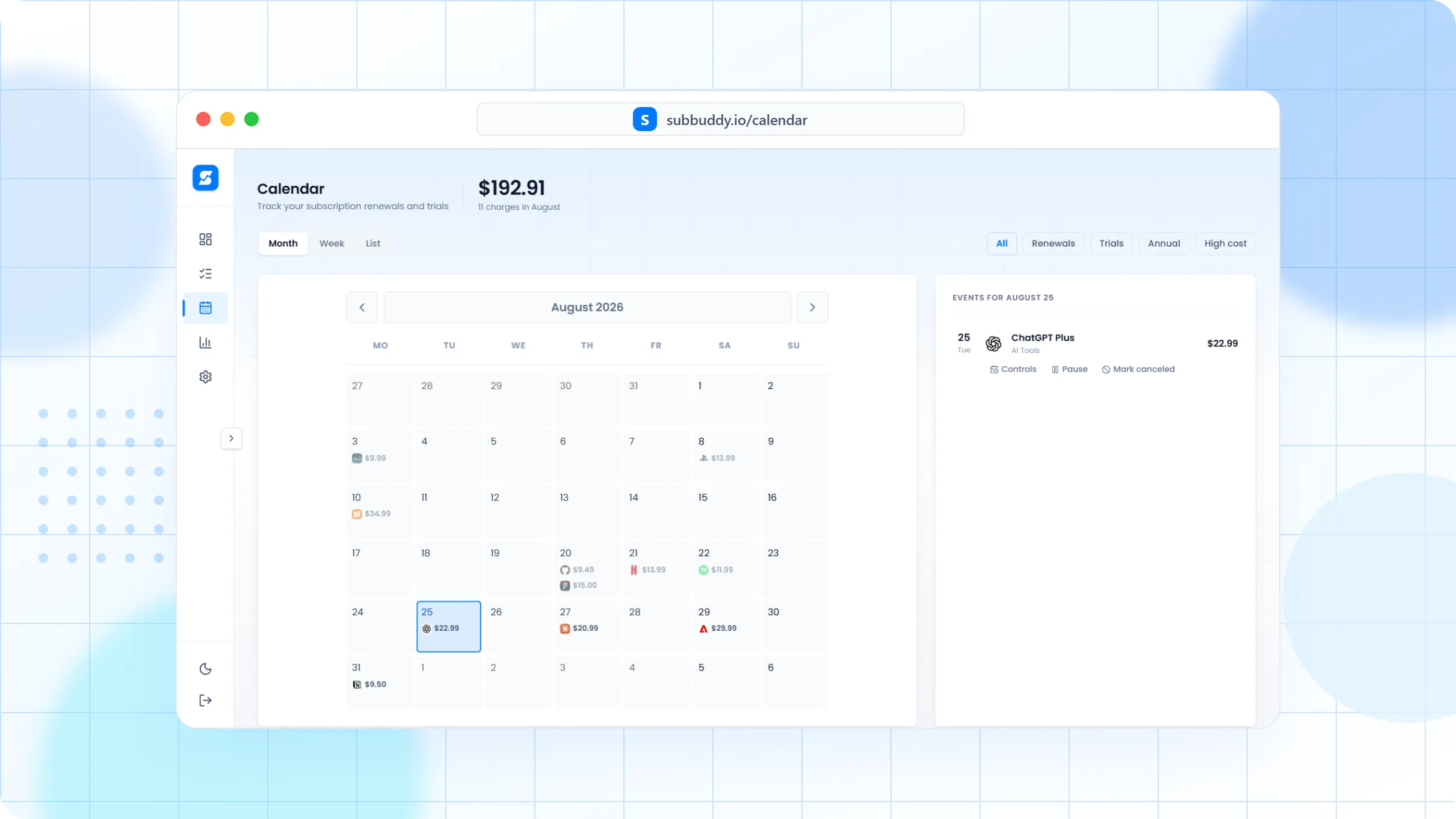
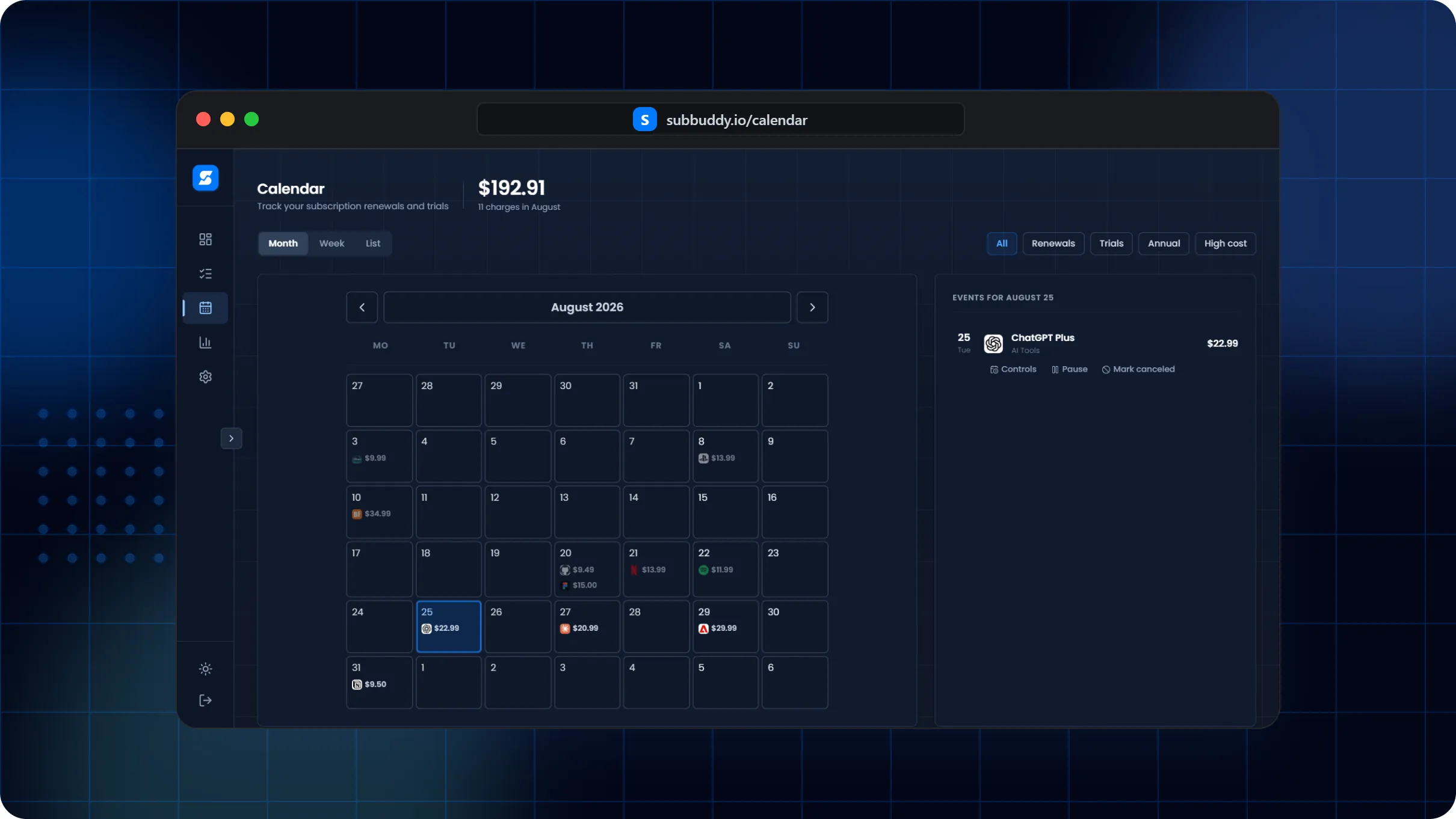
Turn scattered billing dates into a monthly, weekly, or list view that shows what renews next and what needs action.
The problem is timing, not just totals
A $12 app and a $300 annual software renewal create very different cash-flow problems. SubBuddy keeps the date, amount, status, and cancellation context together so renewal review becomes a routine.
How to plan renewals
Enter renewal dates and billing intervals for monthly, yearly, trial, and one-time records.
Use calendar views to scan upcoming charges by week, month, or list.
Filter for annual renewals, trials, high-cost subscriptions, or active services.
Pause, resume, mark canceled, or edit renewal controls from the renewal workflow.
What the calendar keeps visible
Example: annual renewal review
If Figma, Costco, an antivirus plan, and a streaming annual plan all renew in the same month, the calendar makes that pileup visible early enough to cancel, pause, or move money.
Frequently asked questions
Can I track annual subscriptions?
Yes. SubBuddy supports billing intervals beyond monthly plans, so annual renewals can appear before they hit your card.
Can I use a normal calendar instead?
You can, but a normal calendar does not keep amount, status, tags, payment method, cancellation notes, and subscription history together.
Does SubBuddy show trial endings?
Yes. Trial status and trial end dates can be stored separately from regular renewal dates.