How I Run My Own Household Subscriptions in SubBuddy: The Weekly Four-Minute Routine
Every recurring charge in my household goes into SubBuddy the day it starts, with its real renewal date and a reminder lead time that matches how hard it is to cancel. Once a week I open the needs-attention deck, decide each flagged row with one click, and close it. The routine takes about four minutes; the setup took one afternoon and one honest audit.
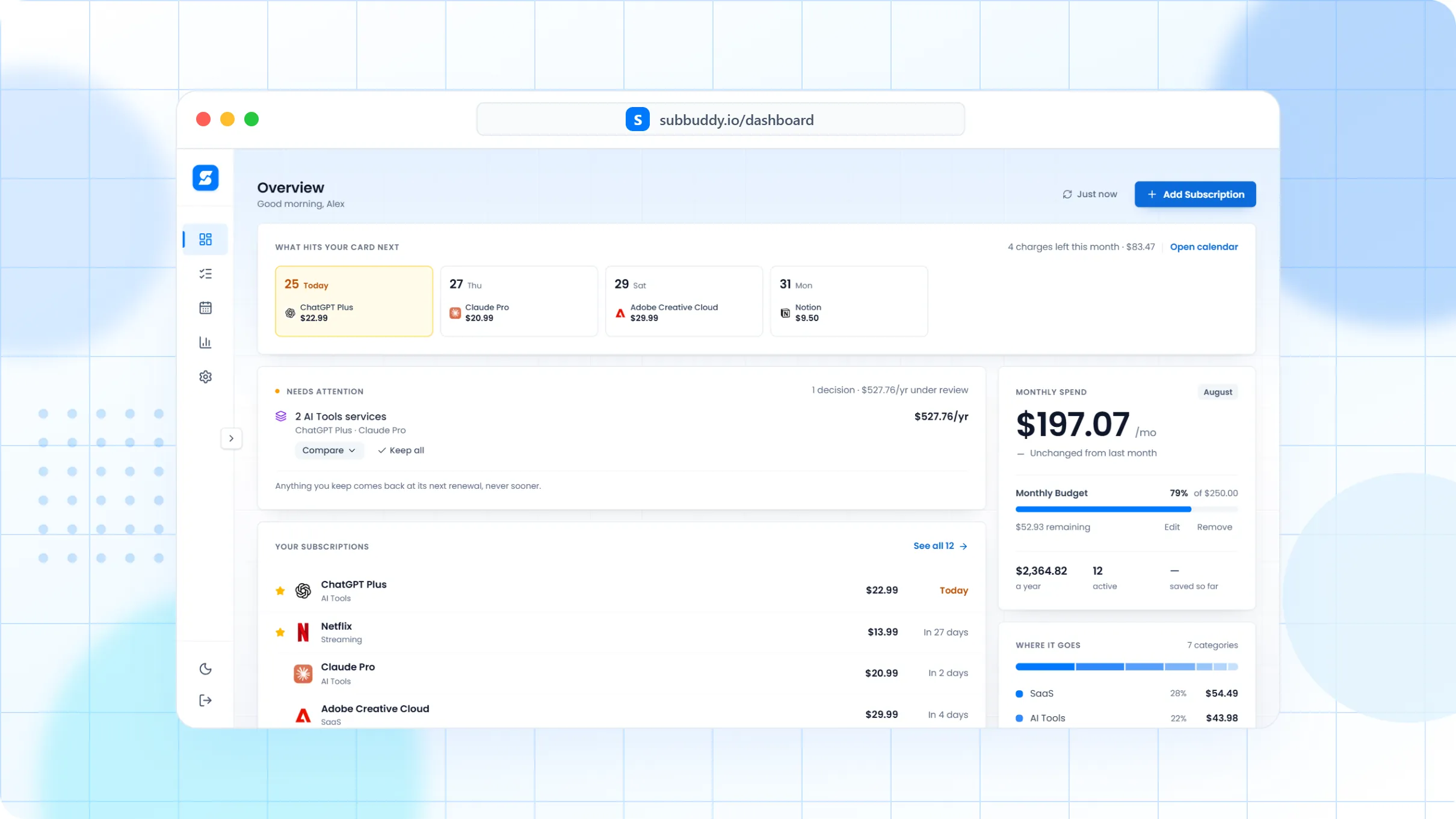
Table of Contents
I built SubBuddy in 2024 after finding roughly $200 a month of charges on my own statements that I had forgotten about. That story is written up elsewhere. This post is about what happened after: the routine I actually run today for my household, in the product I actually built, with the parts that turned out to matter and the parts I dropped.
I am writing it because the audit that started everything is a one-off, and one-offs decay. Six months after cleaning up, a new trial has converted, a price has gone up, and a service you cancelled has come back under a different name. The point of a tracker is not the first cleanup. It is making the second one unnecessary.
What this is and is not. This is my own household workflow, using SubBuddy the way it exists today. The figures I quote are ones I have already published: the 2024 statement audit and the iPhone audit that found nine forgotten App Store subscriptions at €47 a month. I am not going to list my current bills line by line; the workflow is the useful part, and it transfers.
Why a routine, not an audit
An audit answers "what am I paying for right now?" A routine answers "what is about to change, and did I decide it?" Those are different questions. The first one is a spreadsheet exercise you do once. The second one needs three things a spreadsheet does not have: a real renewal date for every line, a reminder that fires before the date rather than after the charge, and a short list of rows that need a decision this week instead of the whole table.
Everything below is built around those three things. If you take nothing else from this post, take the split: enter once, decide weekly, never re-audit.
What goes on the list
The rule is simple: anything that will charge me again without a new decision goes in. That is wider than "subscriptions" in the streaming sense. In my household it means:
- Streaming, music and cloud storage, obviously. This is where the iPhone audit started: iCloud+ stayed, most of the rest went.
- Software I pay for as a developer, including AI tools whose plans change every few months.
- Household recurring bills that renew on a contract: internet, mobile lines, insurance. They do not feel like subscriptions, but they renew and they raise prices, which is the whole point.
- Every free trial, the moment I start it, with the trial end date as the renewal date. A trial I have not written down is a subscription I have already bought.
- Annual plans, which are the ones that hurt. A yearly charge is invisible for eleven months, which is exactly why it needs a date and a reminder more than a monthly one does.
What does not go in: one-off purchases, and anything that needs my explicit action to charge me again. Those cannot surprise me, so they do not need tracking.
How each subscription gets in
Three ways, in order of how often I use them:
- By hand, at the moment of signup. Name, price, currency, billing interval, renewal date. It takes under a minute, and doing it while the confirmation email is still open is the only time I reliably know the real renewal date and the real price after the promo. The SubBuddy tab stays pinned next to the checkout tab.
- From Gmail receipts, with the Chrome extension. For app-store and SaaS receipts that land in my inbox, the extension reads the receipt and proposes a subscription with the amount and date filled in. I review it before it is saved; it never writes anything on its own. This catches the ones I would have forgotten to type.
- CSV import, once. When I moved my old spreadsheet over, I imported it and reviewed each row rather than trusting the file. The spreadsheet schema I use maps onto the import cleanly, so a reader coming from a sheet can do the same.
Two fields I always fill and most people skip: the payment method (which card, last four digits) and the cancellation URL. When a card gets replaced, I can filter by it and know what will fail. When I decide to cancel, the link is already there instead of a ten-minute hunt through account settings.
Renewal dates and reminders
The renewal date is the real one from the receipt, not "about the 15th". SubBuddy rolls it forward automatically after each charge, so it stays right without maintenance. The calendar view shows the next few weeks, and I export the same dates to my phone calendar so they appear next to everything else in my life.
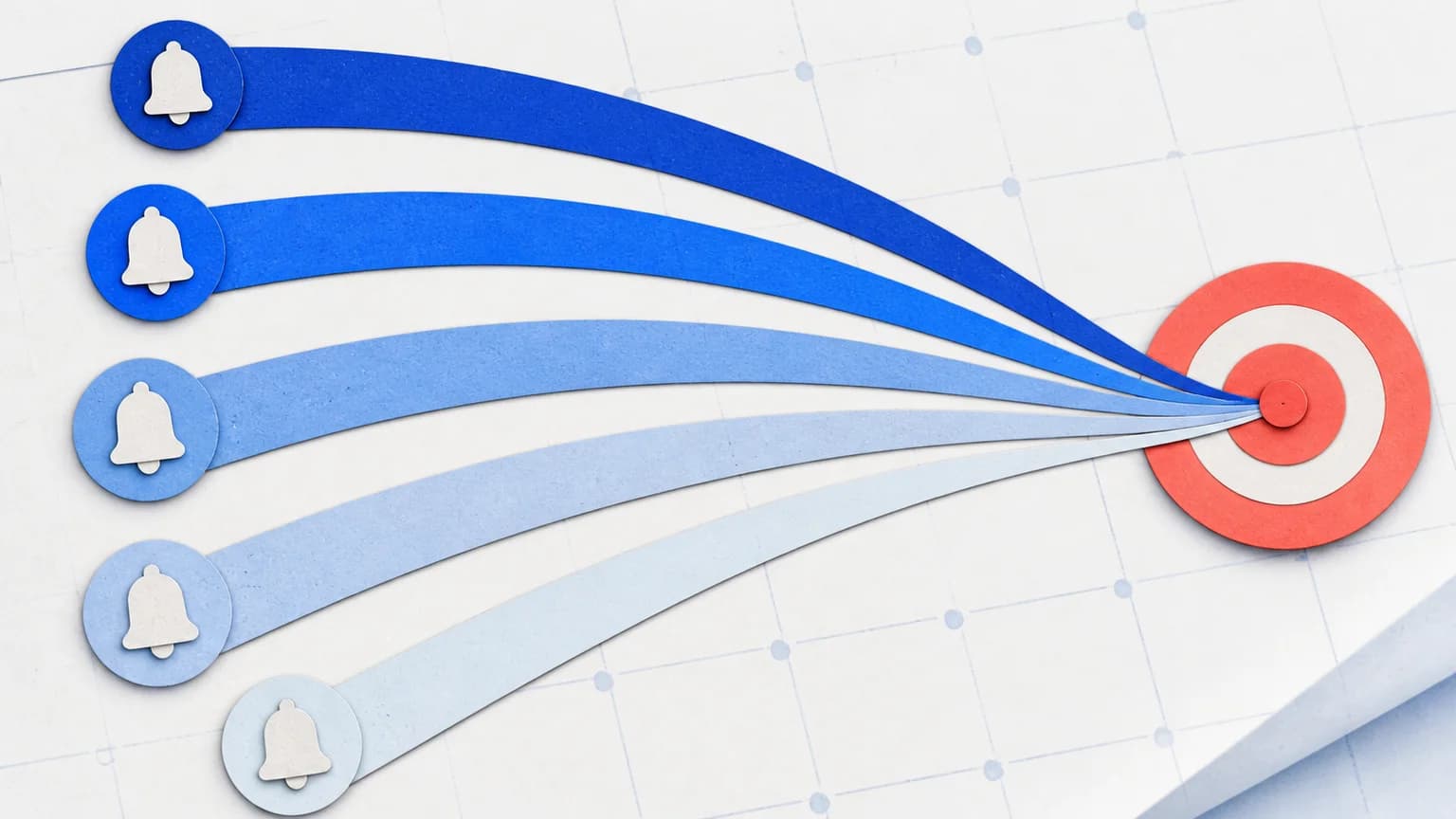
Reminders are where I changed my mind over time. I started with one global lead time and it was wrong for half the list: three days is plenty for a monthly plan I can cancel in two taps, and useless for an annual plan or a contract that needs an email or a call. So the lead time is set per subscription, roughly like this:
| Kind of subscription | Lead time I use | Why |
|---|---|---|
| Monthly, cancel in-app in two taps | 2 to 3 days | Enough to act, not enough to forget again |
| Free trial converting to paid | 2 days before the trial ends | The decision is "did I use it", and two days is when I know |
| Annual plan | 14 days | Time to compare alternatives before a year is committed |
| Contract with a notice period (telco, insurance) | 30 days or the notice period, whichever is longer | The renewal date is not the deadline; the notice deadline is |
The full lead-time table goes service by service if you want a starting point. Reminders arrive by email and, on the phone, as a push notification. When a reminder fires and I want to think about it next month instead, I snooze it to a date rather than dismissing it, so it comes back.
The weekly four-minute review
Sunday morning, coffee, the dashboard. I do not read the whole list. I open the needs-attention deck, which only shows rows the app has a reason to flag:
- Trial ending: a trial converts to paid within the next few days.
- Price increase: the amount on a subscription went up since I last decided on it.
- Duplicate category: two active services in the same category, which is how I once paid for two cloud storage plans for a year.
- Stale: a subscription I have not touched or reviewed in a long time.
Each row gets one of four decisions: keep, snooze to a date, cancel, or dismiss the flag. The decision is recorded against the price at the time, which matters more than it sounds: a "keep" I made when something cost 9.99 does not silently cover the same service at 14.99. If the price moves again, the row comes back.
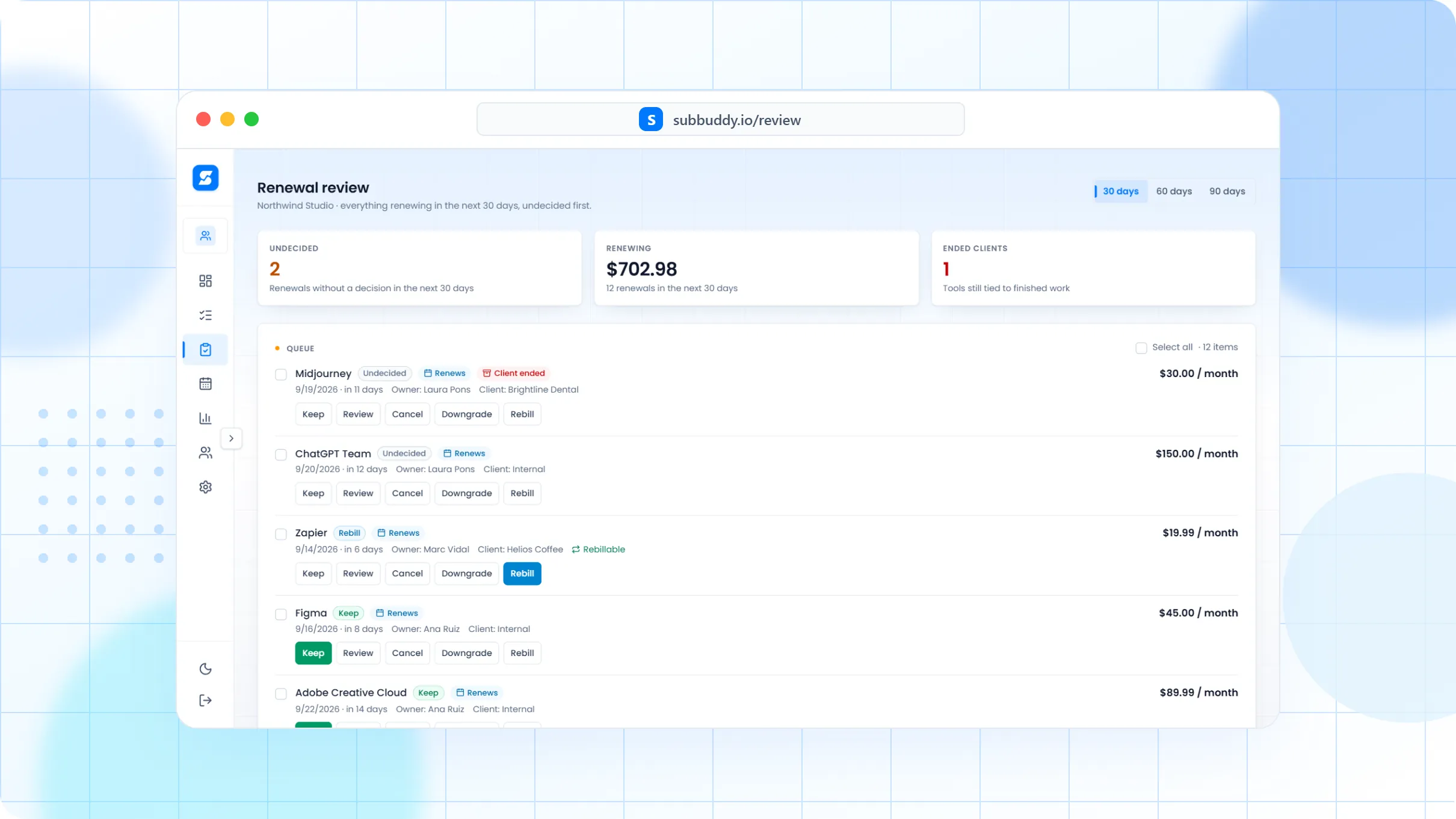
On a normal week that is two or three rows and about four minutes. On a week with nothing flagged it is thirty seconds to confirm the deck is empty and glance at the next renewals. That asymmetry is the entire design: the routine costs almost nothing on quiet weeks, so I keep doing it.
What I do when something is flagged
Trial ending. The question is not "is this good" but "did I open it in the last week". If not, cancel now, before the charge, using the cancellation link saved on the row. If yes, keep, and the trial date becomes a normal renewal date.
Price increase. I check the service guide for that service first, because the guide lists the plan ladder and whether a cheaper tier exists. Roughly a third of the time the right move is a downgrade rather than a cancel. Then I decide, and the decision is stored against the new price.
Duplicate category. One of the two goes. Usually the one with the later renewal date, so I keep the one I have already paid for until it runs out.
Stale. This is the uncomfortable one, because stale usually means "I am paying for the idea of using this". The 30-day test from the iPhone audit applies: if I did not use it in the last 30 days, it goes on the cancel list, and I can always come back.
Sharing it with the household
Half of the list is not mine alone. Shared subscriptions live in a household space: I own the space, my partner is a member, and the shared rows are visible to both of us while personal ones stay personal. The practical effect is that "are we still paying for that?" has an answer that does not involve me searching my inbox, and that a renewal reminder for a shared service reaches the person who actually uses it.
Currencies are mixed, because some services bill in euros and some in dollars. The monthly total converts everything with daily exchange rates, so the number on the dashboard is one number, not two columns I have to add in my head.
What the routine has caught
I keep this honest by only quoting things I have already published. The 2024 statement audit found around $200 a month I did not know I was paying, which is the reason the product exists. The iPhone audit found nine App Store subscriptions at €47 a month, six of which I cancelled on the spot. Since the routine has been in place, the pattern has changed: the catches are smaller and earlier. A trial flagged two days before it converts costs nothing. A price increase flagged the week it happens is a downgrade, not a year of overpaying. The savings are less dramatic than the first audit, which is exactly the point.
Copy the routine
- Add your three most expensive subscriptions with their real renewal dates. The free plan covers three; that is enough to feel whether the routine fits.
- Give each one a reminder lead time that matches how hard it is to cancel, not a global default.
- From now on, add every new subscription and every trial at the moment you sign up, while the receipt is open.
- Pick a day. Open the needs-attention deck once a week, decide what is flagged, close it.
- When you switch cards or email accounts, filter by payment method and fix the list before the failures start.
That is the whole thing. The product does the remembering; the routine does the deciding. The features page shows each screen mentioned above, and the spend calculator is a no-account way to see your own total before you decide whether it is worth tracking at all.
Alex Coca
Alex Coca is the independent developer behind SubBuddy. He researches subscription billing, cancellation patterns, and recurring-spend workflows by building the product and reviewing real subscription audits from users and his own accounts.
Set up the same routine in an afternoon
Add your three most expensive subscriptions with their real renewal dates, set one reminder lead time each, and let the weekly review do the rest. No bank connection, no card to start.
Start tracking freeRelated Articles
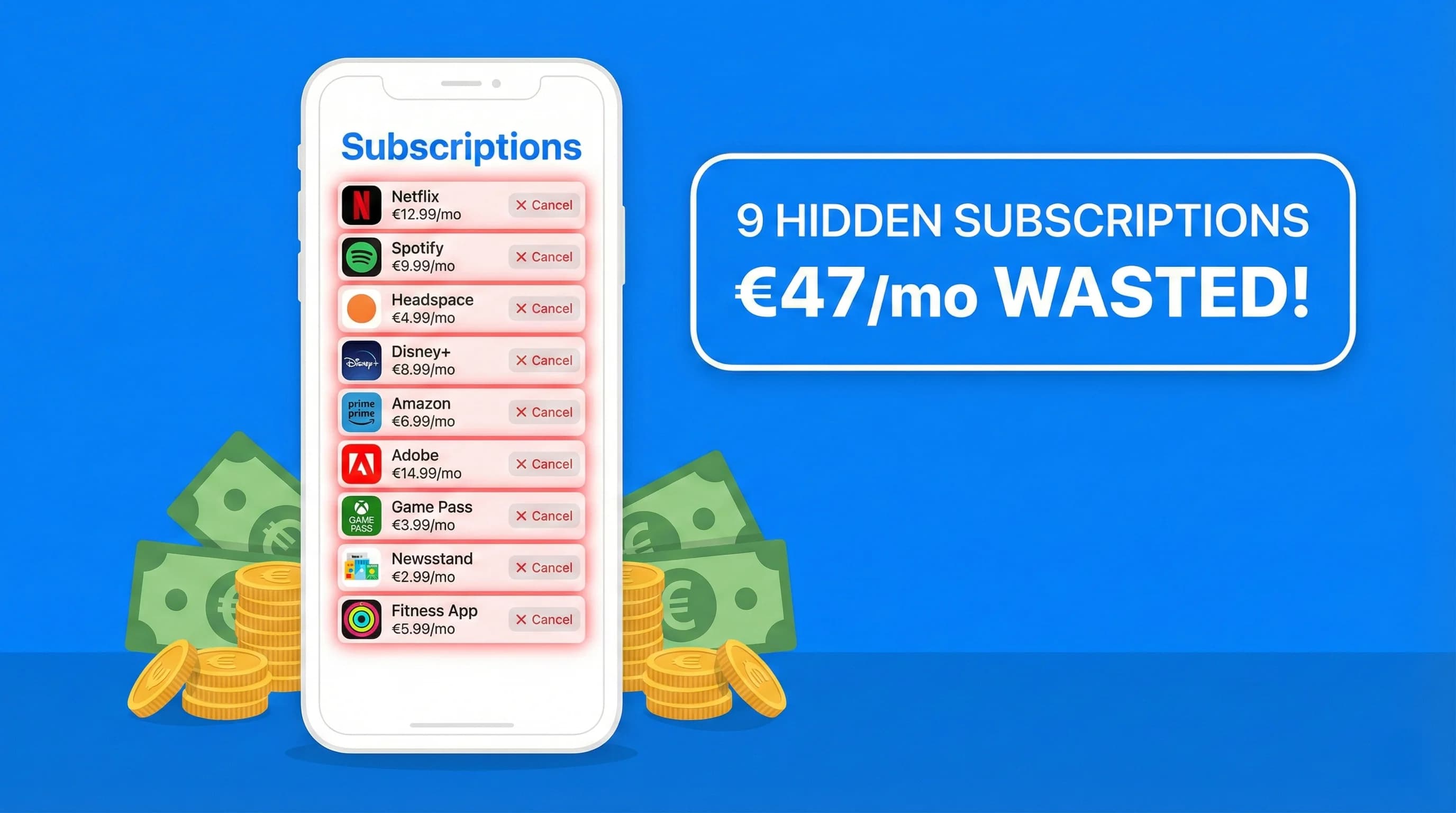
I Found 9 Hidden Subscriptions in My iPhone Bill in 10 Minutes: Here's Exactly How I Did It
Last Sunday I opened Subscriptions on my iPhone out of curiosity. Nine charges I'd totally forgotten were sitting there. Here's the exact 4-step process to find and kill every hidden subscription on your iPhone right now.
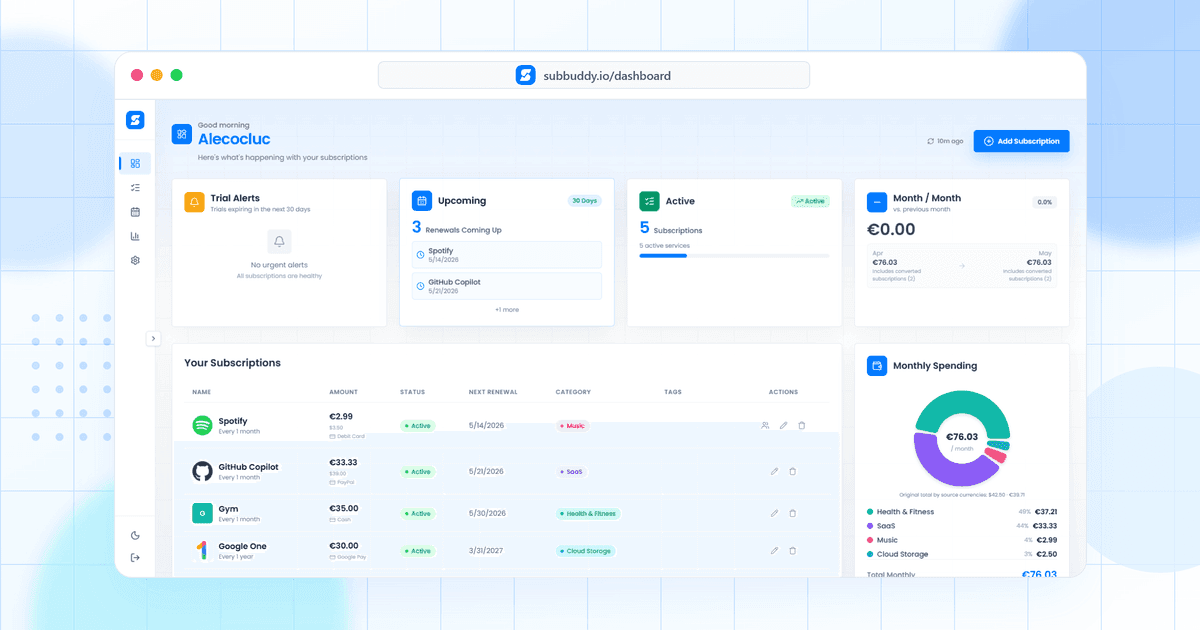
Why I Built SubBuddy: The Personal Story Behind the App
The moment I discovered I was paying for 12 subscriptions I'd forgotten about, I knew something had to change. Here's the personal journey that led to creating SubBuddy.
How Much Warning Does a Subscription Actually Need? A Lead-Time Table for Renewal Reminders
Most renewal reminders fire one day out and are worthless, because one number cannot cover an app-store charge, a phone-only membership and an annual plan. Here is the formula, the table by charge type, and the reminder ladder we actually ship.