How Much Warning Does a Subscription Actually Need? A Lead-Time Table for Renewal Reminders
Table of Contents
Seven days is the right default, 60 and 45 days is the right pair for anything annual, and three days is the right offset for a trial, counted back from the trial end date rather than from any renewal date. Ask ten people how far ahead their renewal reminders fire and nine will give the same answer: the day before. It is the default in most trackers, the default in most calendars, and the number people pick when a form asks them to choose one. It is also, for a large share of subscriptions, too late to be worth anything.
The mistake is treating a reminder as a notification. It is a deadline. The useful question is not when do I want to be told, it is what is the last day I can still act. Those two dates are rarely the same, and the gap between them is different for every billing channel you use.
Last reviewed: August 31, 2026. Every deadline quoted below comes from the merchant's or the regulator's own published page, read on that date. The reminder offsets in the product section are read out of SubBuddy's scheduling code rather than described from memory.
Why One Day Is Not a Reminder
Four real deadlines, all published by the companies themselves, all of which a one-day reminder misses or lands exactly on:
- Apple charges a trial 24 hours out. Apple's guidance is to cancel a free or discounted trial at least 24 hours before the trial ends. A one-day reminder does not give you a day of warning, it drops you on the deadline itself, with no slack for a flat battery, a flight or a Saturday.
- Google Play can hold the money before the period starts. Google states that an authorisation hold may be placed on your form of payment up to 48 hours prior to the beginning of the next renewal period, or up to five days before it if you are in India or Brazil. The charge can already be pending against your card while your reminder is still queued.
- Some merchants publish a hard notice window. Uber tells Uber One members to cancel at least 48 hours before your billing day to avoid the next cycle, and routes anyone inside that window to support instead of the cancel button.
- Some deadlines are counted in business days. Costco asks members to remove auto-renewal at least two business days before the first day of your renewal month, and warns that inside 48 hours of the renewal date the card on file will likely be charged and then refunded. Cancelling the membership itself is a warehouse counter visit or a call to member services, not a button.
No single number covers those four. That is the entire problem, and the fix is a table rather than a slider.
The Lead-Time Formula
lead days = channel friction + notice window + decision buffer
Channel friction is how long it takes to complete a cancellation once you have decided to do it.
- 0 days: a self-serve button on the web, or the subscriptions screen in an app store.
- 1 day: a retention flow, a chat queue, or a cancellation you have to request through a form and wait on.
- 2 to 4 days: phone or in person. The call is five minutes; the friction is opening hours, hold times and the weekend you hit.
Notice window is the merchant's own deadline before the charge: zero when none is stated, one day for Apple's trial rule, two for the 48-hour class, and roughly four calendar days for anything expressed in two business days.
Decision buffer is how long you need to make the call. Two days for a small monthly charge you can settle in one sitting. Thirty days for anything annual, because you are deciding whether the next twelve months justify a lump sum, and that needs a look at how much you actually used the thing.
One rule matters more than the arithmetic: convert business days to calendar days before you add anything. Two business days starting on a Thursday end on Monday. Round up, then add the weekend.
The Lead-Time Table by Charge Type
| Charge type | Friction | Notice window | Buffer | Set the reminder at |
|---|---|---|---|---|
| Monthly, billed by App Store or Google Play | 0-1 | 1 | 2 | 3 days |
| Monthly, self-serve cancellation on the web | 0 | 0 | 3 | 3 days |
| Monthly with a stated notice deadline (the 48-hour class) | 1 | 2 | 3 | 7 days |
| Phone-only or counter-only cancellation | 2-4 | 4 | 3 | 14 days |
| Annual plan, any channel | 0-1 | 0-2 | 30 | 60 and 45 days |
| Free trial (offset from the trial end date) | 0-1 | 1 | 2 | 3 days, plus a marker on the end date |
The rows round up rather than land on the exact sum, because a reminder that arrives on a day you cannot act is worth nothing. Seven and 14 are chosen so that the window survives a weekend no matter which weekday the renewal falls on.
The annual row is the one people underestimate, and there is an outside check on it. California's automatic renewal law requires that for a renewal term of a year or longer, the merchant's own notice be delivered in a window that opens 45 days before the renewal and closes 15 days before it. The same statute sets three to 21 days for notice before a free trial longer than 31 days expires. When a regulator writes down what a useful warning looks like, it starts at 45 days for an annual charge and at three for a trial. One day is not in the same category of thing. The state-by-state picture is in our guide to US auto-renewal laws, and the per-platform cancellation steps are in the platform-by-platform cancellation guide.
A Trial End Date Is a First-Charge Date
Trials are the one row where people measure from the wrong anchor. The date a trial ends is not an expiry, it is the day you get billed. Google puts it plainly: once the trial period ends, the first billing period begins and you are charged automatically at the amount in your subscription terms.
Two consequences follow:
- Offset from the trial end date, not from a renewal date that does not exist yet. A tracker that only understands renewal dates will silently skip every trial you have.
- Check which plan the trial converts into. If the default selection is the annual plan, the charge at the end of that trial is an annual charge, and it deserves the annual row's lead time rather than the trial row's. This is where trials do most of their damage; we put numbers on it in the real cost of free trials, and the case against paying a year upfront is in the annual subscription math trap.
The Ladder We Actually Ship
None of this is theoretical for us: the table above is roughly the shape of the reminder schedule in the product, and the parts that differ differ for reasons worth writing down.
The email ladder is 30, 15, 7, 3 and 1 days out. The function that builds it caps your requested maximum at 30 and, if the number you picked is not already a rung, adds it as one. Ask for 45 days on a monthly subscription and you get 30, because on a monthly cadence a 45-day warning arrives before the previous charge has even landed.
The default is seven days, on every client. That matches the third row of the table, which is the safest single guess when you know nothing about the channel.
The free tier gets 3 and 1 days, on one subscription only — the single nearest upcoming renewal or trial, and nothing else. That is a funnel hook rather than a schedule, and the comment in the source says so in as many words. It is enough to catch the next charge and not enough to run a portfolio.
Push and email fire on the same rungs, which was not always true. The two channels used to be scheduled by separate code and disagreed quietly: email ran 30/15/7/3/1, the Android job also fired on the renewal day itself, applied a different free-tier rule and had no annual early warning at all. Both now read one shared cadence module, so the rung you set in the app is the rung both channels use.
Annual renewals get 60 and 45 on top. This one was added after the fact. The 30-day cap was designed around monthly billing, where a month of warning is a month of slack; on an annual charge it is the entire decision window compressed into 30 days, and it arrives after the point where the merchant's own renewal notice would have gone out. The comment sitting above the constant in that shared module is blunt about the reason: annual surprise charges hurt most and need more lead time to actually cancel. That 45 lines up with the outer edge of California's notice window is a coincidence we were happy to find.
Three details about the annual rungs that are easy to get wrong:
- What counts as annual is the interval, not the label. The check treats a plan as annual if its billing unit is a year, or if it bills every 12 months or more, every 52 weeks or more, or every 365 days or more. A contract sold as "monthly, 12-month minimum" lands in the annual bucket where it belongs.
- The lookahead window has to widen with it. A paid account's upcoming-charge query reaches at least 60 days ahead instead of stopping at the 30-day cap, because a rung nobody looks that far ahead for can never fire. On the free tier that same query stops at three days, which is the real reason the free ladder is short.
- Trials never get 60 and 45. Most trials are shorter than 60 days, so an early-warning rung would want to fire before the trial had started.
A per-subscription offset replaces the ladder for that one item, still capped at 30, with the annual rungs merged on top. Snoozing an item suppresses every rung until the snooze date passes.
One honest gap: our CSV export writes the renewal date, the billing interval and the trial end date, but not the reminder offset. The offset lives in the app. If you export to a spreadsheet, the lead time is a column you compute rather than a column you inherit — which is exactly what the next section does.
Three Ways to Run the Table
The table is the product. Everything below is just a place to keep it.
1. A calendar file
The elegant version of a lead-time ladder in a calendar is not several events. It is one recurring event on the renewal date with one alarm per rung. In iCalendar, the alarm offset is the TRIGGER property, whose default value type is a duration measured from the event start unless you say otherwise, and a negative duration schedules the alarm before the associated time — RFC 5545 section 3.8.6.3. A display alarm needs an ACTION, a TRIGGER and a DESCRIPTION.
BEGIN:VEVENT
SUMMARY:Renews: annual plan
DTSTART;VALUE=DATE:20270315
RRULE:FREQ=YEARLY
BEGIN:VALARM
ACTION:DISPLAY
DESCRIPTION:Renews in 60 days - decide now
TRIGGER:-P60D
END:VALARM
BEGIN:VALARM
ACTION:DISPLAY
DESCRIPTION:Renews in 45 days - last comfortable day
TRIGGER:-P45D
END:VALARM
END:VEVENT
Change the two TRIGGER lines and you have moved to a different row of the table; change FREQ=YEARLY to FREQ=MONTHLY and you have a monthly charge. One caveat worth checking after import: calendar apps differ in how many alarms they keep on a single event, and a read-only subscribed feed may apply the calendar's own default notification instead of the alarms in the file. Open one event afterwards and confirm every rung survived.
If you would rather not hand-write the file, our free trial reminder generator writes this for a trial: pick a lead time of 1, 2, 3, 5 or 7 days, and it produces a two-event file — a reminder on the cancel-by date and an all-day marker on the trial end date — plus a Google Calendar link if you would rather add it without downloading anything. Separately, the calendar feed on paid plans publishes your renewal dates with a recurrence rule and no alarms at all, by design: the feed supplies the dates, your calendar supplies the alerts.
2. A spreadsheet column
If you already keep a sheet, the table is four columns bolted onto the schema in our subscription spreadsheet guide. Assuming the renewal date sits in column F:
lead_days— a number you copy from the table above. This is the only manual column.cancel_by—=F2-V2, where V holdslead_days.days_left—=W2-TODAY(), where W holdscancel_by.flag—=IF(X2<0,"missed",IF(X2<=2,"act now","ok")), where X holdsdays_left.
For annual rows, put 60 in lead_days and add a second pair of columns at 45 so both rungs are visible. Sort by days_left ascending and the sheet becomes a queue instead of an inventory. What a sheet cannot do is fire on its own — you have to open it, which is the failure mode the whole exercise exists to fix.
3. A tracker
The point of the table is that a single global offset is wrong for at least one row in every portfolio, so the feature to look for is a per-subscription offset rather than a bigger global one. Set the global default to seven, then override the two categories that break it: annual plans upward, trials downward with a marker on the end date. If you are still hunting for what to put in the table in the first place, start with the cancellation guide and note the channel for each service as you go.
If You Only Set One Number
Set seven. It clears every self-serve cancellation, every 48-hour contractual deadline and Apple's 24-hour trial rule with days to spare, and it survives a weekend from any weekday. Then override the three rows seven cannot reach:
- 60 days for anything annual, with a second look at 45.
- 3 days for a trial, measured from the trial end date, unless the trial converts to an annual plan, in which case it is an annual charge and takes the annual number.
- 14 days for anything cancelled by phone or at a counter, because that is the row where opening hours, not your decision, set the pace.
That is four numbers rather than one. It is also the smallest set that does not lose money, and it takes about the same amount of effort to configure as the single wrong number you are using now.
Sources
- Apple, "If you want to cancel a subscription from Apple": the instruction to cancel a free or discounted trial at least 24 hours before it ends.
- Google Play, "Subscribe to services or content": the authorisation hold up to 48 hours before the next renewal period begins (up to five days in India and Brazil), and the first billing period starting the moment a trial ends.
- Uber, "How do I cancel my Uber One membership?": the instruction to cancel at least 48 hours before your billing day.
- Costco, "How can I manage membership Auto Renewal online?": two business days before the first day of the renewal month, and the charge-then-refund behaviour inside 48 hours. The companion page, "How can I cancel my Costco Membership?", is where the counter-or-phone requirement is stated.
- California Business and Professions Code section 17602: notice at least 15 days and not more than 45 days before an automatic renewal of a year or longer, and at least 3 and at most 21 days before a promotional period longer than 31 days expires.
- RFC 5545, iCalendar: the TRIGGER property, and negative durations used to schedule an alarm before the associated time.
All six pages were read on August 31, 2026. Merchant deadlines are changed without announcement, so check the merchant's own page before you rely on one of these numbers for a specific service.
Alex Coca
Alex Coca is the independent developer behind SubBuddy. He researches subscription billing, cancellation patterns, and recurring-spend workflows by building the product and reviewing real subscription audits from users and his own accounts.
Put the Table on Autopilot
SubBuddy runs a 30/15/7/3/1-day reminder ladder, with an extra 60- and 45-day early warning on annual renewals, and lets you override the offset per subscription.
Try SubBuddy FreeRelated Articles
The Hidden Cost of Free Trials: How $0 Becomes $500/Year
That 'free' trial you forgot about? It's not free anymore. Discover how forgotten free trials are costing Americans an average of $500 per year and learn the exact steps to stop the bleeding.
The Complete Guide to Canceling Subscriptions on Every Platform (2026)
Canceling subscriptions should be simple, but companies make it intentionally difficult. Here's your step-by-step guide to canceling subscriptions on every major platform, from Apple to Amazon.
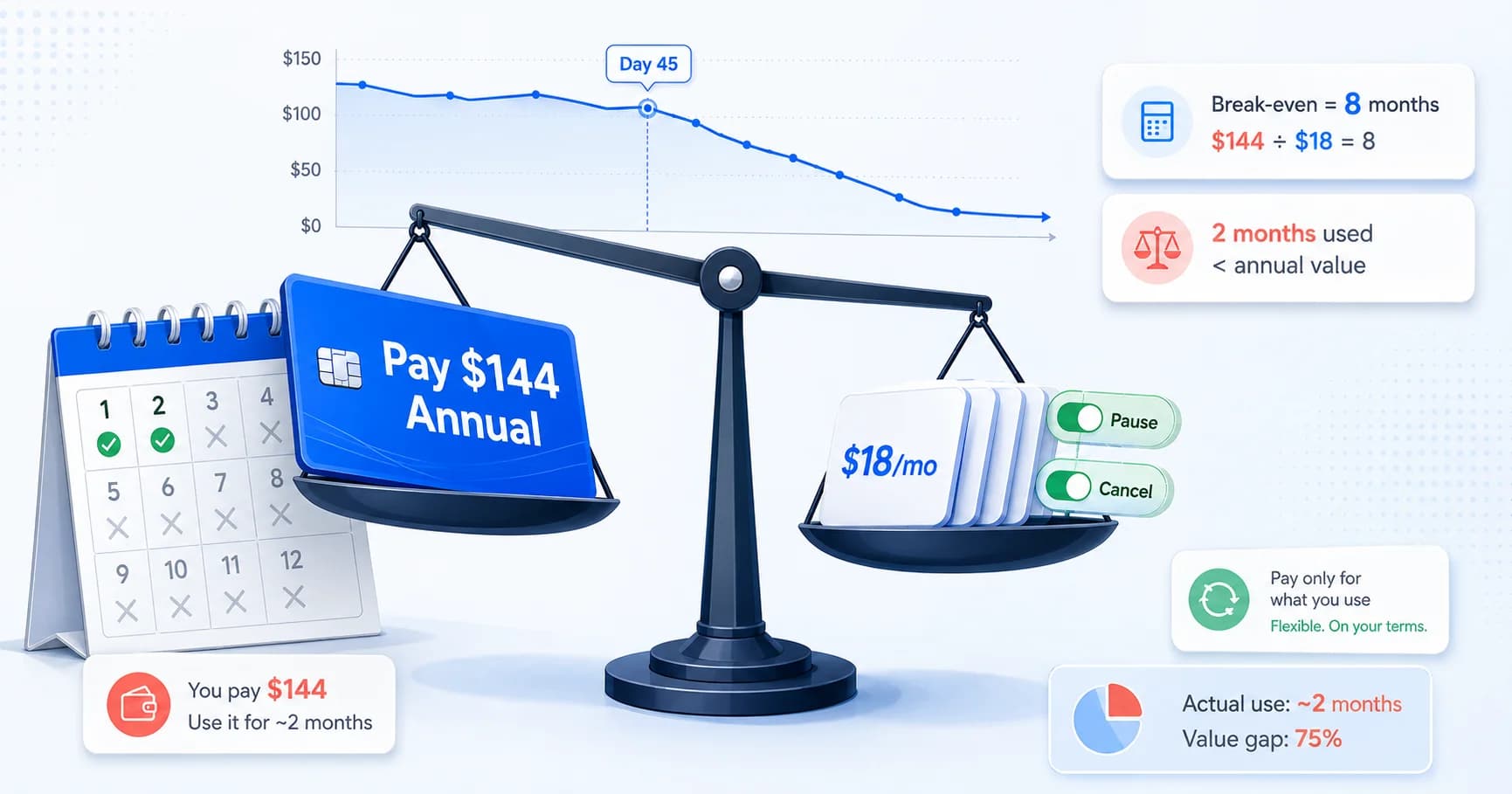
The Annual Subscription Math Trap: Why 'Saving 20%' Costs Most People $300+ in 2026
Annual plans feel like free money until you stop using the app by day 45. Here is the behavioral math behind upfront billing, the break-even formula, and how to know when to pay monthly.