How to Find Forgotten Subscriptions: The 10 Places They Hide
Table of Contents
Forgotten subscriptions survive because no single screen shows all of them. Your bank app shows one account. Your app store shows one platform. Your inbox shows whatever you have not archived. The subscription you forgot is, almost by definition, the one billing somewhere you stopped looking.
The average American wastes a meaningful chunk of the $273 per month that goes to subscriptions on services they no longer use — and the ones that do the most damage are the ones that never cross your mind. This guide is a systematic sweep of the ten places recurring charges hide, followed by a 30-minute workflow to clear all of them at once.
Last reviewed: August 28, 2026. Store layouts and menu names change; the hiding places do not. If a menu path below has moved, search the platform's help center for "manage subscriptions".
Why Subscriptions Get Forgotten in the First Place
Three mechanics do most of the work:
- Billing-channel sprawl. A modern household pays through at least four rails: cards, app stores, PayPal-style wallets, and marketplace accounts. Each rail keeps its own list, and none of them talk to each other.
- Annual invisibility. A yearly renewal appears on one statement out of twelve. Miss that month and the service is invisible for another year.
- Deliberate quietness. The FTC's guidance on negative-option subscriptions exists precisely because the business model depends on renewals you do not actively notice. Free trials that convert silently are the top feeder — we measured how expensive that gets in our free-trial cost breakdown.
The 10 Places Forgotten Subscriptions Hide
1. Your Apple ID subscription list
Settings → your name → Subscriptions shows everything billed through Apple — including services you use on other devices. Check the expired section too: it reveals patterns of trial sign-ups you may have repeated elsewhere. Apple documents the full path in its subscription cancellation guide, and our iPhone hidden-subscription audit walks the whole screen in detail.
2. Google Play subscriptions
Play Store → profile icon → Payments & subscriptions. Android households often split purchases across two or three Google accounts — check each one. Google's official subscriptions page covers the menu path, and our Google Play audit covers what to do with what you find.
3. Twelve months of bank and card statements
Not one month — twelve, so every annual renewal appears at least once. Scan for merchant names you cannot explain in five seconds. The full method, including the descriptor tricks merchants use, is in our bank-statement subscription audit.
4. PayPal automatic payments
Settings → Payments → Automatic payments lists every merchant with standing permission to charge your PayPal balance or linked cards. This list survives card replacements, which is why subscriptions cancelled "by getting a new card" often continue here — a mechanism we unpack in why subscriptions survive card replacement.
5. Amazon's three subscription buckets
Amazon hides recurring charges in three separate places: Memberships & subscriptions (Prime, Kindle Unlimited, Audible), Subscribe & Save (recurring product deliveries), and Prime Video Channels (third-party streaming added inside Prime). Each has its own management page; check all three.
6. Your phone bill
Carrier billing lets app purchases and "premium services" ride on your mobile bill. Open the itemized section of your last bill and look for third-party charges or add-on bundles you never consciously ordered.
7. Email receipts — searched, not scrolled
Search every inbox you use for receipt, invoice, renewal, your subscription, and trial ending. Then sort by sender: a service that emails you monthly but that you have not opened in a year is a cancellation candidate announcing itself.
8. Old email addresses
Subscriptions outlive the inboxes that created them. If you have a dormant Gmail, Hotmail, or university address, log in once and run the same searches — renewal notices for services billing a card you still carry may be landing there.
9. Other people's cards
Family plans, shared streaming, a partner's card saved in a checkout years ago: if you share finances with anyone, run the statement scan on both sets of accounts. Half of "forgotten" subscriptions in couples are simply billed to the other person.
10. Virtual cards and secondary accounts
Privacy cards, old debit cards kept "just for online stuff", a secondary checking account, a business account that quietly absorbs personal tools. Anywhere a card number lives, a subscription can live. Card networks are slowly adding visibility here — Visa's subscription manager is a sign of how big the blind spot is — but issuer coverage is still patchy, so do not outsource the sweep to your bank yet. We tested that assumption in why your bank app is not a subscription tracker.
The Annual-Renewal Blind Spot
Monthly charges eventually get noticed. Annual ones are the real survivors: domain names, cloud storage, antivirus, "pro" app upgrades, insurance add-ons. Two habits close the gap:
- Always scan 12 months, never 1. One pass per year of statements is the minimum that makes annual charges visible.
- Record the renewal date, not just the price. A $79 renewal you know is coming on March 3 is a decision. The same charge unannounced is a surprise — and usually a dispute.
The 30-Minute Sweep, In Order
- Minutes 0–5: both app stores. Apple ID subscriptions + Google Play. Screenshot both lists.
- Minutes 5–15: statements. Twelve months, every account, marking every merchant you cannot explain instantly.
- Minutes 15–22: wallets and marketplaces. PayPal automatic payments, Amazon's three buckets, carrier bill.
- Minutes 22–27: email search. The five search terms, every inbox, including dormant ones.
- Minutes 27–30: consolidate. One list: service, price, billing channel, next renewal date. This list is the deliverable — the sweep only counts if it ends in a single place you will actually check again.
Keep, Cancel, or Rotate: Deciding Fast
| Signal | Decision |
|---|---|
| Used it this week | Keep — just record the renewal date. |
| Used it this quarter, seasonal value | Rotate — cancel now, resubscribe when the season returns. |
| Cannot remember last use | Cancel — today, via the channel that bills it. |
| Cheaper tier would cover your usage | Downgrade at the next renewal. |
| Do not recognize the charge at all | Investigate before cancelling — it may be legitimate under another brand name, or it may be fraud. |
Cancel through the platform that owns the billing relationship — the platform-by-platform cancellation guide has exact steps for each store and service.
How to Keep Them Found
The sweep fixes today. What prevents the next accumulation is a single tracked list with renewal dates — independent of which card, wallet, or store each service bills through. That is deliberately how SubBuddy works: you record the subscription once, and every future audit is a five-minute reconciliation instead of a thirty-minute archaeology dig.
Sources and Scope
- Apple: cancel a subscription from Apple — the canonical Apple ID subscription path.
- Google Play: manage subscriptions — the Android equivalent.
- FTC: free trials and negative-option subscriptions — why silent renewal is a business model, not an accident.
- Visa Enhanced Subscription Manager — card networks acknowledging the visibility gap.
Alex Coca
Alex Coca is the independent developer behind SubBuddy. He researches subscription billing, cancellation patterns, and recurring-spend workflows by building the product and reviewing real subscription audits from users and his own accounts.
Found Them? Now Keep Them Found
Put every subscription you just surfaced into SubBuddy — one list, every billing channel, every renewal date — so the next audit takes five minutes instead of thirty.
Build My Subscription ListRelated Articles
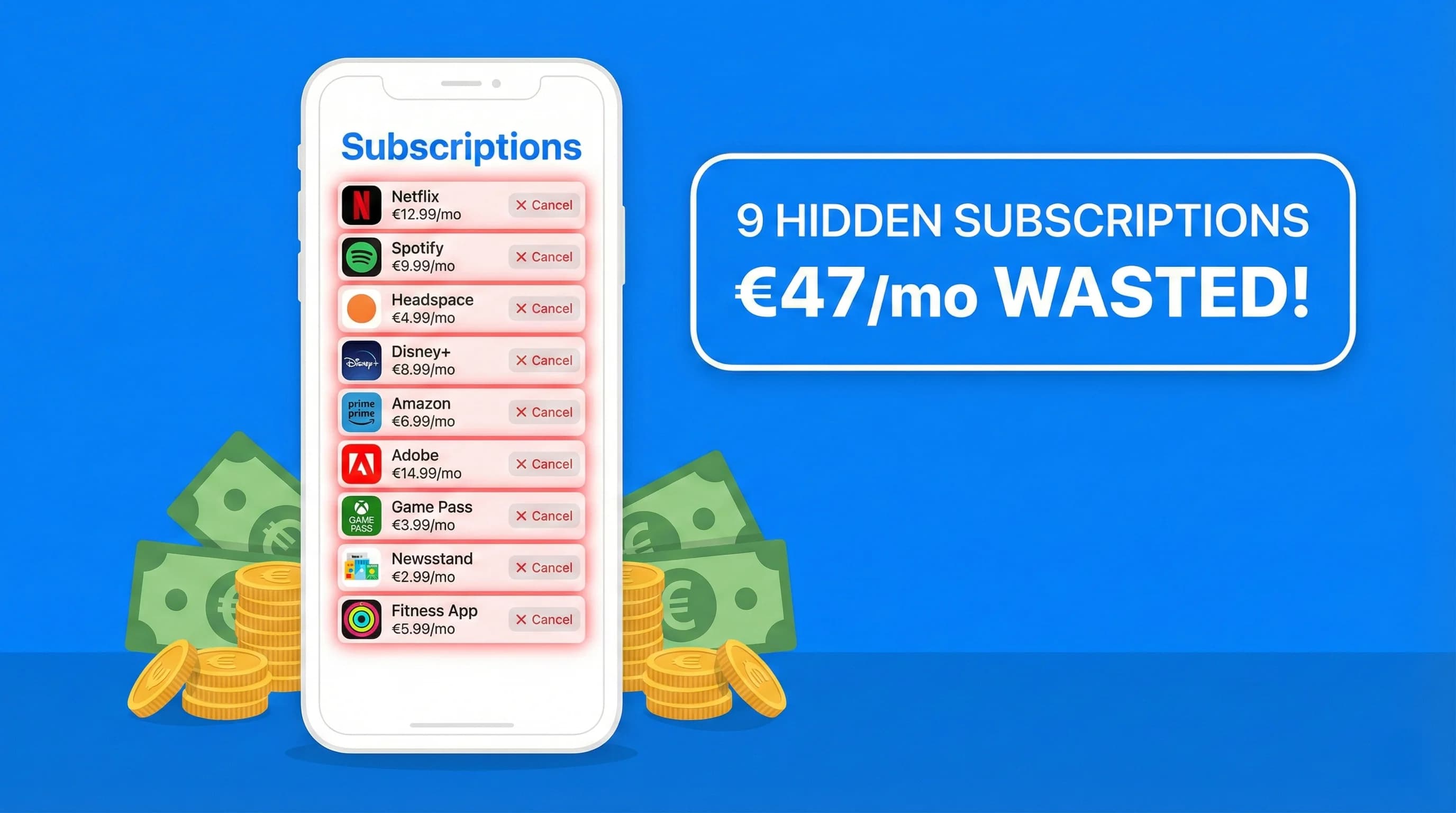
I Found 9 Hidden Subscriptions in My iPhone Bill in 10 Minutes: Here's Exactly How I Did It
Last Sunday I opened Subscriptions on my iPhone out of curiosity. Nine charges I'd totally forgotten were sitting there. Here's the exact 4-step process to find and kill every hidden subscription on your iPhone right now.
How to Audit Your Bank Statement and Find Hidden Subscriptions in 30 Minutes
Stop letting forgotten subscriptions drain your bank account. This step-by-step guide shows you exactly how to audit your statements, identify hidden charges, and reclaim your money, all in half an hour.
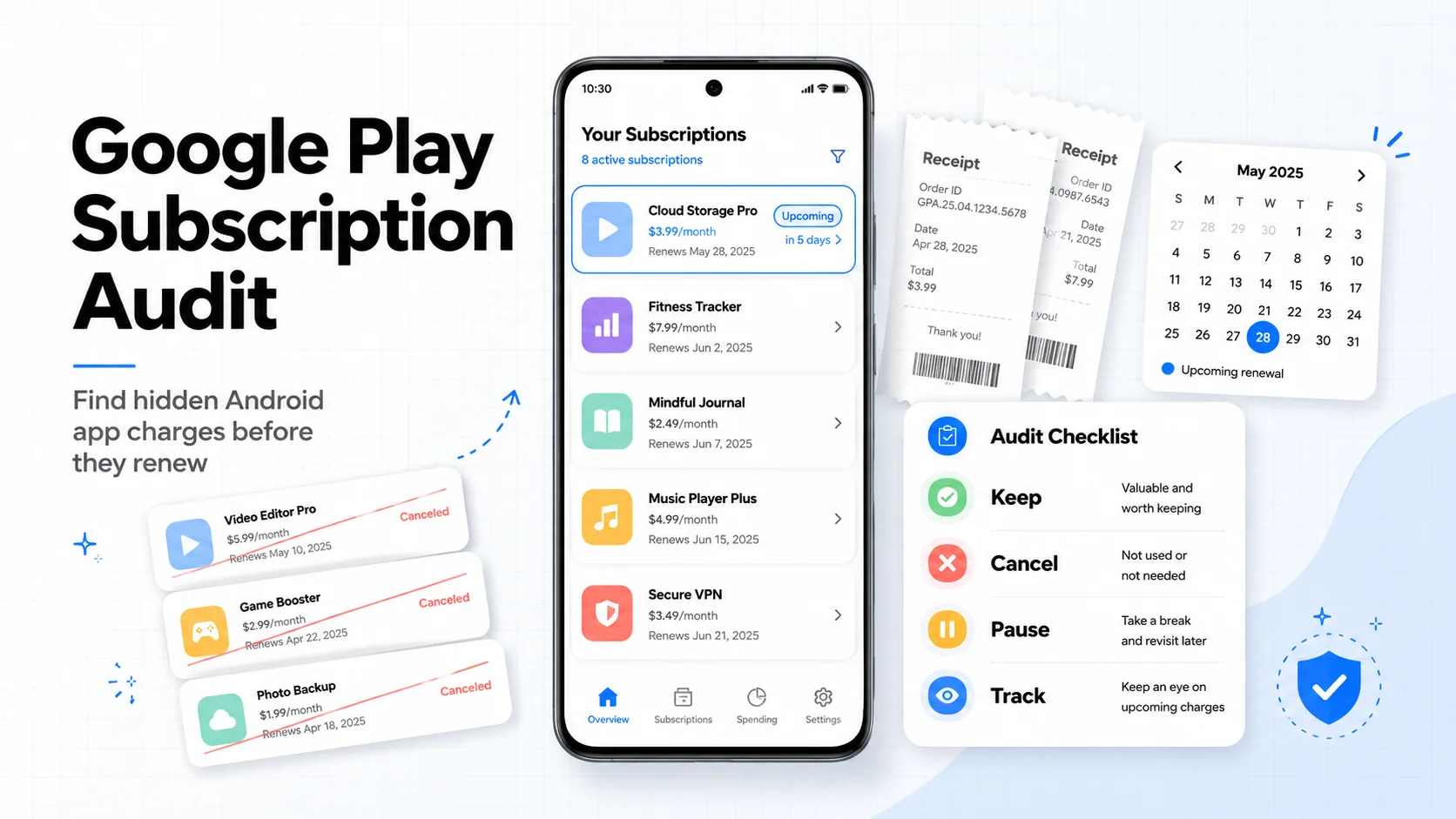
Google Play Subscription Audit: How to Find and Cancel Hidden Android App Charges in 10 Minutes
Android app subscriptions are easy to start and easy to forget. This Google Play audit shows where to check, how to cancel or pause, what refunds can and cannot do, and how to track the apps you keep.