Switched Banks? How to Review Every Subscription Without Missing One
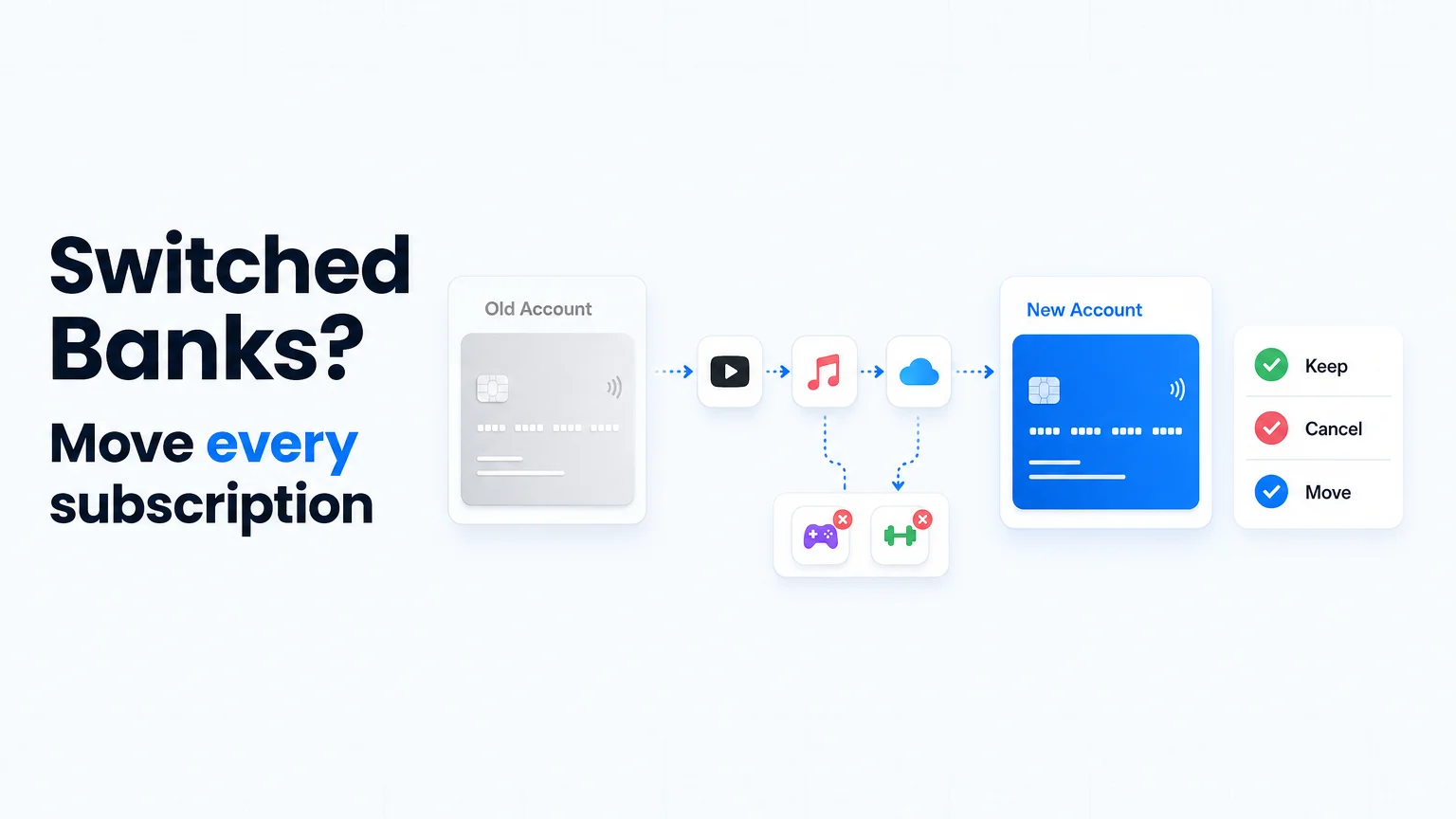
Table of Contents
Switching banks does not move your subscriptions — it splits them into two groups that fail in opposite ways. Group one keeps charging a place you are trying to leave: card-on-file subscriptions and forgotten direct debits that continue hitting the old account. Group two silently breaks: payments you wanted to keep that start bouncing the moment the old account empties.
Both groups are invisible until something goes wrong — an overdraft on an account you thought was dormant, or an insurance policy that lapses because one payment failed. This guide is the migration checklist that catches both, built around one rule: inventory first, migrate second, close last.
Last reviewed: August 30, 2026. Payment-failure behavior varies by merchant, bank, and country, and bank-switching services differ between markets. Treat this as a practical workflow, not legal or financial advice.
The Two Failure Modes of a Bank Switch
| Failure mode | What happens | Typical damage |
|---|---|---|
| Ghost charges on the old account | Subscriptions you forgot keep billing the account you are draining. | Overdrafts, fees, a "closed" account quietly reopened or kept alive by activity. |
| Silent failures of keepers | Payments you wanted to continue bounce when the old account empties. | Suspended services, late fees, lapsed insurance, collections on contracts that survive the failed charge. |
The second mode is nastier than it looks: a failed charge is a notification, not a cancellation. Gyms, insurers, lenders, and annual software commitments can keep the contract — and the debt — alive long after the card stops working, a distinction we covered in depth in why subscriptions survive card replacement.
What Follows You Automatically (Less Than You Think)
Two systems create false confidence during a switch:
- Card account updaters like the Visa Account Updater pass new card details to merchants — but only for replacement cards from the same issuer. Moving to a different bank means a different issuer: the chain breaks, and nothing follows you.
- Bank switching services move some direct debits for you in some markets, but they cannot see card-on-file subscriptions at all — the largest group for most people. The UK regulator's plain-language note on recurring card payments is the clearest statement of how uneven this behavior is.
The working assumption that keeps you safe: nothing migrates unless you migrate it.
Step 1: Build the Full Inventory (All Accounts, 12 Months)
Before touching any payment detail, list every recurring charge across every account: old bank, new bank, each credit card, PayPal, app stores. Twelve months of statements per account, so annual renewals show up at least once. For each merchant record four things: name, amount, cadence, billing account.
The statement-reading technique — descriptor quirks, spotting cadence, the merchants that bill under different names — is in our bank-statement subscription audit. And because a bank switch is exactly the moment forgotten subscriptions resurface, run the wider sweep from the 10 places forgotten subscriptions hide while you are at it: app stores, PayPal, Amazon, and carrier bills will not appear on any bank statement.
Step 2: Classify Every Subscription by Payment Rail
Each item on the list bills one of two ways, and the migration differs:
| Rail | Examples | What the switch does | Your move |
|---|---|---|---|
| Card number | Streaming, software, app stores, most consumer subscriptions | Nothing, until the old card is cancelled — then charges start failing. | Update the card inside each merchant's billing page. |
| Bank account (direct debit / ACH) | Utilities, insurance, gym, loans, rent, some SaaS | Never moves itself (unless a switching service moves it). | Re-authorize from the new account; confirm the old mandate is cancelled. |
This classification is also your risk map: the bank-account group is where the expensive failures live — the charges that protect your insurance, your credit record, and your home.
Step 3: Decide, Then Migrate in Order of Consequence
First, sort the inventory into keep, cancel, downgrade. Do the cancellations now, before migrating anything — every service you cancel is one you never have to move, and the switch is the cheapest cancellation moment you will ever get (the platform-by-platform cancellation guide has the exact steps).
Then migrate the keepers, highest consequence first:
- Insurance, utilities, loans, rent — anything where a failed payment costs real money or coverage.
- Work and household infrastructure — cloud storage, password managers, domains, security tools.
- Entertainment and everything else — a failed Netflix charge fixes itself with one login; it goes last.
The CFPB's checklist for moving a checking account makes the same sequencing point from the deposit side: set up the new account and its incoming money first, then move the outgoing payments against it.
Step 4: The Two-Cycle Watch Window
Keep the old account open, with a small cash buffer, for two full statement cycles. Each cycle, check both accounts against the inventory:
- Every keeper should have billed the new account exactly once per cadence.
- The old account should trend to zero recurring activity. Anything still landing there is either a migration you missed or a subscription you forgot existed.
- Annual renewals will not show up in the window — that is what the renewal dates in your inventory are for. Set a reminder for each one.
Step 5: Close the Old Account Safely
Close only when the watch window is clean, and get the closure in writing, as the CFPB advises — a stray charge arriving after an informal closure can reopen the account or trigger fees on an account you believed was gone. If a merchant keeps charging a card from the old bank after all this, that is no longer a migration problem but a cancellation dispute: the escalation path is in the card-replacement guide.
The Real Fix: Seeing Across Accounts at All Times
Every painful step above exists because subscription data lives scattered across banks, cards, and stores — and each bank app shows only its own slice, which is why your bank app is not a subscription tracker. The durable fix is a single list that records every subscription with its billing account and renewal date, independent of any bank. Then a bank switch stops being an investigation and becomes a checklist you already own: filter by "bills the old account", migrate, done. That account-independent list is exactly what SubBuddy is built to be.
Sources and Scope
- CFPB: moving your checking account — the sequencing of deposits, payments, and closure.
- CFPB: best way to move a checking account — written closure confirmation.
- FCA: recurring card payments — what continues and what fails when cards change.
- Visa Account Updater — why same-issuer replacements behave differently from bank switches.
Alex Coca
Alex Coca is the independent developer behind SubBuddy. He researches subscription billing, cancellation patterns, and recurring-spend workflows by building the product and reviewing real subscription audits from users and his own accounts.
Make the Next Bank Switch Boring
Keep every subscription, its billing account, and its renewal date in SubBuddy. When accounts change, you get a ready-made migration checklist instead of a month of surprises.
Start My Subscription ListRelated Articles
Why Subscriptions Still Charge After You Replace Your Card (and How to Stop Them)
A replacement or expired card does not reliably cancel recurring payments. Here is how card account updaters work, what actually stops a subscription, and what to do if another charge lands.

How to Find Forgotten Subscriptions: The 10 Places They Hide
Forgotten subscriptions rarely sit in one obvious list. Here are the ten places recurring charges hide — app stores, statements, PayPal, Amazon, carrier bills, old emails — and a 30-minute sweep to surface every one.
How to Audit Your Bank Statement and Find Hidden Subscriptions in 30 Minutes
Stop letting forgotten subscriptions drain your bank account. This step-by-step guide shows you exactly how to audit your statements, identify hidden charges, and reclaim your money, all in half an hour.