What Is This Charge? A Decoder for Recurring Billing Descriptors You Don't Recognize
Table of Contents
An unrecognized recurring charge is almost always a real subscription wearing the name of the company that processed it rather than the company that sold it. Billing descriptors follow rules, and once you know the rules most mystery charges resolve in under a minute: the asterisk is a delimiter Visa requires, the left side is usually the billing rail, the right side is the seller, and the mangling is your bank's doing rather than the merchant's.
This page is a reverse lookup. It decodes the literal strings people cannot identify, tells you which billing rail actually holds the subscription — which is frequently not the brand on the charge — and gives you a four-step procedure for descriptors that are not in the table. If you are trying to build a complete list of what you pay for, that is a different job: start with the bank statement audit and come back here for the individual lines it flags.
Last reviewed: September 1, 2026. Scope: US card statements. Every descriptor pattern below was checked against Visa's merchant-name standards and the billing documentation each company publishes itself; the cancellation column comes from SubBuddy's own services directory. Descriptor patterns change; the grammar underneath them does not.
How a Descriptor Is Actually Built
The merchant name field is regulated, and the rules explain almost everything people find confusing about it.
The asterisk is a required delimiter
Visa's merchant descriptor standards state that Visa "requires specific acceptance entities to be uniquely identified in the Merchant Name / Descriptor field using an asterisk (*) to separate the entity and the underlying seller, biller or sponsored merchant," and that this "applies transactions involving payment facilitators, staged digital wallets and bill payment aggregators."
So GOOGLE*ACME is not a typo. It is a rule being followed. Google is the entity that took the money; ACME is the business behind it. The practical consequence is the whole point of this page: you cancel with whoever is on the left, because that is the only place the recurring authorisation lives.
Processors are banned from the field
The same document lists what may not appear: "pass-through digital wallets, third party agents, gateways, processors, independent sales organizations, merchant services, software platforms or any other entity not listed above." That one sentence kills the most common wrong assumption. If you see an unfamiliar name, it is not "some payment processor." Processors are not allowed in there. The name is supposed to be a business you dealt with.
That is why a subscription processed by Stripe usually shows the merchant's own name rather than the word Stripe. Stripe's descriptor documentation describes the format merchants use instead: a static prefix of 2 to 10 characters, then an asterisk and a space, then a dynamic per-charge suffix, with the whole thing capped at 22 characters. Their worked example is RUNCLUB* OCT MARATHON. If the left side of your asterisk is a short unfamiliar string and the right side reads like a product or a date, you are almost certainly looking at a merchant's own prefix — and the merchant is the left side, not a middleman.
The truncation is usually your bank
Every rail has a hard character budget. Stripe caps the full descriptor at 22 characters. Square allows 20 characters after its SQ * prefix and truncates the rest, which is how a bakery becomes SQ *SWEET DOZEN BAKE. PayPal's descriptor rules set a 22-character total after the default PAYPAL * prefix and state that "if the three parts of your dynamic descriptor combined exceed the 22 character limit, the name portion will automatically be truncated as needed."
On top of that, your bank can shorten it again. Visa reminds issuers "to ensure that they pass through the data in the merchant name field without truncating or otherwise altering the information, which may negatively impact customers' ability to recognize and reconcile transactions," and requires the statement to carry enough to enable "the cardholder to contact the merchant." Stripe puts it more bluntly: most banks display the information consistently, but some display it incorrectly or not at all.
What to do with that: the twelve-character stub in your banking app is often not the descriptor the merchant sent. Asking your bank for the full clearing-record descriptor is a legitimate request and frequently solves the problem on the spot.
The Decode Table
Four columns, because three of them are the questions people actually have: who is this, where does the subscription physically live, and where do I cancel it.
| Descriptor pattern | Who it actually is | Which rail holds the subscription | Where to cancel |
|---|---|---|---|
APPLE.COM/BILL |
Apple, for apps, subscriptions, music and media | Your Apple Account. Apple is the seller of record, so the app developer cannot cancel it | account.apple.com → Subscriptions, or Settings → your name → Subscriptions |
GOOGLE*App developer name, GOOGLE*App name, GOOGLE*Content type (e.g. GOOGLE*Books) |
Google Play. Google documents these three forms and says a charge in any other shape did not come from Play | The Google account that made the purchase — households often have two or three | play.google.com/store/account/subscriptions |
MICROSOFT*Product (e.g. MICROSOFT*CANDY CRUSH) |
Microsoft, including in-app and in-game purchases | A Microsoft account — possibly an old one you forgot you had | account.microsoft.com → Manage your payments → Investigate, then cancel under Services & subscriptions |
PADDLE.NET* PRODUCT |
Paddle, merchant of record for thousands of software companies | Paddle, not the software vendor. Vendors routinely say they cannot help | paddle.net, or the Manage Subscription link in the Paddle receipt |
FastSpring, FSPRG, FS*Company Name, FSPRG*Company Name |
FastSpring, the merchant of record for the software vendor | FastSpring's order record, keyed to the email used at checkout | FastSpring charge lookup |
SQ *BUSINESS NAME |
Square. The prefix is the payment facilitator ID; the rest is the seller, truncated to 20 characters | The individual seller — a gym, a studio, a local business — not Square | Contact the seller. Square's receipt lookup pulls up the receipt behind the charge |
PAYPAL *MERCHANT |
A PayPal billing agreement, truncated to 22 characters total | PayPal's automatic payments list, which survives card replacement | PayPal → Settings → Payments → Automatic payments |
Amazon Pay |
Amazon Pay used as a checkout on a third-party site | Your Amazon account's Amazon Pay activity, separate from Amazon orders | Amazon Pay → Activity to identify the order, then cancel on the merchant's own site |
PREFIX* SUFFIX with an unfamiliar short prefix |
The merchant itself, using a Stripe-style static prefix plus dynamic suffix | The merchant's own billing system | The merchant. Stripe's charge lookup identifies them if the prefix is unreadable |
SUB DELETE / SubDelete |
Subdelete, a service that cancels other subscriptions for you. Its pricing page listed $9.99 and $17.99 a month on 1 September 2026, after a seven-day trial | Subdelete's own account, usually started from that trial | Subdelete directly. It is a genuine merchant, so a fraud claim is the wrong tool |
| Third-party line items on a phone bill | Direct carrier billing — a purchase routed onto the phone bill instead of a card | The carrier account, invisible to every card statement you own | The carrier. Ask them to block third-party charges as well as remove this one |
The one that catches people out: Apple states that "multiple purchases and subscriptions might be grouped into one bill." So a single
APPLE.COM/BILLline can be three subscriptions and an in-app purchase added together, and searching your email for that exact total will find nothing. Search the components, not the sum.
The Brand on the Charge Is Often Not Who You Cancel With
This is not an edge case. In SubBuddy's services directory, 27 of the 49 services we track carry an explicit warning that the company whose name is on the charge may not be the company that can stop it. Some examples from that data:
- Crunchyroll: if you signed up through Apple, Google Play, Amazon, PlayStation, Roku or YouTube, the cancel button does not appear on crunchyroll.com at all.
- Tidal and Amazon Music Unlimited: neither can cancel or refund a subscription billed by a store, and store prices differ from web prices.
- YouTube Premium: subscribing in the iOS app puts you on Apple's higher price. Cancelling through Apple and resubscribing on the web is a real saving, not a rounding error.
- Duolingo: the overwhelming majority of its subscriptions are bought through mobile app stores and must be cancelled in device settings, not on the website.
- Notion: downgrading inside Notion's own settings does not stop App Store billing. Two systems, one of which you have not touched.
The pattern is consistent enough to be a rule: if the descriptor names a store, cancel at the store; if it names a merchant of record, cancel with the merchant of record; the brand you associate with the product is the last place to try, not the first. This is also why replacing your card does not stop a subscription — PayPal billing agreements and store-held authorisations do not live on the card number.
If the Descriptor Isn't in the Table
Four steps, cheapest first. Most charges are identified in the first two.
1. Search your email for the exact amount
Search every mailbox you have ever used — including the dormant ones — for the amount with cents, both with and without a currency symbol. Apple's own purchase-history guidance endorses the technique: if you are not sure what you were charged for but know the amount, search for the amount. If nothing lands, try the amount minus sales tax, and try the annual equivalent in case you are looking at one twelfth of something.
2. Check every store account attached to that card
One card can sit behind several subscription lists that never talk to each other: the Apple Account, each Google account in the household, the Microsoft account, and PayPal's automatic payments page. Amazon splits its own recurring charges across memberships, Subscribe & Save and Prime Video Channels. If you have not done this sweep before, the ten places subscriptions hide covers it end to end.
3. Read the structure, including the city and phone field
Split at the asterisk. Left side: billing rail or merchant prefix. Right side: product, seller or order reference. Then read the trailing field — Visa allows a merchant with multiple outlets to "add the city, store number or other unique identifier to distinguish the specific merchant outlet." Online sellers have no outlet to name, so that slot often carries something else: a support phone number, an order code, a country. If a phone number is sitting there, it is the merchant's, and dialling it is faster than a dispute.
4. Ask your bank for the full descriptor, then contact the merchant
Ask for the descriptor as it appeared in the clearing record rather than the shortened version in the app. Then contact the merchant. Visa's own reasoning for the rules is that "issuers will often recommend that cardholders speak to the merchant, which requires a correct merchant name / descriptor to avoid unnecessary disputes." A merchant can identify a charge from the last four digits, the amount and the date in a way your bank often cannot.
Is This Actually Fraud? Three Signals
This matters more than it looks. The CFPB's definition is narrow: "generally, unauthorized use is the use of a credit card by a person who does not have the right to use the card." A trial you started in March and forgot is authorised use. It is a billing dispute, and the remedy is different.
Filing a legitimate charge as fraud gets the card closed and reissued — which then breaks every other subscription running on that number, and you will spend the next two months discovering which ones by watching things fail. Run these three checks first.
| Signal | Points to a forgotten subscription | Points to something worse |
|---|---|---|
| Can any account you control see it? | It appears in a store subscription list, an order history, or an old receipt in your email | Nothing in any account, mailbox or store list matches the amount or the date |
| Does the descriptor stay the same each cycle? | Identical string every month. Visa requires the merchant name to "remain consistent" and says it "must not be modified or periodically changed" | The name shifts between cycles — precisely the behaviour Visa's rule exists to prevent, since it is used "to mask its identity from any compliance programs" |
| Is the cadence and amount regular? | Same amount, same day of the month, or a plausible annual renewal | Irregular amounts, several small charges close together, or a charge that started immediately after a free trial you never knowingly began |
Before concluding it is fraud, rule out the boring explanation. Amazon Pay's own unauthorised-charge guidance asks buyers to consider purchases made by family members on shared devices, gifts sent to others, and a spouse, friend or relative using the cardholder's payment method. Ask those three questions out loud before you file anything.
If all three signals point the wrong way, then dispute it properly. The CFPB says to "call the card company and let them know about the problem right away," and warns that to protect your rights "you must also send a written billing error notice to the card company within 60 calendar days after the charge appeared on your statement." The 60 days runs from the statement date, not from the day you noticed — which is the strongest practical argument for reading statements monthly rather than once a year.
After You Identify It
Decoding a descriptor is only useful if the answer survives. Three things to record while you have it open:
- The descriptor string itself. Write down the literal text alongside the service name. Next year's statement will show the same string, and you will have forgotten again.
- The billing rail, not just the brand. "Disney+ via Apple" and "Disney+ direct" are different subscriptions with different cancel paths and sometimes different prices. Recording only "Disney+" throws away the half that matters. The 21-column spreadsheet schema treats the billing rail as its own field for exactly this reason.
- The renewal date and a reminder ahead of it. Identification is reactive; a reminder is not. How much warning each type of subscription needs is its own question, answered in the lead-time table.
Then cancel it through the rail the table pointed you to — the platform-by-platform cancellation guide has the exact path for each store and service. And if you are relying on your banking app to surface these lines in the first place, it is worth knowing what a bank app can and cannot see: store-held subscriptions, PayPal agreements and carrier-billed items are invisible to it by design.
Sources and Scope
- Visa, Standards Reminders for Merchant Name / Descriptor Field (Article ID AI10651, 15 December 2020) — the asterisk delimiter rule, prohibited entities, issuer pass-through and name-consistency requirements.
- Apple: get help with charges from apple.com/bill and view your purchase history — grouped billing and searching by amount. Cancelling an Apple subscription.
- Google Play: report charges you don't recognize — the three GOOGLE* descriptor forms and the statement that anything else is not a Play charge. Cancel a Play subscription.
- Microsoft: how to investigate a billing charge — the MICROSOFT* product form and the Investigate flow.
- Square statement descriptions and Stripe statement descriptors — character budgets and prefix/suffix structure.
- PayPal/Braintree descriptor reference — the PAYPAL * prefix and 22-character truncation.
- Paddle: why has Paddle charged me — Paddle as merchant of record; Alfred's own note for the literal
PADDLE.NET * ALFREDstring; FastSpring's charge lookup for its four descriptor forms. - Amazon Pay: unauthorized charges — the shared-device and family-member explanations.
- CFPB: what is unauthorized use and how to dispute a charge — the 60-calendar-day written notice rule.
- SubBuddy's own services directory — 49 services, each with a verified cancellation URL; 26 of them carry an explicit note that the brand cannot cancel a store-billed plan. Subdelete's pricing page, checked 1 September 2026.
Alex Coca
Alex Coca is the independent developer behind SubBuddy. He researches subscription billing, cancellation patterns, and recurring-spend workflows by building the product and reviewing real subscription audits from users and his own accounts.
Once You Know What It Is, Write It Down
A descriptor you decode today becomes a mystery again in eleven months. Record the service, the billing rail it runs on and its renewal date in SubBuddy so the next unfamiliar line takes ten seconds instead of an afternoon.
Start Your Subscription ListRelated Articles
How to Audit Your Bank Statement and Find Hidden Subscriptions in 30 Minutes
Stop letting forgotten subscriptions drain your bank account. This step-by-step guide shows you exactly how to audit your statements, identify hidden charges, and reclaim your money, all in half an hour.
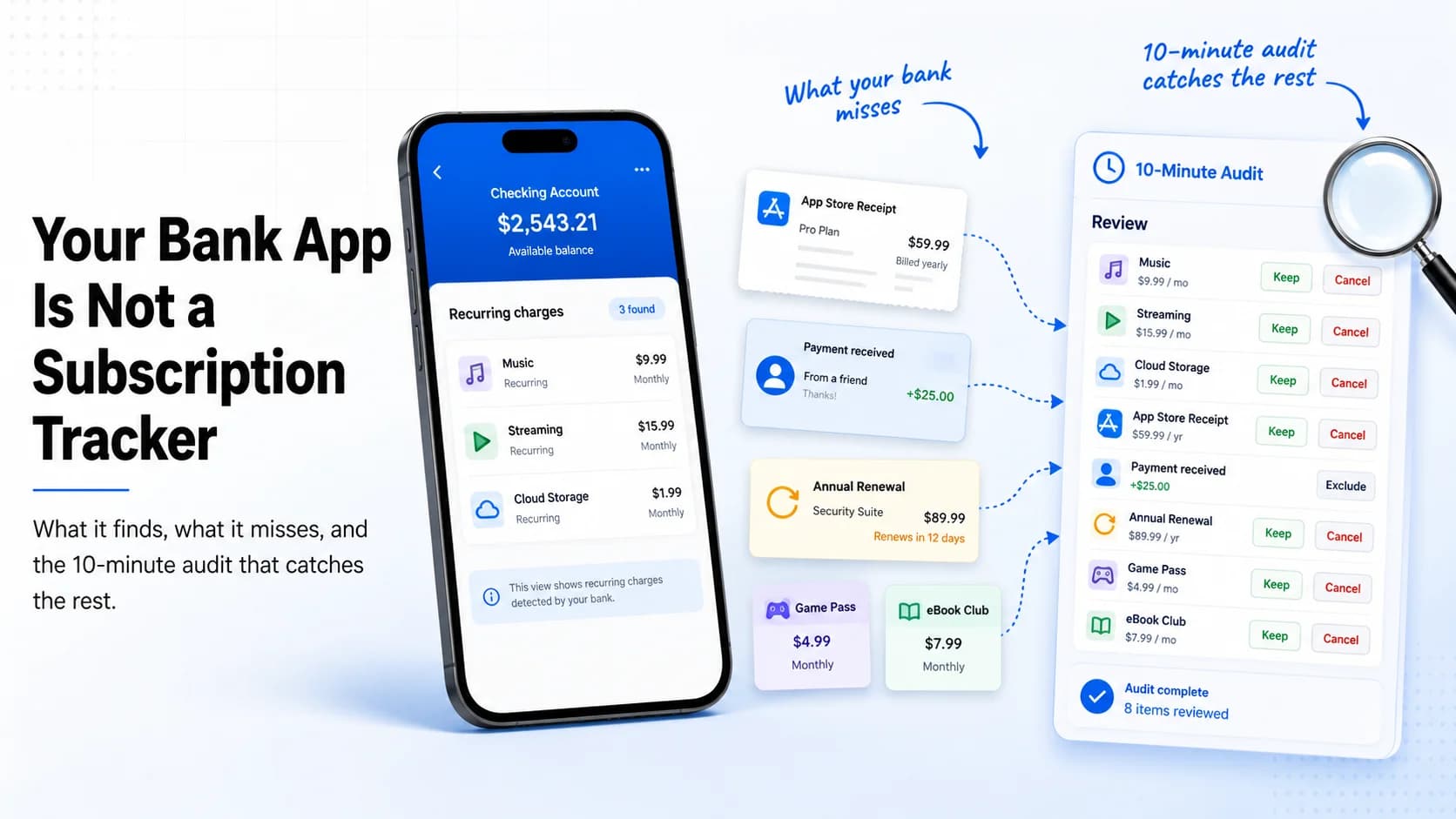
Your Bank App Is Not a Subscription Tracker: What It Finds, What It Misses, and the 10-Minute Audit That Catches the Rest
Bank apps can surface some recurring payments, but they still miss app-store billing, PayPal agreements, annual renewals, and the context you need to decide what to keep. This 10-minute audit shows how to catch the rest.
How to Find Forgotten Subscriptions: The 10 Places They Hide
Forgotten subscriptions rarely sit in one obvious list. Here are the ten places recurring charges hide — app stores, statements, PayPal, Amazon, carrier bills, old emails — and a 30-minute sweep to surface every one.