The Grace Window: What to Do Between a Price-Hike Announcement and Your Next Bill
Table of Contents
A price-hike announcement is a headline. Your price change is a date, and it is almost never the date in the headline. Every subscription increase we could verify this year published two effective dates. The one the press reports is when new customers start paying more. The second one, usually buried in a help article as "your first billing date on or after", is the one that governs your bill.
Between those two dates you are still on the old rate and every option is still open. That gap is a grace window, and its length is decided by something arbitrary: the day of the month you happened to sign up. Two people on the same plan, on the same announcement, can have 13 days and 42 days.
Trackers publish which services raised prices — ours included. Almost nobody publishes both dates side by side. This post does, then turns them into your number.
Last reviewed: 4 September 2026. Prices are US unless stated. Every figure below was checked against the provider's own pricing or help page, or against outlets quoting it directly, on the dates listed in Sources and method. Regional pricing, promotions, taxes and app-store billing all change the numbers on your account — confirm on your own billing screen before acting.
Two Effective Dates, Not One
Once you start reading the help pages rather than the headlines, the 2026 increases fall into four patterns. Which pattern you are in decides what you can still do.
Pattern 1: new price live now, your price deferred to a fixed date
Peacock is the cleanest example of the year. New rates took effect for new and returning subscribers on 18 August 2026; for anyone who subscribed before that, Peacock's notice, quoted verbatim by TVLine, says the new pricing is "effective on your next billing date — on or after September 17". Select goes $7.99 to $8.99 a month, Premium $10.99 to $12.99, Premium Plus $16.99 to $19.99; the annual plans go $79.99 to $89.99, $109.99 to $129.99 and $169.99 to $199.99. Current annual subscribers and anyone on an active promotional offer keep their price until that plan or offer expires.
HBO Max ran a close variant in late 2025. New prices were effective immediately on announcement on 21 October; existing monthly subscribers moved at their next billing date on or after 20 November 2025, and existing yearly subscribers were left alone until their own renewal. That split matters more than it looks: the monthly cohort got a fixed second date, the annual cohort got up to twelve months.
Pattern 2: one future date for everybody
ESPN announced in August that ESPN Unlimited goes from $29.99 to $31.99 a month ($299.99 to $319.99 a year) and ESPN Select from $12.99 to $13.99 ($129.99 to $139.99 a year), all on 17 September 2026. ESPN has published one date and no second one: nobody, new customer or eight-month subscriber, pays more before it. This is the only pattern where "lock in the old price" is a real move rather than wishful thinking. ESPN has published no existing-subscriber wording, so assume the increase reaches your account at your first bill on or after the 17th rather than on the 17th itself.
Pattern 3: no fixed second date, just per-member notice
Netflix does not publish a changeover date for existing members at all. Its help page states plainly: "Netflix will send you an email with details about the price change one month before the billing date on which your price will increase." New members saw March 2026's US prices ($8.99 with ads, $19.99 Standard, $26.99 Premium) from 26 March; existing members were rolled over their own dates for months afterwards. Paramount+ works the same way: new-subscriber prices changed on 15 January 2026, and its help page says "if you're an existing subscriber and subject to the price change, you'll be notified by email 30 days before the price increase takes effect."
In this pattern your grace window is defined by an email, not a calendar. If you filter provider email away, you can lose the window without ever seeing it. When nothing has arrived, check spam and any address you no longer read, then open the provider's account page, which normally shows the next billing date and the amount and settles the question without the email.
Pattern 4: at renewal
Microsoft's 2026 commercial update takes effect 1 July 2026: Office 365 E3 from $23 to $26 per user per month, Microsoft 365 E3 from $36 to $39, Business Basic from $6 to $7, Microsoft 365 Apps from $12 to $14, Windows Enterprise per device from $5.85 to $7.63, with Business Premium unchanged at $22. But the licensing note is explicit that "existing customers remain on current pricing until renewal". On an annual agreement signed in August, that is eleven months of grace, and exactly one renewal quote in which to renegotiate seats or step down a tier.
The 2026 Dual-Date Table
The left column is the date the press reported. The right column is the date that changes your bill.
| Service | New / returning customers pay the new price from | Existing subscribers move on |
|---|---|---|
| Paramount+ (Essential $8.99/mo, $89.99/yr; Premium $13.99/mo, $139.99/yr) | 15 January 2026 | 30 days after their notification email |
| Spotify US (Individual $11.99 to $12.99; Duo $16.99 to $18.99; Family $19.99 to $21.99; Student $5.99 to $6.99) | Announced 15 January 2026 | Their own billing date from February 2026 |
| Netflix US ($8.99 / $19.99 / $26.99) | 26 March 2026 | Their own billing date, one month after the email |
| Microsoft 365 commercial | 1 July 2026 | At renewal |
| Tidal US (Individual $10.99 to $11.99; Family $16.99 to $19.99; Student $5.49 to $6.99) | 3 August 2026 | First billing date on or after 3 August 2026; renews at the new rate automatically |
| Peacock (Select $8.99, Premium $12.99, Premium Plus $19.99) | 18 August 2026 | First billing date on or after 17 September 2026 |
| ESPN Unlimited / Select ($31.99 and $13.99 a month) | 17 September 2026 | 17 September 2026 — no separate existing-subscriber date published |
| Disney+ / Hulu / ESPN Select legacy bundle ($24.99 to $27.99) | Closed to new customers | Opted in before 20 August 2026: first billing period on or after 17 September 2026 |
| HBO Max (2025 precedent: $10.99 / $18.49 / $22.99 monthly) | Immediately on announcement, 21 October 2025 | Monthly: next billing date on or after 20 November 2025. Yearly: at renewal |
Read the Peacock row again. For a month, Peacock was selling at $12.99 while charging you $10.99. That asymmetry is the whole point of the next section: in pattern 1 the old rate lives on your existing plan, not on your account. Touch the plan and you leave the old rate behind.
Find Your Billing Anchor
Your billing anchor is the day of the month the subscription charges you. Netflix puts it about as plainly as it can be put: "As a member, you are automatically charged once a month on the date you signed up." The edge case is documented too: if your billing day does not exist in a given month, "you will be billed on the last day of that month instead", which is why a 31st anchor becomes 30 September and 28 February.
Three places to find it, in order of reliability:
- Your last statement charge. The most trustworthy, because it is the actual event. Take the day of the month, not the posting date, if your bank shows both.
- The provider's account page. Usually shows "next billing date" outright.
- Your app-store subscription list. Essential if the subscription bills through Apple or Google, because then the store's renewal date is your anchor, not whatever the provider's website says.
If a charge on your statement is not obviously attributable to a service, our decoder for recurring billing descriptors will usually name it before you start guessing.
How Many Days You Actually Have
The rule is one line. If your anchor day falls on or after the changeover day, your first new-price bill is that day in the changeover month. If it falls before it, your first new-price bill is that day in the following month.
Applied to the 17 September 2026 cohort — Peacock, ESPN, the Disney legacy bundle — and counted from the day this post went up, 4 September:
| Your billing anchor | First bill at the new price | Grace window from 4 September |
|---|---|---|
| 1st | 1 October 2026 | 27 days |
| 5th | 5 October 2026 | 31 days |
| 10th | 10 October 2026 | 36 days |
| 15th | 15 October 2026 | 41 days |
| 16th | 16 October 2026 | 42 days |
| 17th | 17 September 2026 | 13 days |
| 20th | 20 September 2026 | 16 days |
| 25th | 25 September 2026 | 21 days |
| 31st | 30 September 2026 (no 31st) | 26 days |
The 16th and the 17th are the entire argument. Two subscribers on the identical plan, hit by the identical announcement, one signed up a single day earlier than the other, and one of them has three times as long to decide. Tenure, spend and loyalty have nothing to do with it. It is also why "I'll deal with it when it goes up" fails so reliably: a thirteen-day window is invisible unless you went looking for the second date.
Apple and Google Change the Rules
If the subscription bills through an app store, the provider's second date is not the whole story. The store has its own price-change machinery, and its defaults run in opposite directions.
Apple. Notice arrives by email, by push notification if you have those enabled, and as an in-app message you have to acknowledge. For increases that do not exceed roughly $5 and 50% of the subscription price (or $50 and 50% for annual subscriptions), happen no more than once a year, and are in a jurisdiction that permits it, the new price simply applies at your next billing period. Above those thresholds you must opt in, and Apple is explicit about what happens if you do not: "If you don't opt in to the new price, the subscription will not renew at the next billing period. You can subscribe again within the app or on the Manage Subscriptions page."
Google Play. Play uses a 37-day advance notification period before the higher price is first charged, and starts emailing and pushing notifications 30 days before that charge. Crucially, price increases are opt-in by default: "Users must explicitly accept the higher price before it is first charged, or Google Play automatically cancels their subscription." If you ignore it, "their subscription is automatically canceled and expired on that renewal date."
So the default outcome of doing nothing inverts depending on where the charge originates. On a card-billed subscription, inaction means you quietly pay more. On a Play-billed subscription, inaction can mean the service stops. That is a genuinely different risk, and it is worth knowing which one you are exposed to before you decide to sit on your hands.
Four Moves, Ranked
1. Cancel before the new rate posts
The cleanest move, and the only one with no billing side effects. Cancelling does not cut you off: Google Play states that "when you cancel a subscription you'll still be able to use your subscription for the time you've already paid", and Apple applies the same rule, with a cancellation taking effect "after your current subscription billing period ends". You get the rest of the period you already bought at the old price, and the renewal never happens. If the service is seasonal rather than dead to you, check first whether it supports a real billing pause; we re-checked all 49 services in our database and only 11 publish one.
2. Downgrade a tier
Real savings, with one correction most people get wrong: the downgrade lands on your next billing date, which is the date the new prices apply. You get the cheaper tier at the new price, not at the old one. Do the arithmetic against the new price column, or you will be disappointed by the size of the saving.
3. Move to annual — pattern 2 only
This is the move the internet recommends indiscriminately and it only works in one of the four patterns. Where the new rate is not yet live for anybody, an annual purchase inside the window is genuinely at the old rate: ESPN's increase does not apply to anyone until 17 September, so an annual ESPN Unlimited plan bought before then is bought at $299.99. Where the new rate is already live for new customers, as it has been at Peacock since 18 August, an annual purchase is a new transaction at the new annual price. Read the total on the confirmation screen, not the price you remember.
And before committing twelve months to dodge a $2 increase, run the honest version of the maths. Annual plans lose money the moment they outlive your interest in the service, which is the argument we made in full in the annual subscription math trap. A one-year commitment to avoid $24 a year is not obviously a win.
4. Do nothing, deliberately
Sometimes the right answer. But do it as a decision, not a default: write down the new amount so next year's audit compares against the right baseline, and, if the increase is large enough to bother you, spend ten minutes on the cancellation flow first. Retention offers are real and they are usually only visible from inside that flow; the retention offer playbook covers what each service actually puts on the table.
The Order-of-Operations Trap
Here is the part that costs people the window they were trying to use. A plan change is a new transaction at today's prices, and at several providers it also moves your billing date. Doing the right thing in the wrong sequence forfeits the grace period.
The providers document this themselves, they just document it somewhere you would only look if you already suspected:
- HBO Max: on an upgrade, "your plan change happens immediately. You'll be charged the price difference between plans (plus applicable taxes) and your next billing date will be adjusted." A downgrade, or a change of billing period alone, "will happen on your next billing date."
- Netflix: "If you change to a higher-priced plan or purchase an extra member slot, you could see multiple charges that month", and you "could be charged earlier than expected".
- Google Play: "When you switch, payments are processed immediately. Any days left on active subscriptions or plans are added on to the new subscription."
- Apple: the reverse asymmetry — a downgrade or cancellation "takes effect after your current subscription billing period ends", while upgrades apply at once.
Read those together and the rule falls out. Your next billing date is the boundary of the grace window, so anything that moves that date collapses it. Upgrading collapses it on the spot; switching billing frequency creates a new transaction at current prices; even "let me move to the cheaper tier before the increase" is, at a provider that prices changes at today's rates, a way of paying the new price sooner than you had to.
Inside a grace window, cancelling and doing nothing are the only two moves that cannot cost you the grandfathered rate. So sequence it:
- Decide keep or cancel. One question, answered before you touch any setting.
- If cancelling, cancel now, inside the window, and keep access to the end of the period you already paid for.
- If keeping at a lower tier, understand you will land on the new price and check whether the downgrade takes effect at your next billing date or immediately.
- If moving to annual, confirm the new rate is not yet live for new customers, then verify the total on the checkout screen before confirming.
Put the Second Date Somewhere
All of this depends on one piece of data most people do not have written down anywhere: the day of the month each subscription bills. That is the anchor, and without it the second effective date is unusable.
It is why SubBuddy stores a real renewal date per subscription rather than a vague cadence, and why the reminder is configurable in two places: a global renewal alert that defaults to 7 days out, plus a per-subscription override you can set anywhere from 0 to 365 days. A price hike is exactly the case where 7 days is not enough: if your anchor is the 16th and the changeover is the 17th, a 30-day reminder puts the decision in front of you with a month of room, and a 7-day one never will. We worked out sensible defaults by category in the reminder lead-time table.
An honest note about our own tooling, since this post is an argument about date precision: our price-hike checker currently records each change with a single effective month, not a pair of dates. That is the same flattening this post is complaining about, and it is on the list to fix. In the meantime, use it to find what changed and this post to work out when it reaches you.
Sources and Method
Provider help pages were read directly wherever they were reachable; where a provider's help centre blocked access, the wording was taken from outlets quoting it verbatim and cross-checked against a second outlet. Everything below was checked on 28 August 2026.
- Netflix: why your Netflix price changed — the one-month email notice tied to your billing date.
- Netflix: billing and charges — the signup-date anchor, the last-day-of-month rule, and the warning about upgrades charging early.
- HBO Max: change your subscription — upgrades apply immediately and adjust your next billing date; downgrades wait for it.
- Paramount+: are plans changing? — 15 January 2026 for new subscribers, 30 days' email notice for existing ones.
- Microsoft: 2026 Microsoft 365 packaging and pricing updates — 1 July 2026, existing customers on current pricing until renewal.
- Apple: about subscription price changes — notification channels, the opt-in thresholds, and non-renewal if you decline.
- Apple: downgrade or cancel your iCloud+ plan — downgrades take effect after the current billing period ends.
- Google Play: cancel, pause, or change a subscription — immediate payment on a switch, and access through the period already paid for.
- Google Play Billing: change subscription prices — the 37-day notification period, the 30-day notification start, and automatic cancellation without consent.
- Engadget, TVLine and CBR on Peacock — 18 August for new and returning customers, next billing date on or after 17 September for existing ones, monthly and annual figures, and annual and promotional plans held until expiry.
- TVLine and gHacks on HBO Max's October 2025 increase — immediate for new subscribers, next billing date on or after 20 November 2025 for existing monthly ones, at renewal for yearly ones.
- Military.com's syndication of the AP report on Netflix's US increase — $8.99, $19.99 and $26.99 from 26 March 2026.
- Sports Media Watch and What's On Disney Plus on ESPN — 17 September 2026, and the bundle exception.
- Inside the Magic on the Disney legacy bundle — opted in before 20 August 2026, new price at the first billing period on or after 17 September.
- ecoustics on Tidal — first billing date on or after 3 August 2026.
- Music Business Worldwide on Spotify's US increase.
Alex Coca
Alex Coca is the independent developer behind SubBuddy. He researches subscription billing, cancellation patterns, and recurring-spend workflows by building the product and reviewing real subscription audits from users and his own accounts.
Track the Date That Actually Bills You
SubBuddy stores each subscription's real renewal date and lets you set a per-subscription reminder anywhere from 0 to 365 days out — so the second effective date arrives with warning instead of as a line on your statement.
Start Tracking FreeRelated Articles
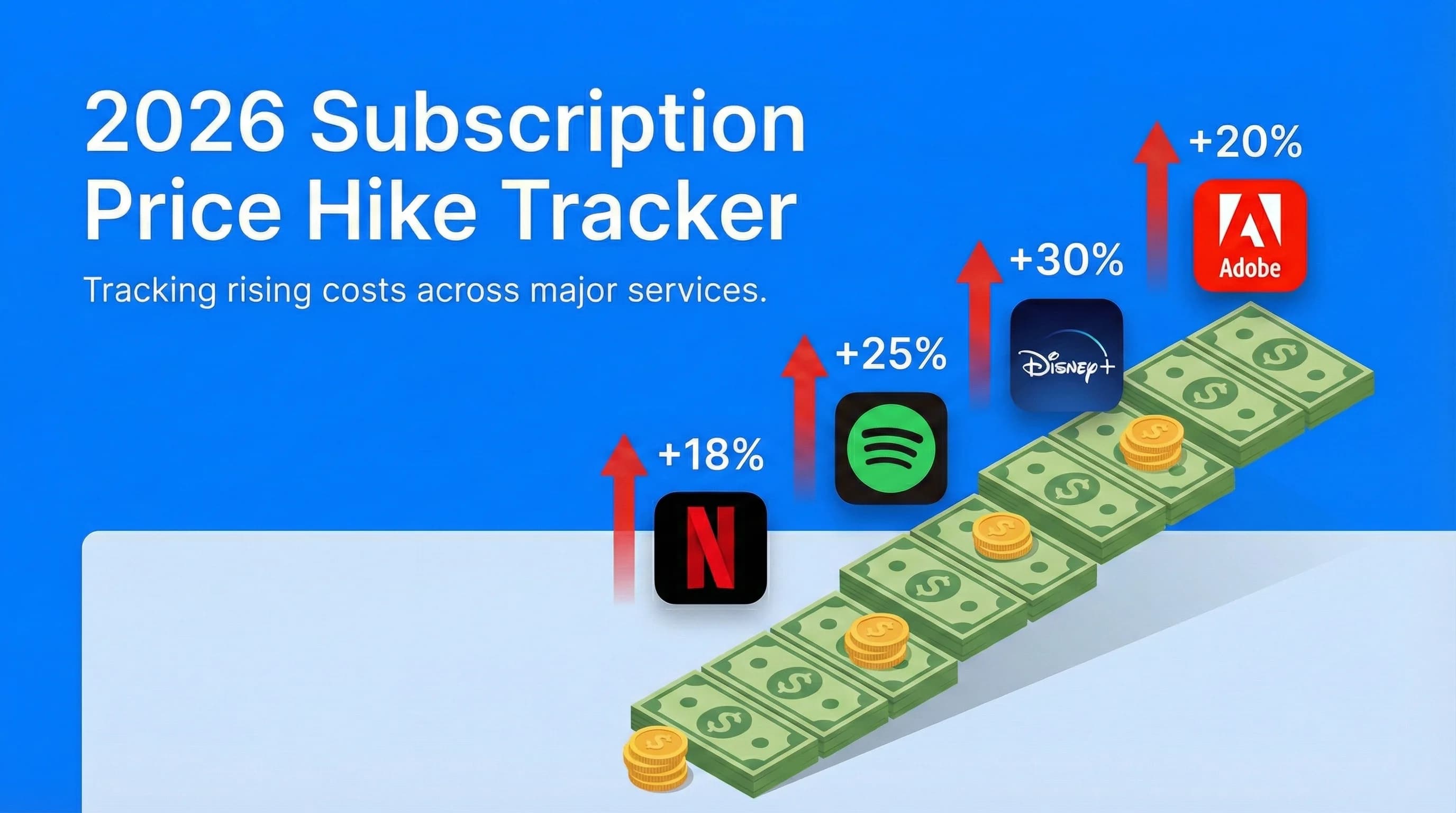
2026 Subscription Price Hike Tracker: Every Service That Raised Prices This Year
Netflix, Spotify, Disney+, Adobe, and other recurring services have all become more expensive heading into 2026. This tracker summarizes confirmed major subscription price increases, when they happened, and how much more you're paying.
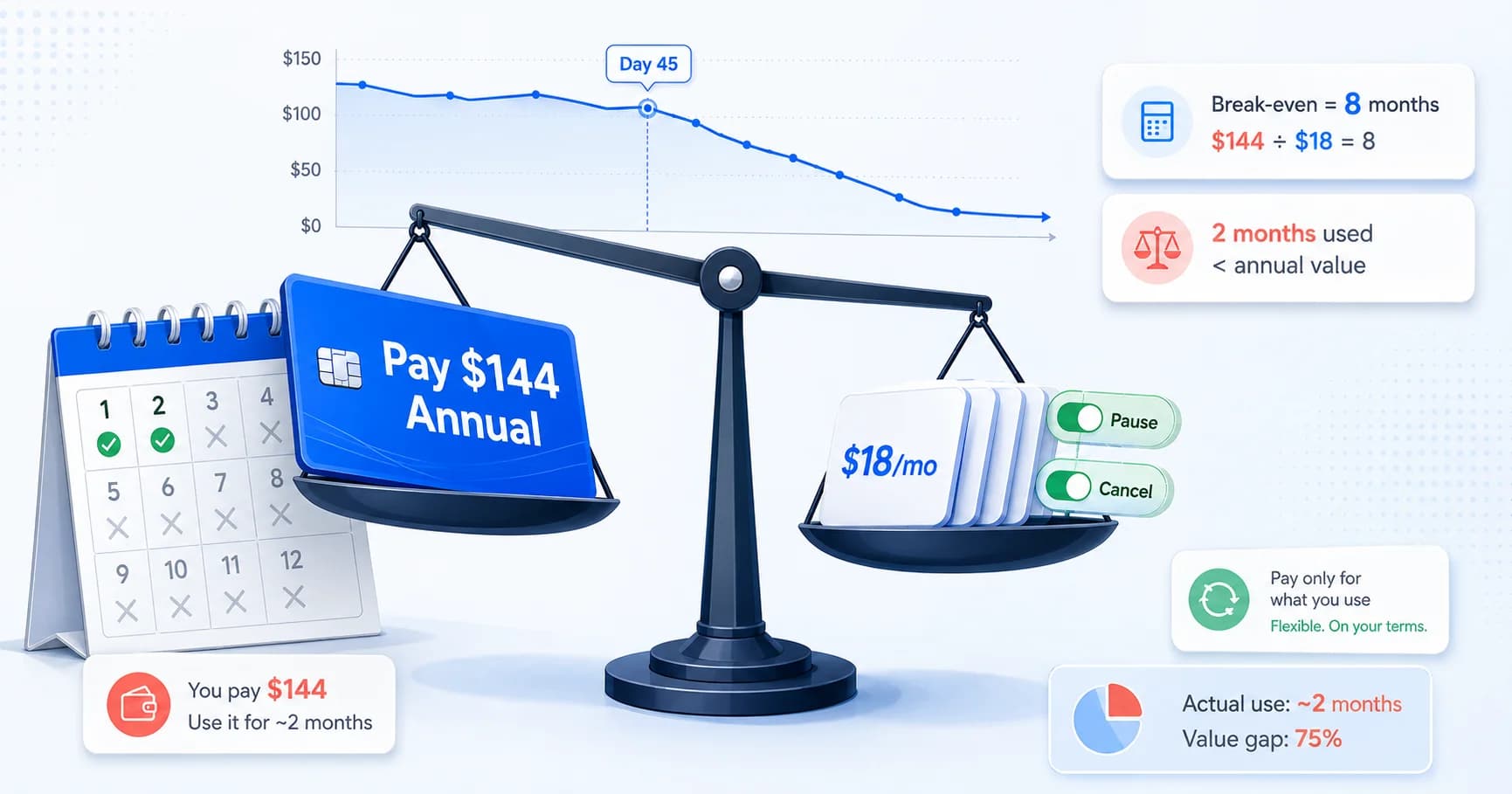
The Annual Subscription Math Trap: Why 'Saving 20%' Costs Most People $300+ in 2026
Annual plans feel like free money until you stop using the app by day 45. Here is the behavioral math behind upfront billing, the break-even formula, and how to know when to pay monthly.
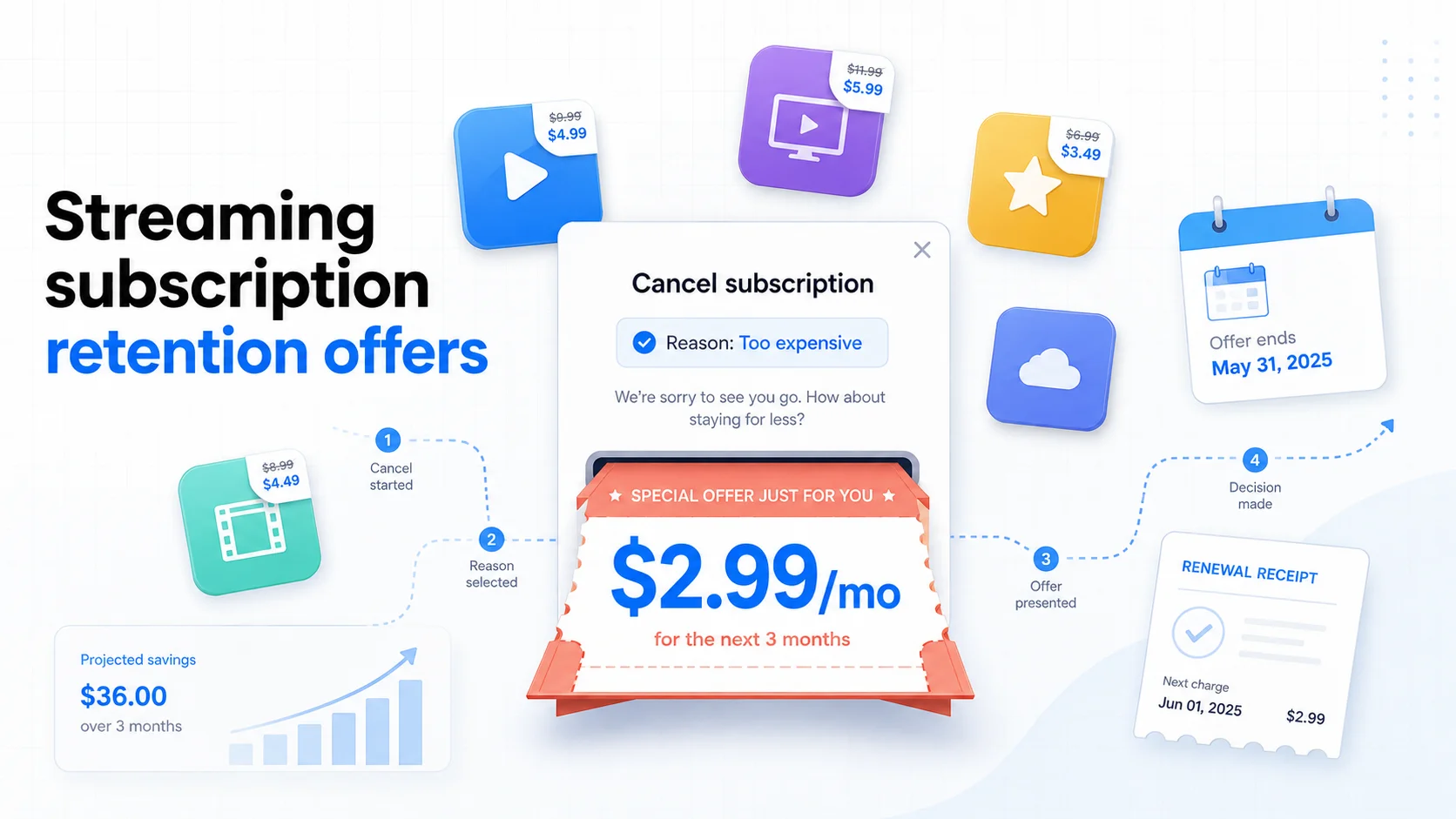
The Subscription Retention Offer Playbook: What Streaming Services Actually Offer When You Try to Cancel (2026 Edition)
Hulu, Peacock, Max, Apple TV+, Disney+, Paramount+, YouTube Premium, and Spotify all show retention discounts inside their cancellation flow. Netflix and Amazon Prime Video do not. Here is the 2026 playbook for triggering the best offer, when to accept it, and how to chain offers into a 6-month rotation.